
Seedream 6.0 AI – AI image generator with prompt control

What is Seedream 6.0 AI
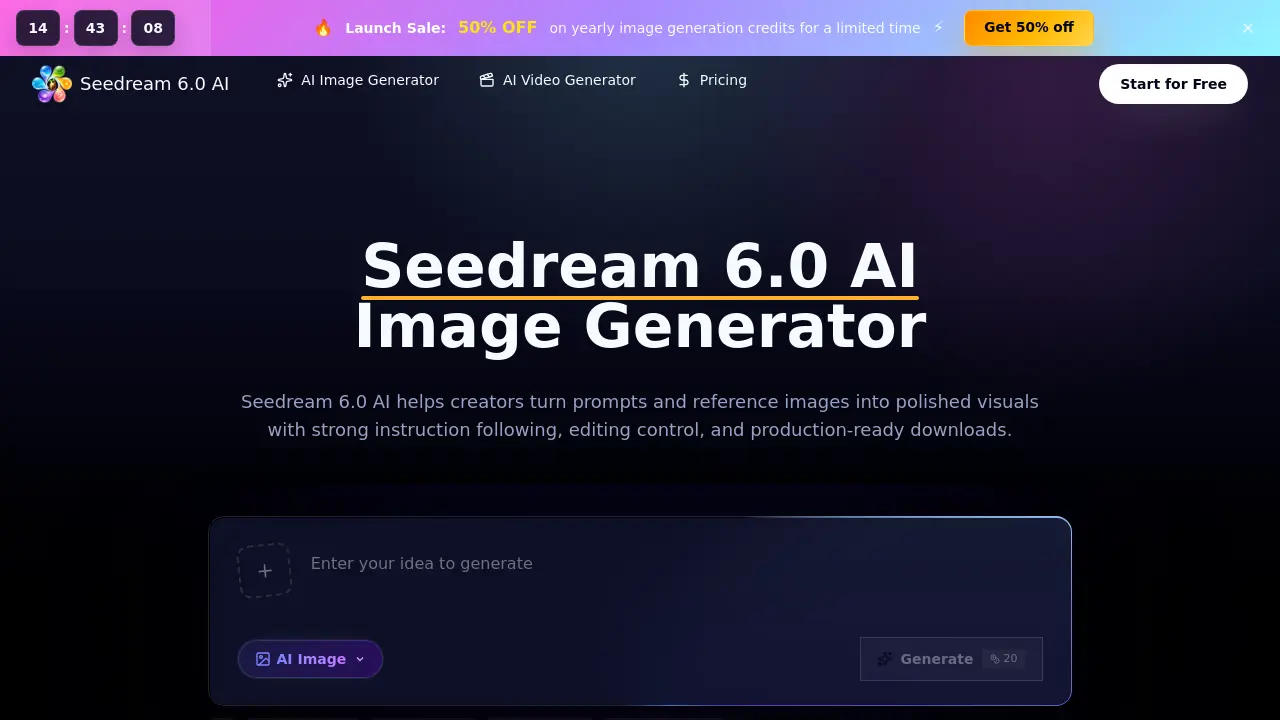
Seedream 6.0 AI is a browser‑based workspace that converts text prompts and optional reference images into high‑quality visual drafts. The platform supports prompt‑to‑image creation, reference‑aware composition, and natural‑language editing, allowing users to add, remove, restyle, or extend elements without complex tooling. A multi‑reference workflow keeps revisions organized, while built‑in credit management tracks usage and enables clean, high‑resolution downloads for commercial projects. Designed for designers, marketers, ecommerce teams, and concept artists, Seedream 6.0 AI streamlines production of product visuals, ad concepts, storyboards, and brand assets with consistent lighting and style across image sets. Team plans provide priority queues and expert support, making the service suitable for both hobbyists and large‑scale creative teams seeking fast, controllable AI‑generated imagery.
How does Seedream 6.0 AI work
Seedream 6.0 AI operates as a browser‑based workspace that converts textual prompts and optional reference images into high‑resolution visuals. Users enter a description, upload a reference to guide subject identity, layout, or style, then select parameters such as aspect ratio, size, and quality. The platform’s underlying Seedream 6.0 model processes the input, generating an image that reflects the prompt and reference cues; natural‑language commands allow on‑the‑fly edits, background extensions, or element replacements. Generated outputs are version‑controlled within the credit system, enabling comparison, download, and handoff for ecommerce, advertising, concept art, or storyboard production.
Benefits of Seedream 6.0 AI
Seedream 6.0 AI provides a browser‑based workspace that converts text prompts and uploaded references into high‑quality visuals, supporting both text‑to‑image and image‑to‑image workflows. Its natural‑language editing lets users add, remove, or restyle elements without technical commands, while multi‑reference handling preserves subject identity, layout, and color consistency across revisions. The platform streamlines production pipelines for ecommerce listings, ad concepts, storyboards, and game assets, offering high‑resolution downloads, credit tracking, and commercial‑use licensing. Team features such as priority queues and expert support make it suitable for designers, marketers, and creators seeking fast, repeatable image drafts.
Pros and Cons of Seedream 6.0 AI
Pros
- Browser‑based; no local installation required.
- Supports text‑to‑image and image‑to‑image workflows.
- Reference image upload enables precise visual control.
- Natural‑language editing for quick revisions.
- Tiered pricing includes commercial‑use license.
Cons
- Generation speed limited to paid tiers.
- Credits consumption can be opaque for complex settings.
- No official ByteDance affiliation may affect trust.
- Advanced features require higher‑cost plans.
- Limited documentation on moderation handling.
Core Features of Seedream 6.0 AI
Prompt‑to‑Image Generation
Creates high‑quality visuals from textual briefs, allowing creators to quickly produce drafts for products, campaigns, characters, or concept art directly in the browser.
Reference Image Control
Enables upload of one or multiple reference images to guide subject identity, layout, color palette, texture, and composition while keeping prompts editable.
Natural Language Editing & Expansion
Accepts plain‑English instructions to add, remove, replace, restyle, or extend elements, providing iterative refinement without manual re‑prompting.
Consistent Production Workflow
Organizes related outputs—ecommerce listings, social ads, storyboards, and brand studies—ensuring uniform lighting, style, and visual tone across multiple assets.
Credit Management and Clean Downloads
Tracks generation credits, compares prompt versions, and delivers watermark‑free, high‑resolution files ready for handoff, supporting both individual and team licensing plans.
Use Cases of Seedream 6.0 AI
- Designers: Generate high‑resolution product mockups with reference‑image control for rapid design iteration.
- Marketers: Create adaptable social ad visuals in multiple aspect ratios, enabling fast campaign A/B testing.
- Game developers: Produce consistent environment thumbnails and character concept frames using natural language edits.
- Ecommerce teams: Draft store‑ready listing images that maintain brand style and lighting across large catalogues.
- Content creators: Build storyboard concept images and editorial studies to visualize narratives before full production.
FAQs of Seedream 6.0 AI
What is Seedream 6.0 AI?
Seedream 6.0 AI is a browser‑based workspace that lets users generate images from text prompts, edit them with natural‑language commands, and incorporate uploaded reference images. It manages generation credits, provides high‑resolution downloads, and includes a commercial‑use license.
What can I create with Seedream 6.0 AI?
Users can produce a wide range of visuals such as product mock‑ups, advertising concepts, social‑media graphics, character designs, editorial illustrations, app prototypes, storyboards, and brand exploration assets, all ready for professional hand‑off.
Is this the official ByteDance Seedream 6.0 model site?
No. The site operates as an independent workspace that offers access to the Seedream 6.0 model and related workflows, but it does not represent an official ByteDance product page.
How does Seedream 6.0 AI differ from a basic image generator?
Compared with generic generators, Seedream 6.0 AI emphasizes strong instruction following, reference‑aware composition, built‑in image editing, consistent visual style across batches, and granular output controls such as aspect ratio, quality, and download formats.
Can I use reference images with the Seedream 6.0 AI Image Generator?
Yes. Users may upload one or more reference images to guide subject identity, layout, color palette, texture, and overall composition while still keeping the textual prompt easy to modify.
Who should use Seedream 6.0 AI?
Designers, marketers, e‑commerce teams, concept artists, brand managers, agencies, and small‑business founders benefit from faster visual drafts, iterative testing, and repeatable output without needing deep AI expertise.
How do credits work and what are the pricing options?
Credits are consumed based on selected image size, quality, and model configuration. Plans include a Starter tier ($9.90 / month), Plus tier ($14.90 / month), and Enterprise tier ($39.90 / month), each providing annual credit bundles with a 50 % discount on yearly subscriptions and pay‑as‑you‑go credits available.
What happens if a generation fails – are credits still charged?
If the model produces an output that is later blocked by moderation, the credits are not refunded because a generation occurred. However, failures that occur before any image is produced will automatically return the spent credits to the account.
How can I edit an image after it has been generated?
Seedream 6.0 AI supports natural‑language editing commands. Users can describe additions, removals, style changes, background extensions, or refinements in plain English, and the system will apply those edits while preserving the original composition.
What download formats and usage rights are included?
All generated images can be downloaded in high‑resolution PNG or JPEG formats without watermarks. Each plan includes a commercial‑use license, allowing the images to be employed in advertising, product listings, and any revenue‑generating projects.
How to use Seedream 6.0 AI
Seedream 6.0 AI is a browser‑based AI image generator that creates high‑quality visuals from text prompts, supports reference images, natural‑language edits, and streamlined download of production‑ready assets.
Begin by entering a detailed text brief—subject, setting, lighting, style—and optionally upload a reference image to guide composition, color palette, or subject identity.
Adjust generation parameters such as aspect ratio, resolution, style direction, and output quality to align the draft with the intended channel, e.g., ecommerce, social ad, or storyboard.
Click Generate, wait a few seconds for the model to render, then review the draft; use the side‑by‑side comparison to evaluate fidelity to the prompt and reference.
Refine the result by issuing natural‑language edit commands (add, remove, restyle, extend background); regenerate until the visual meets the brief’s specifications.
Once satisfied, download the high‑resolution image, record the credit usage, and integrate the asset into the project workflow for final production or client presentation.
