
Copy Video AI Introduction
Copy Video AI extracts scene, camera, motion, audio and style details from YouTube links or MP4 uploads, generating a reusable structured prompt for creators, marketers and editors.

What is Copy Video AI
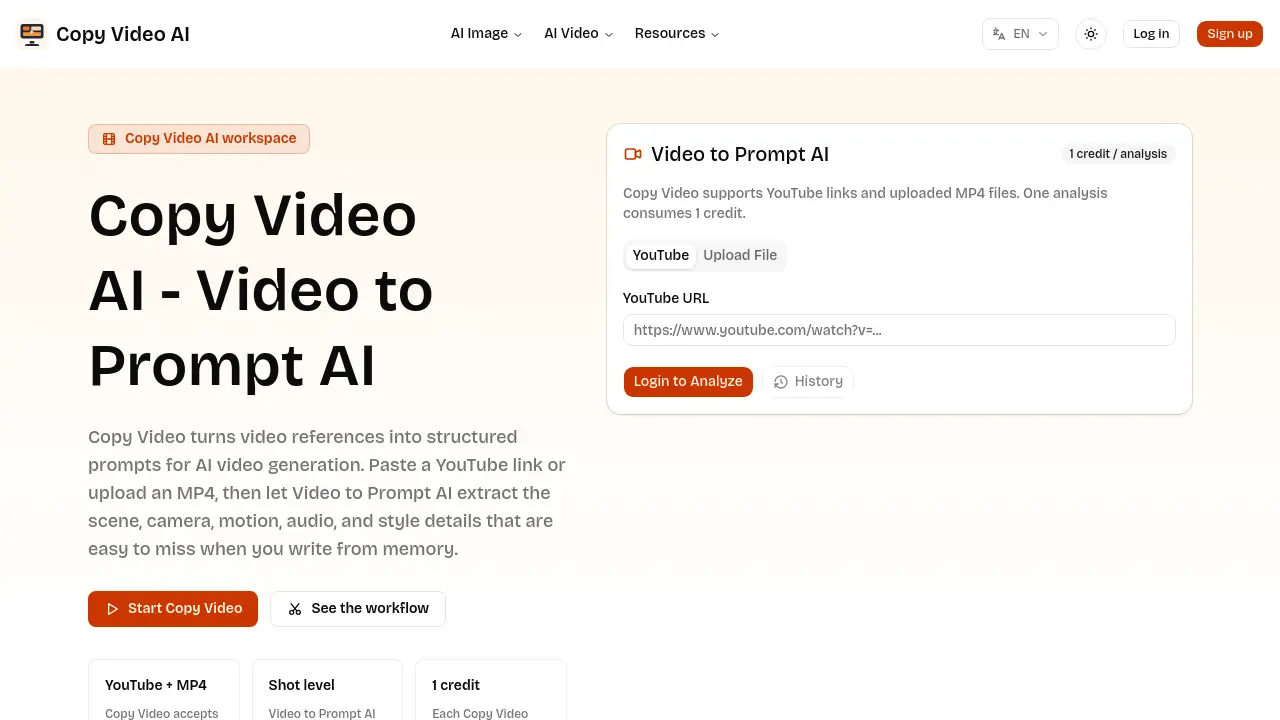
Copy Video AI is an AI‑driven “Video to Prompt” service that converts a reference video into a structured production brief. By accepting either a public YouTube URL or an uploaded MP4, the tool extracts scene composition, camera movement, lighting, audio cues, pacing, and stylistic details at the shot level. Each analysis consumes a single credit and returns a plain‑text prompt that can be imported directly into any AI video generation platform or saved to a prompt library. The workflow is designed for creators, marketers, editors, and founders who need to translate visual references into actionable prompts without manual transcription. Use cases include reverse‑engineering viral edits, rebuilding successful ad concepts, building searchable prompt archives, and testing new video directions with minimal effort.
How does Copy Video AI work
Copy Video AI processes a reference video—either a public YouTube URL or an uploaded MP4—and generates a structured prompt for AI video generation. The system first extracts frame‑by‑frame details, identifying scene composition, camera movement, lighting, audio cues, and stylistic elements. These attributes are then organized into a reverse‑prompt format that mirrors a production brief, rather than a simple transcript. The resulting document can be copied into downstream AI video tools, saved for prompt libraries, or adapted for marketing and editorial workflows. This video‑to‑prompt AI streamlines the transition from visual reference to reusable generation input.
Benefits of Copy Video AI
Copy Video AI converts a reference video—via YouTube link or uploaded MP4—into a structured prompt that captures scene composition, camera movement, pacing, lighting, audio and style cues. Each analysis consumes a single credit and outputs a production‑ready brief that can be copied into any AI video generator or saved for a prompt library. The workflow supports creators studying viral edits, marketers rebuilding successful concepts, editors building consistent prompt inventories, and founders testing visual directions. By automating the extraction of visual and auditory details, the tool reduces manual note‑taking and ensures that prompt language remains specific and actionable.
Pros and Cons of Copy Video AI
Pros
- Converts video to structured AI prompts.
- Supports YouTube links and MP4 uploads.
- Extracts scene, camera, motion, audio, and style details.
- Generates reusable production briefs for teams.
- Outputs plain text compatible with other AI tools.
Cons
- Requires one credit per analysis.
- No built‑in video generation feature.
- Lacks real‑time editing of extracted prompts.
- Dependent on internet connection for YouTube analysis.
- Limited to single‑video inputs per credit.
