
Copy Video AI FAQs
Copy Video AI extracts scene, camera, motion, audio and style details from YouTube links or MP4 uploads, generating a reusable structured prompt for creators, marketers and editors.

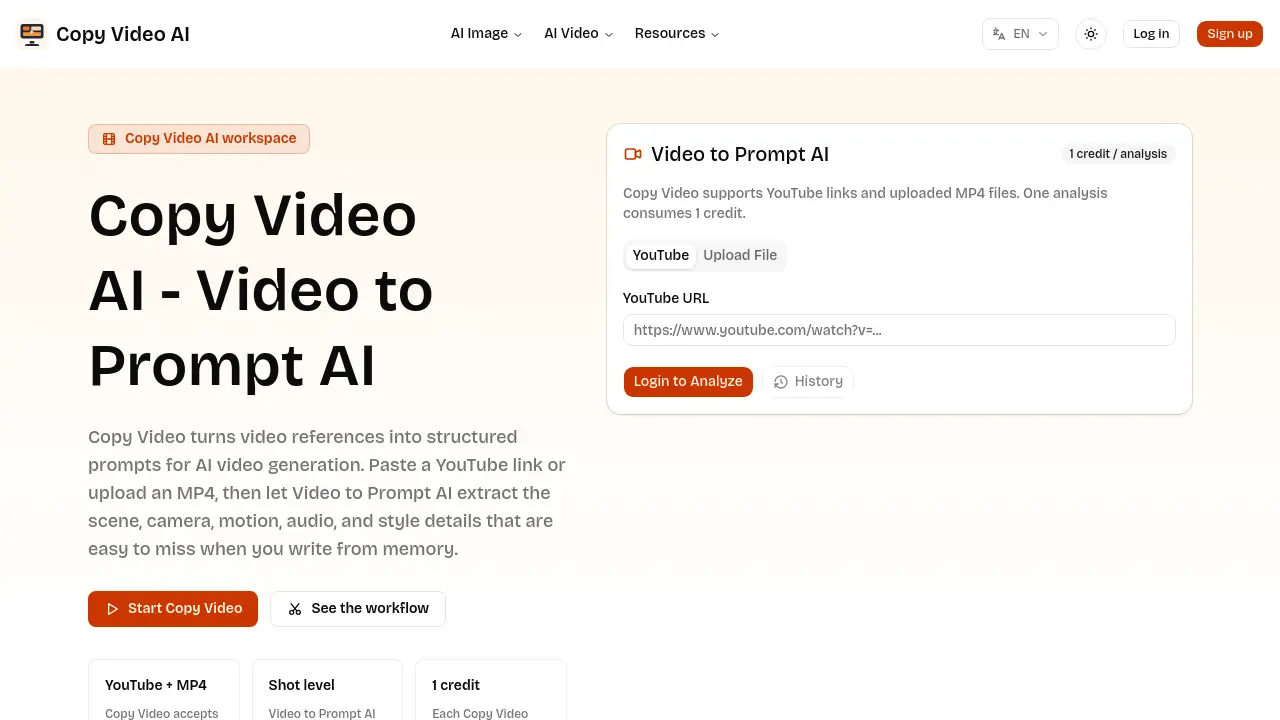
FAQs of Copy Video AI
What does Copy Video do?
Copy Video AI analyzes an existing video and converts its visible production details—such as scene composition, camera movement, pacing, lighting, audio cues, and stylistic elements—into a structured, reusable prompt. This reverse‑prompt can be fed directly into AI video generators or stored for future reference.
Is Video to Prompt AI only for YouTube links?
No. Video to Prompt AI works with both public YouTube URLs and private MP4 uploads. Users can analyze any accessible video reference, whether it is a viral YouTube clip or a confidential client draft, and receive the same detailed prompt output.
How is Copy Video different from a transcript tool?
A transcript tool captures only spoken words, ignoring visual and cinematic information. In contrast, Copy Video examines the entire production language—including shot framing, motion, lighting, sound design, and transition patterns—producing a comprehensive brief that guides AI video synthesis rather than merely providing text of dialogue.
Can I reuse the generated prompt in other AI video tools?
Yes. The output from Copy Video is plain, structured text that can be copied into any compatible AI video generation platform. Users may edit the prompt to match brand guidelines, combine it with other prompts, or add it to a shared library for consistent creative workflows.
Who should use Copy Video AI?
Copy Video AI serves creators, marketers, editors, founders, agencies, and any team that begins a project with a video reference. It streamlines the process of turning observed production techniques into actionable prompts for AI‑assisted video creation.
How many credits does one analysis consume?
Each analysis of a YouTube link or uploaded MP4 consumes exactly one credit. Credits are deducted per video processed, and the resulting prompt document is delivered immediately after the analysis completes.
What level of detail does the generated prompt include?
The prompt outlines shot‑by‑shot elements such as subject placement, environment description, camera movement (e.g., pan, tilt, dolly), pacing rhythm, lighting style, audio ambience, and transition notes. This level of granularity helps ensure that AI video models reproduce the original’s visual language accurately.
Can I build a searchable prompt library with Copy Video?
Yes. By repeatedly analyzing reference videos, teams can archive the structured prompts, tag them by genre, pacing, platform, or other attributes, and create a searchable library. This promotes consistency across projects and speeds up future prompt creation.
How to use Copy Video AI
Copy Video AI converts a reference video—YouTube URL or uploaded MP4—into a structured prompt that captures scene, camera, motion, audio, and style details for AI video generation.
Log in, paste the public YouTube link or drag‑and‑drop the MP4 file into the “Video to Prompt AI” field, then click the Start Analysis button to consume one credit.
The system processes the footage, extracting shot‑level information such as subject, environment, camera movement, pacing, lighting, and audio cues, then assembles them into a concise prompt document.
Review the generated prompt: it lists each scene's composition, motion vectors, tonal description, and transition notes, allowing quick verification against the original video’s visual language.
Copy the plain‑text prompt into any compatible AI video creation tool, adjust brand or product specifics as needed, and run the generation to produce a new video based on the original reference.
Archive the prompt in a shared library for future projects; the consistent structure supports searchable libraries by genre, pacing, or platform, facilitating reuse across marketing, storytelling, or product demo workflows.
