
Copy Video AI Core Features
Copy Video AI extracts scene, camera, motion, audio and style details from YouTube links or MP4 uploads, generating a reusable structured prompt for creators, marketers and editors.

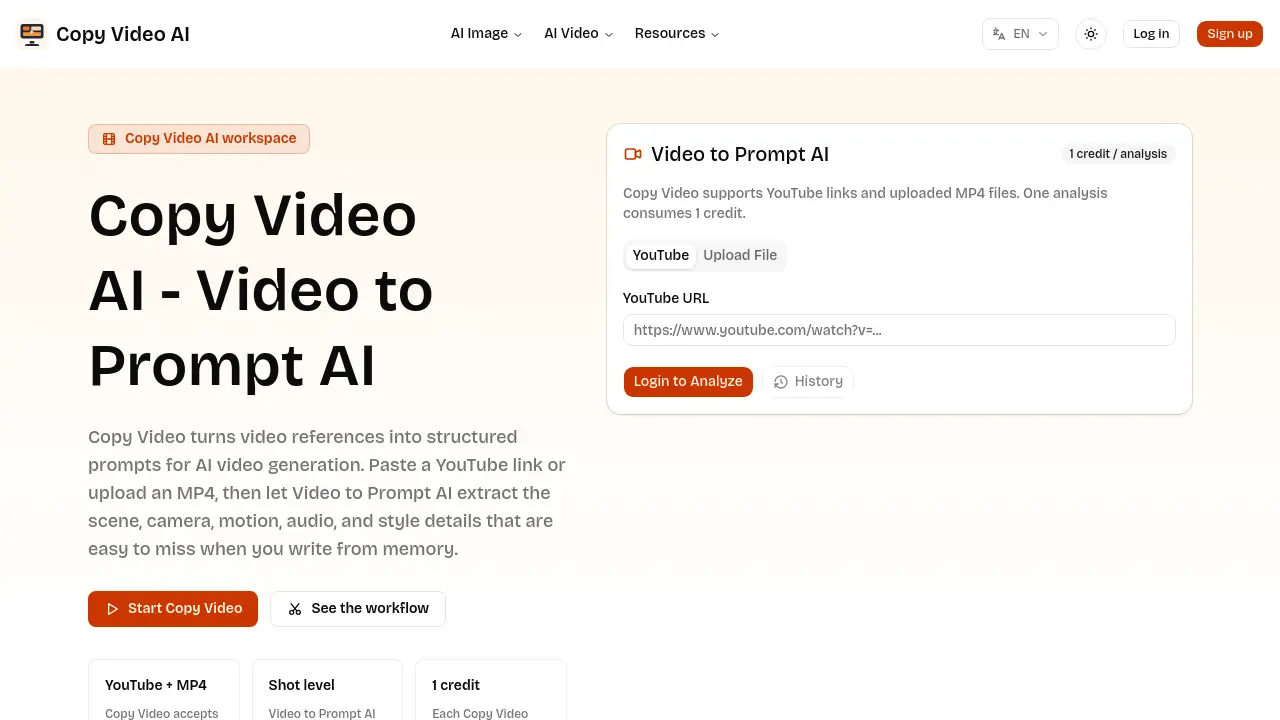
Core Features of Copy Video AI
Video-to-Prompt AI Analysis
Processes YouTube links or uploaded MP4 files, extracting scene composition, camera movement, pacing, lighting, audio, and style into a single structured prompt document.
Structured Prompt Generation
Converts extracted production cues into a concise, production‑ready prompt that can be directly copied into AI video generators or edited for brand‑specific projects.
Prompt Library Creation
Enables teams to store, tag, and search generated prompts by genre, pacing, or platform, fostering consistent brief creation across multiple campaigns and editors.
Collaborative Workflow Integration
Provides a repeatable workflow—from reference video selection through prompt reuse—allowing creators, marketers, and founders to align on visual concepts without manual transcription.
Use Cases of Copy Video AI
- Creators: Analyze viral clips to extract pacing, camera moves, and style cues for precise AI video prompts.
- Marketers: Convert product demo videos into structured briefs, preserving winning concepts while adapting brand messaging.
- Editors: Build searchable prompt libraries by cataloguing scene, motion, and audio details from multiple reference videos.
- Founders: Turn rough MP4 drafts into production-ready prompts, enabling rapid AI video testing without manual description.
- Agencies: Translate competitor YouTube ads into reusable prompt documents, facilitating consistent campaign replication across clients.
