
Zanta AI Introduction
Zanta AI is an AI-powered video and image studio for creators and marketers, offering text-to-video, image-to-video, and advanced image generation and editing with models such as Veo 3.1, Nano Banana and GPT Image to produce publish-ready visuals quickly.

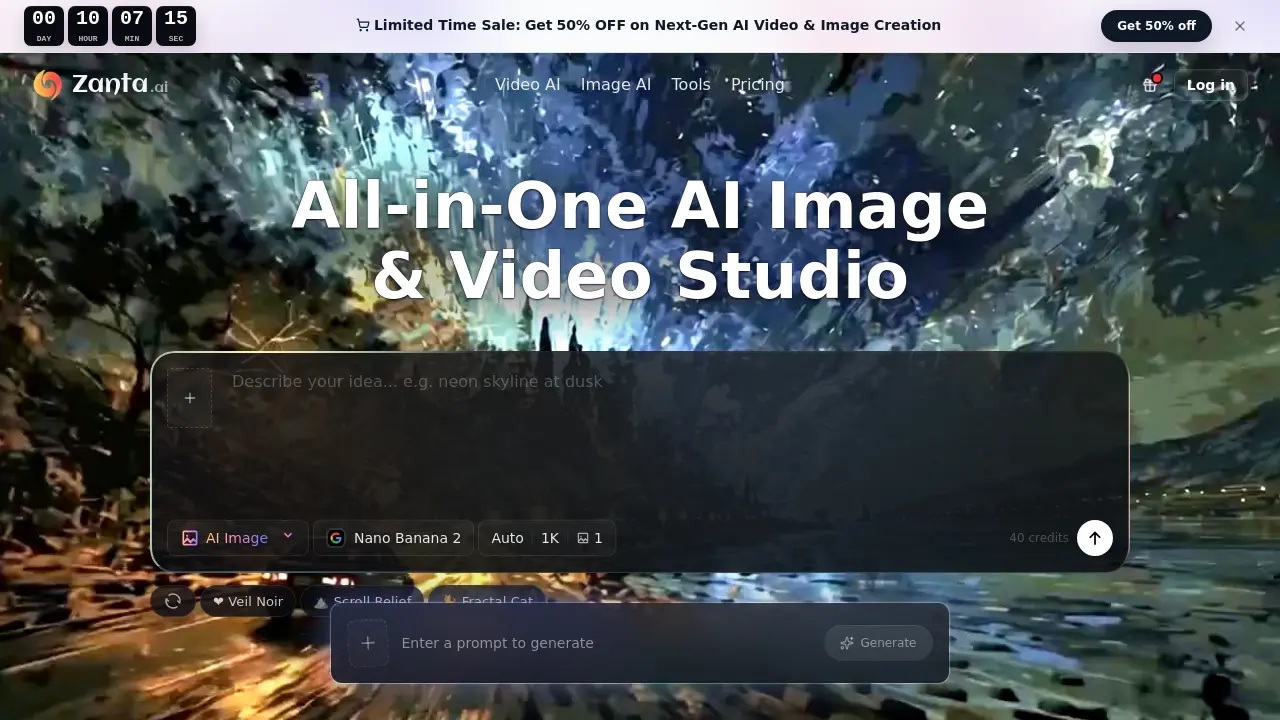
What is Zanta AI
Zanta AI is an all‑in‑one browser‑based studio that lets users generate and edit both images and videos with a curated selection of leading generative models. Users begin with a text prompt or an uploaded source image, choose the appropriate model (e.g., Nano Banana Pro for high‑resolution stills, GPT Image 2 for precise edits, Veo 3.1 or Kling 3.0 for realistic motion), set aspect‑ratio and output parameters, and then compare multiple variants before exporting the final asset. The platform supports fast concept exploration, polished campaign visuals, product‑focused imagery, and cinematic video loops, all without requiring external editing software. Credit consumption scales with model complexity, and commercial usage is permitted under the selected plan. Zanta AI streamlines the workflow from idea to ready‑to‑publish creative, making it suitable for creators, paid‑media teams, e‑commerce marketers, and product launch designers.
How does Zanta AI work
Zanta AI operates as a browser‑based studio that unifies text‑to‑image, image‑to‑image, and text‑to‑video generation. Users begin by entering a prompt or uploading a source image, then select a model—Nano Banana, GPT Image for stills, or Veo 3.1, Kling, Seedance for motion—adjusting aspect ratio and output settings. The platform processes the input through the chosen model, produces multiple variants, and allows side‑by‑side comparison before exporting the preferred asset. Credit consumption varies with model complexity and resolution, while all outputs can be used commercially within the plan’s terms.
Benefits of Zanta AI
Zanta AI delivers an all‑in‑one browser studio for generating both images and videos, letting creators start from text prompts or existing assets and switch seamlessly between still‑image and motion workflows. The platform bundles high‑resolution models such as Nano Banana Pro for polished graphics and Veo 3.1 for realistic video, while credit‑based pricing clarifies cost per output. Built‑in comparison tools help users select the best variant before export, and support for common file types (PNG, JPG, GIF, etc.) eliminates the need for separate editing software. Commercial‑ready assets can be downloaded directly for ads, product pages, or launch materials.
Pros and Cons of Zanta AI
Pros
- All‑in‑one browser studio for image and video generation.
- Supports both text and image inputs for flexible workflows.
- Wide model selection (Veo, Kling, Nano Banana, GPT Image, etc.).
- High‑resolution output options up to 4K with Nano Banana Pro.
- Credits based on model usage, enabling cost control.
Cons
- No explicit pricing details on the landing page.
- Learning curve from numerous models and settings.
- Limited free credits may restrict extensive testing.
- Commercial usage depends on plan and model terms.
- No built‑in advanced editing beyond basic export.
