
Zanta AI FAQs
Zanta AI is an AI-powered video and image studio for creators and marketers, offering text-to-video, image-to-video, and advanced image generation and editing with models such as Veo 3.1, Nano Banana and GPT Image to produce publish-ready visuals quickly.

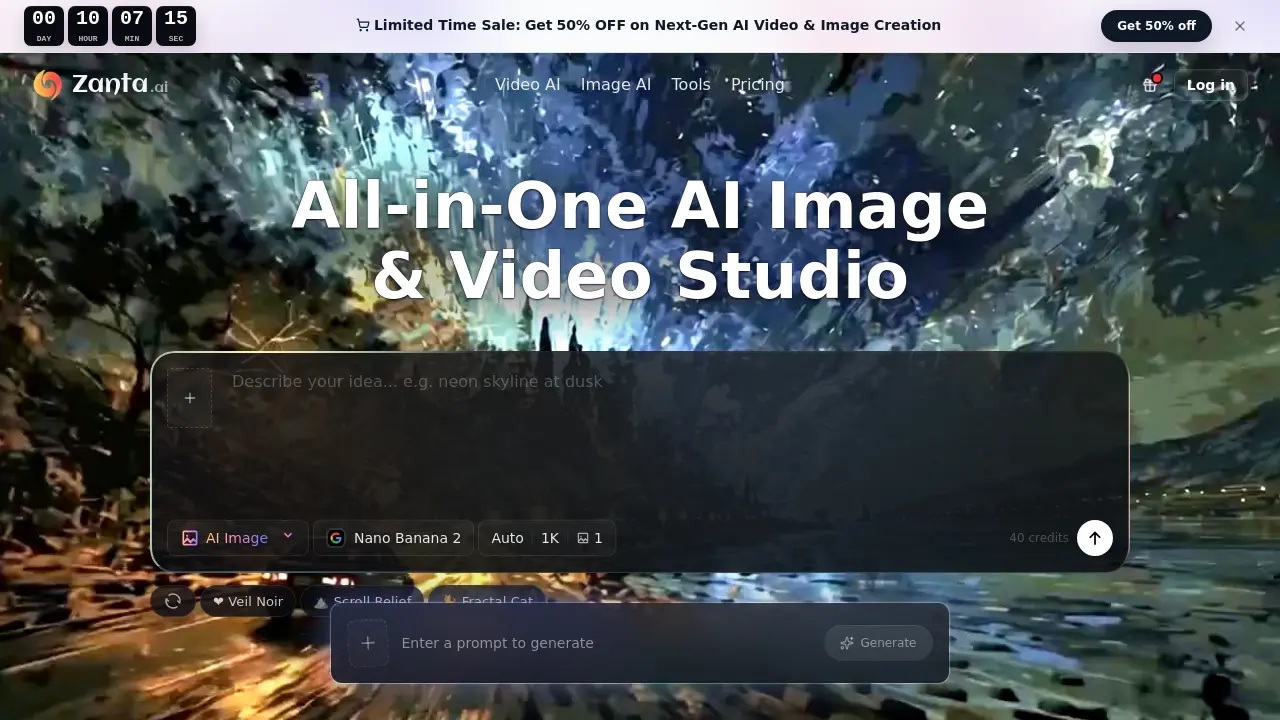
FAQs of Zanta AI
Which workflow should I start with in Zanta AI?
Zanta AI recommends beginning with a text prompt when the visual concept is still abstract, and switching to an uploaded image when a suitable frame already exists. For still images, models such as Nano Banana or GPT Image provide rapid results, while Veo 3.1 or Kling are appropriate for motion‑focused projects.
Can I use my own photographs or graphics as source material?
Yes. Zanta AI allows users to upload their own PNG, JPG, JPEG, WEBP, or GIF files (up to 64 MB) and use them as the basis for either image edits or video motion generation. This is useful for product photography, brand assets, or any reference image that needs to stay recognizable.
What file formats and size limits are supported for uploads?
The platform accepts common raster formats—including PNG, JPG, JPEG, WEBP, and GIF—and imposes a maximum file size of 64 MB per upload. Larger assets should be compressed or split before importing to avoid upload errors.
How are credits calculated for different models and outputs?
Credits are consumed based on the selected AI model and the resolution or length of the output. Video models such as Veo 3.1, Seedance 2.0, or Kling generally require more credits than still‑image models, especially when generating high‑resolution (up to 4K) frames or longer video clips.
Can I use the generated images and videos for commercial projects?
Outputs from Zanta AI are licensed for commercial use according to the plan and model terms attached to the user’s account. Many teams employ the service for ads, landing‑page visuals, product launches, and social media content, but it is advisable to review the specific model’s commercial licensing policy before final deployment.
What should I do if the generated result is too generic or not what I expected?
When an output looks generic, narrow the prompt to a single clear scene, specify concrete subject details, or provide a stronger source image. Selecting a more suitable model (e.g., Nano Banana Pro for crisp text or Veo 3.1 for realistic motion) often improves relevance and reduces generic artifacts.
Is any additional editing software required after generation?
No additional editing tools are mandatory. Zanta AI operates entirely in the browser, allowing users to generate, compare, and download assets without leaving the platform. However, for advanced post‑processing—such as color grading or audio mixing—external software may still be useful.
How to use Zanta AI
- Identify the creative goal, then choose between a text prompt or uploading an existing image as the initial asset for generation.
- Select the appropriate AI model—Nano Banana Pro for polished stills, GPT Image 2 for detailed edits, or Veo 3.1 for realistic video—adjusting aspect ratio and resolution settings as needed.
- Submit the prompt or source image; the platform processes the request and presents multiple output variations for comparison.
- Review the generated thumbnails or video clips, focusing on composition, text clarity, and motion continuity to determine the most suitable result.
- Export the chosen asset directly from the browser studio, downloading the high‑resolution image or video file for immediate use in campaigns or presentations.
- Analyze performance metrics (credits consumed, generation time) to optimize future workflows and maintain cost‑effective AI production.
