
Video Text Remover Introduction
Video Text Remover: AI tool for creators to remove subtitles, logos, and watermarks from videos online, providing clean results for social media publishing.

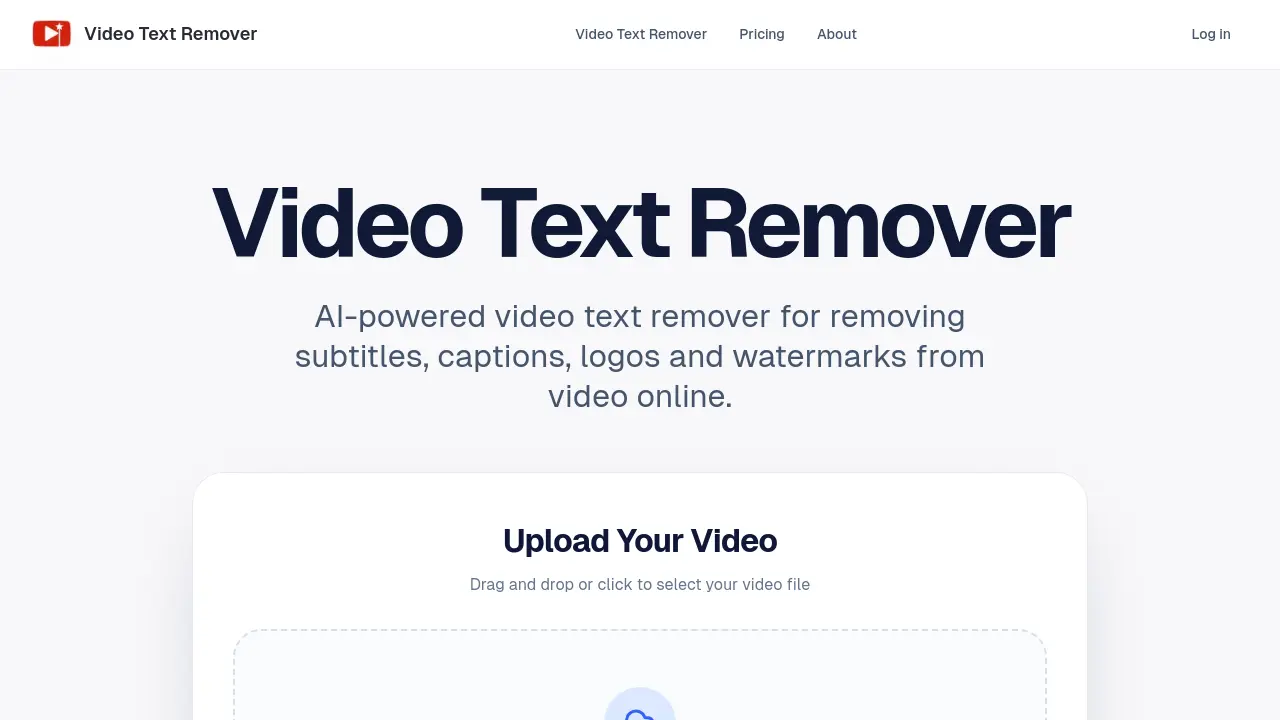
What is Video Text Remover
Video Text Remover is an AI-powered online tool designed to remove subtitles, captions, logos, watermarks, and unwanted objects from videos. Unlike simple blurring or cropping, its AI engine reconstructs the background to maintain visual consistency and produce natural-looking results. The workflow is straightforward: upload a video, mark the text or object area, generate a preview, and export the cleaned file. This service is optimized for short-form content creators on platforms like TikTok, Instagram Reels, and YouTube Shorts, facilitating reposting with publish-ready footage. Key features include dual cleanup modes for text and objects, a preview option to control costs, account-based history for project continuity, and flexible credit-based pricing. The tool serves both occasional creators and high-volume producers seeking efficient, non-destructive video cleanup.
How does Video Text Remover work
Video Text Remover functions as an online AI-driven tool for extracting unwanted visual elements from video footage. Users upload files, typically up to 500MB in common formats like MP4, and mark areas containing subtitles, captions, logos, watermarks, or other objects. The underlying AI reconstructs the background to maintain visual continuity, avoiding simple blurring techniques. A preview generation step enables quality assessment prior to full export, with credit consumption varying between preview and complete processing. The service caters to short-form video creators, supporting platforms such as TikTok and Reels, while account history preserves past edits. Pricing operates on a credit-based system with tiered subscriptions for differing usage volumes.
Benefits of Video Text Remover
The Video Text Remover is an AI-powered online tool that removes subtitles, captions, logos, and watermarks from videos while reconstructing backgrounds for natural-looking results. Its workflow is simple: upload a video (MP4, MOV, WEBM up to 500MB), mark the area for cleanup, generate a preview, and export. This approach avoids blurring and maintains visual consistency, making it ideal for cleaning short-form content for TikTok, Reels, or Shorts. Key features include preview-before-export to control quality and costs, account-based history for ongoing projects, and flexible credit-based pricing for various usage levels, supporting both text and object removal without software installation.
Pros and Cons of Video Text Remover
Pros
- AI-powered background reconstruction for natural video cleanup.
- Preview before export reduces unnecessary processing and cost.
- Account-based history enables management and comparison of edits.
- Optimized for short-form platforms like TikTok and Reels.
- Credit-based pricing accommodates varying usage frequencies.
Cons
- 500MB maximum file size limits handling of large videos.
- Credit system may incur high costs for heavy users.
- Requires constant internet connection; no offline mode.
- Cleanup quality varies with complex scene backgrounds.
- Only supports MP4, MOV, and WEBM video formats.
