
Face AI offers free online AI video face swap in seconds

What is Face AI
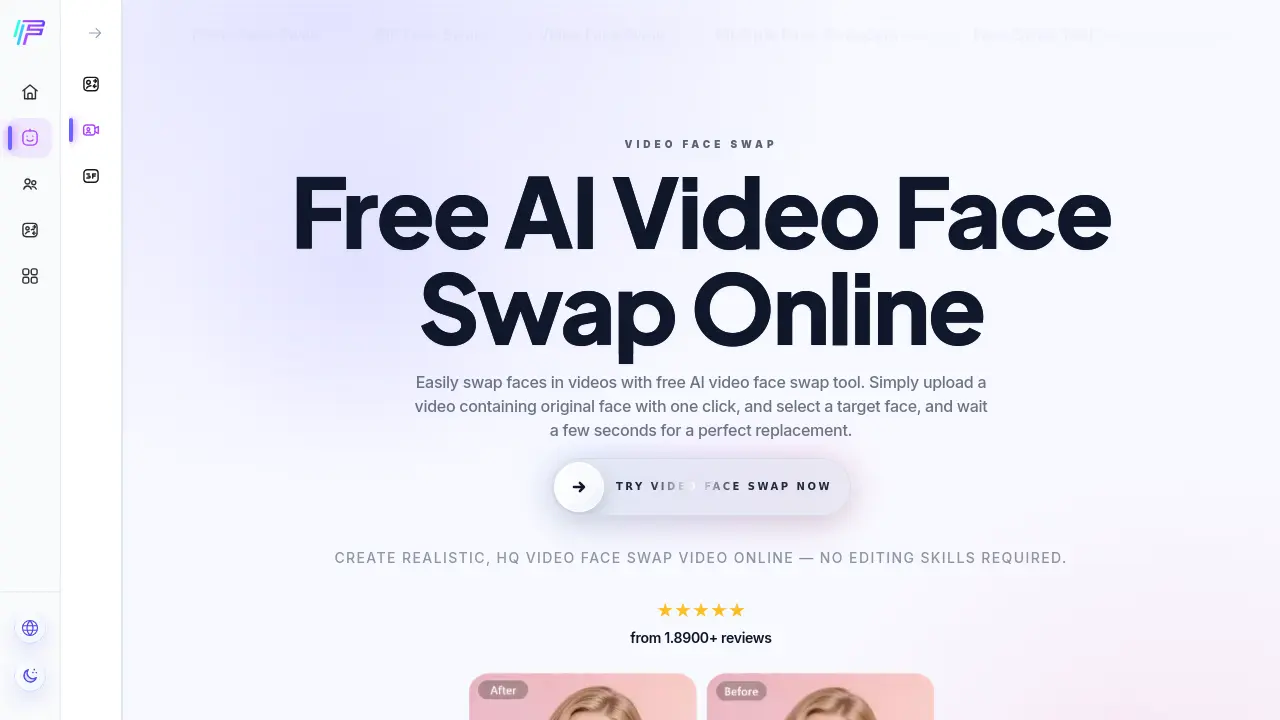
Face AI offers a free, browser‑based video face swap tool that replaces faces in short clips (up to 15 seconds) with a single click. Users upload a source video, provide a target face image, and the AI engine generates a high‑definition output that preserves mouth movements, eye contact, and emotional expressions. The service supports single and multiple face replacements, batch processing of several videos, and export in 4K without watermarks. Processing is lightning‑fast—most short videos finish in under 10 seconds—and works on both desktop and mobile browsers. All uploaded media are automatically deleted after processing, ensuring privacy. The platform also includes photo, GIF, and multi‑face swap options, making it a versatile solution for creators who need realistic facial fusion without specialized editing software.
How does Face AI work
Face AI’s video face swap tool processes an uploaded clip by first extracting each frame, then applying a deep‑learning model that detects facial landmarks, maps the target‑face image onto those landmarks, and synthesizes the result with consistent lighting, shadows and expression. Users upload a source video (up to 15 seconds, formats such as MP4, MOV or WEBM), provide a replacement face, and initiate processing; the system performs single‑ or multi‑face swaps, optionally handling batches of videos, before delivering a watermark‑free, high‑definition output. The workflow relies on AI‑driven facial fusion, real‑time inference and automatic deletion of data for privacy.
Benefits of Face AI
Face AI’s free online video face swap lets users replace faces in clips with just three clicks. The tool processes short videos (up to 15 seconds) in about 10 seconds, preserving mouth movements, eye contact and lighting for natural‑looking results, and supports 4K, watermark‑free output. It handles single or multiple faces and offers batch swapping for several videos, improving efficiency. The service runs on both desktop and mobile browsers, requires no login, and automatically deletes uploaded files after processing, ensuring privacy. Compatible formats include MP4, MOV and WEBM, making it suitable for casual creators and professional workflows alike.
Pros and Cons of Face AI
Pros
- Free AI video face swap with no watermark.
- Processes 15‑second clips in under 10 seconds.
- Supports multiple faces and batch video swapping.
- Outputs 4K resolution, lossless quality.
- No personal data retained after processing.
Cons
- Maximum video length limited to 15 seconds.
- Advanced editing features not available.
- Performance may vary on low‑end devices.
- No direct integration with external video editors.
- Limited file format support beyond MP4, MOV, WEBM.
Core Features of Face AI
Single Video Face Swap
Enables users to replace one face in a short video (up to 15 seconds) with a target image, generating realistic results in seconds.
Multi‑Face Swapping
Detects and swaps multiple faces within the same video, preserving each subject’s expressions, eye contact, and mouth movements.
Batch Video Face Swap
Processes several videos simultaneously, applying the same target face across all clips to improve workflow efficiency.
High‑Definition, Lossless Output
Produces watermark‑free videos at up to 4K resolution, maintaining original lighting, shadows, and skin texture.
Cross‑Platform Compatibility & Privacy
Runs on both mobile and desktop browsers; all uploaded media are encrypted and permanently deleted after processing.
Use Cases of Face AI
- Content creators: Produce 4K video face swaps quickly, preserving natural expressions for social media campaigns.
- Marketing teams: Generate batch video face swaps across multiple ads, maintaining consistent branding without manual editing.
- Educators: Demonstrate multi‑person face swapping in short clips for engaging classroom presentations.
- Mobile users: Perform single‑click video face swaps on smartphones, receiving watermark‑free results within seconds.
- Developers: Test AI head‑swap integration using the platform’s API for rapid prototyping of deepfake applications.
FAQs of Face AI
What is the AI video face swap tool offered by Face AI?
Face AI’s AI video face swap tool is an online processor that replaces faces in video clips using artificial‑intelligence algorithms. It can handle single‑face or multiple‑face swaps, works with short videos up to 15 seconds, and generates realistic results without requiring any manual editing skills.
How does the Face AI video face swap workflow operate?
The workflow consists of three steps: first, users upload a source video (or GIF) containing the original face; second, they upload a target face image from a computer or mobile device; third, they start the swapping process. The system then analyses facial landmarks, maps the target face onto each frame, and returns a downloadable video with synchronized mouth movements and expressions.
Is the Face AI video face swap service free to use?
Yes, Face AI provides a completely free video face swap service. Users can perform single or batch swaps without any subscription fees, and the platform does not require credit‑card information or user registration to access the core functionality.
Which video file formats and length limits are supported?
Face AI accepts common web‑compatible formats such as MP4, MOV, and WEBM. The maximum duration for a single video is 15 seconds, which balances processing speed and GPU resource usage while still being sufficient for most short‑form content scenarios.
How does Face AI ensure the privacy and security of uploaded media?
All uploaded videos and images are processed exclusively for the swap operation and are automatically deleted from the server after processing, typically within 24 hours. No personal data is collected, and the service does not require user login, thereby minimizing the risk of data leakage.
Can multiple faces be swapped simultaneously in a single video?
Yes, the platform includes a “Multiple Face Swap Video” feature that detects and replaces several faces within the same clip. This capability expands creative possibilities, allowing users to swap all characters in a scene with a single target face or with different target faces for each individual.
Is it possible to perform batch video face swaps on several clips at once?
Face AI offers a batch video face swap function that lets users upload multiple videos in one operation. The tool applies the same target face across all selected clips, significantly reducing the manual effort required for repetitive swaps and improving overall workflow efficiency.
Does the output video contain any watermarks or quality loss?
The exported videos are watermark‑free and retain high‑definition quality, supporting up to 4K resolution. The algorithm preserves lighting, shadows, and skin texture, delivering a lossless visual experience suitable for professional or personal use.
How to use Face AI
Face AI provides a free online AI video face swap service that replaces original faces with a chosen target, supporting single and multiple face replacements in up‑to‑15‑second clips.
Upload the source video by clicking Upload Video, selecting an MP4/MOV/WEBM file, then crop the clip if necessary; the interface displays a preview thumbnail.
Upload the target face image through Upload Face, ensuring the photo shows a clear, front‑facing portrait; the tool automatically detects facial landmarks.
Press Start Transformation; the AI processes the footage in seconds, preserving mouth movements, eye contact, and lighting to generate a realistic face‑swapped video.
Download the resulting video directly from the output panel; the file is delivered in high definition without watermarks, ready for sharing or further editing.
Evaluate the swap by checking lip‑sync accuracy, expression consistency, and edge blending; if needed, repeat with a higher‑resolution face image to improve fidelity.
Face AI Website Traffic Analysis
Latest traffic information
- Monthly Visits380.95K
- Bounce Rate38.4%
- Pages Per Visit4.19
- Visit Duration00:02:59
- Global Rank105.56K
- Country/Region Ranking61.51K
Top Keywords
| Keyword | Traffic | Volume | Cost Per Click |
|---|---|---|---|
| face ai | 1.65K | 2.65K | $0.57 |
| facy ai | 1.38K | 4.72K | $1.74 |
| faceai | 1.09K | 840 | $0.64 |
| video face swap | 800 | 7.72K | $0.66 |
| face swap ai | 610 | 43.5K | $0.53 |
Top Regions
| Region | Percentage |
|---|---|
| United States | 13.78% |
| Germany | 12.68% |
| Thailand | 8.6% |
| Spain | 4.91% |
| India | 4.63% |
Face AI Alternatives
Scribix is an AI video clipper that cuts podcasts and interviews into captioned vertical shorts, then publishes them to YouTube, TikTok and LinkedIn.
Katto turns long videos and podcasts into scored, captioned 9:16 clips. It ranks clips by viral potential and exports them to 7 platforms from one place.
Gemini Omni is an online AI video generator and editor that turns a text prompt or reference image into a video, then refines each shot through conversational edits while keeping characters and the scene consistent.
Remove image backgrounds, video watermarks, burned-in subtitles and video backgrounds with Rmark AI. Upload a file, preview, then download a clean copy.

AI video production for courses and training. Create editable, reviewable videos from a topic or source material—one video or a chapter-based series.
Video Editor AI automatically turns long videos into viral shorts with AI highlight detection, smart captions, and auto reframe. Free, no sign-up required.
Create AI videos from clips, images, and prompts with vid2vid. Generate video to video remixes, image to video animations, and text to video shots for campaigns and creative projects.
VidBG Remover uses AI to remove video backgrounds and export transparent footage with an alpha channel. Supports MP4, MOV, WebM with stable edges.
Medeo creates professional AI videos via chat. Supports text, image, and URL inputs with AI editing and character consistency for ads, explainers, and shorts.
Remove hardcoded subtitles from short videos with NanoPhoto.AI. Upload MP4, MOV, or WebM, let AI clean burned-in text, and download a clean subtitle-free MP4.
Omni Flash is an AI video editor for creators that enables natural‑language edits, using image, audio or sketch references to swap characters, transfer style or motion, while preserving scene coherence and physics across multi‑turn refinements.
Video Compressor is a free online tool that compresses videos locally with GPU acceleration, shrinking files up to 90% while preserving quality and privacy for Discord, WhatsApp, email.