
Katto: AI Video Clipper for Long Videos into Shorts

What is Katto
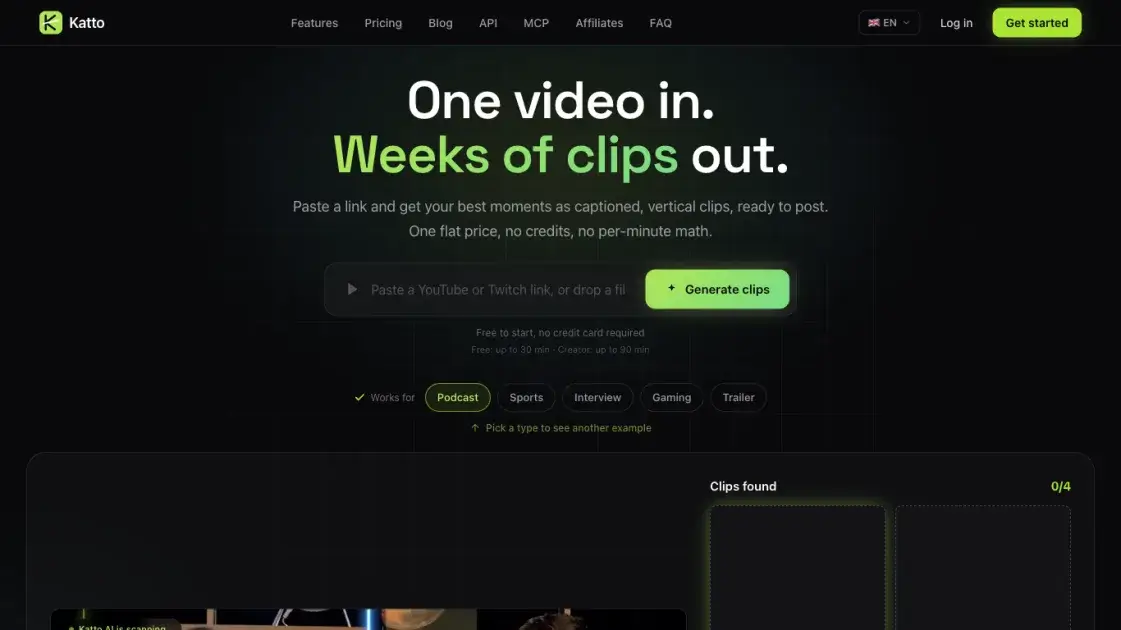
Katto is an AI video clipper that turns long videos into captioned vertical shorts. A YouTube or Twitch link, an uploaded file, or footage from Vimeo, Rumble, Zoom and Dailymotion goes in; scored 9:16 clips come out. It replaces the manual pass of finding strong moments, cutting them, reframing vertically and captioning them, returning a ranked shortlist instead of an empty timeline. It is built for creators who publish clips regularly — podcasters, streamers, sports and interview channels — and for developers or AI agents using its REST API or MCP server.
How does Katto work
A job starts when a video link or an uploaded MP4, MOV, WebM or MKV file of up to 90 minutes is submitted. Katto transcribes the footage, locates the moments worth keeping and scores each across hook, flow, value and trend. Miru then cuts and reframes the selected clips shot by shot and burns in word-timed captions. Ranked clips land in a dashboard editor for adjusting transcript, layout, caption style, hooks and B-roll, with unlimited re-renders. Each clip publishes to a connected platform, downloads as MP4 with SRT, or is fetched through the API. Billing counts the video, so a 90-minute episode uses the same monthly slot as a 10-minute one.
Benefits of Katto
Katto is judged on how clips are chosen, how the frame is handled and what the pricing costs. Selection returns a ranked list rather than a raw cut, each clip scored 0–100 on hook, flow, value and trend with a stated rationale. Reframing runs shot by shot and handles multi-speaker dialogue, gaming layouts and sports footage, not just a talking head. Pricing counts videos, so a 90-minute episode costs the same slot as a 10-minute one. Clipping, captioning and publishing to seven platforms sit in one tool, and the REST API, CLI and hosted MCP server are available on every plan, free included.
Pros and Cons of Katto
Pros
- Transparent scoring on four axes, with a rationale per clip.
- Reframing handles sports, gaming and multi-speaker footage.
- Video-based pricing, no credits or per-minute math.
- Captions in 99 languages and dubbing in 19.
- Export to seven platforms plus a calendar.
- REST API, CLI and MCP server on every plan.
- Free tier needs no credit card.
- Transcript editing with unlimited re-renders.
Cons
- Studio, with 4K and team seats, arrives late 2026.
- 4K export is not available yet.
- Free caps output at 720p with a watermark.
- Dubbing is limited to Creator, 20 clips a month.
- Brand kits cap at one on Solo, five on Creator.
- No priority processing on Free.
- No desktop or mobile app is described.
Core Features of Katto
Virality scoring
Each moment scores 0–100 across hook, flow, value and trend, with clips ranked and a rationale for the ranking.
Miru AI reframe
Reframing is decided shot by shot for 9:16, 4:5 or 1:1, following speakers, faces and action across multi-face, split-screen, gaming and no-speech modes.
Prompt-first selection
Clip selection follows a stated intent, topic, hook or audience angle instead of generic moment detection.
Text-based editing
Edits happen on the transcript: deleting or reordering text moves the cuts, and an editor exposes trim, reframe, caption, style and export controls.
Captions and dubbing
Captions cover 99 languages with word-level timing in 41; Creator adds dubbing in 19 languages at 20 clips a month.
Export and publishing
Clips publish to seven platforms in one click or on a calendar, in 9:16, 1:1, 4:5 and 16:9, with SRT caption export.
API, MCP server and CLI
A REST API with OpenAPI 3.1, signed webhooks and idempotency keys, a hosted MCP server with 16 tools, and an npm CLI share the plan's video quota.
Use Cases of Katto
- Podcasters: captioned clips per episode, with dubbing for a second audience.
- Streamers: reframe gameplay where the action sets the crop.
- Sports channels: hold the subject through fast shot changes.
- Interview producers: split-screen framing follows each speaker.
- Social media managers: publish one clip to seven platforms or schedule it.
- Developers: submit jobs through the REST API with webhooks and idempotency keys.
- Agent users: connect the hosted MCP server so an assistant clips as a tool call.
- Content teams: keep clips consistent with shared brand kits and caption presets.
FAQs of Katto
What is Katto?
An AI video clipper that finds the strong moments in a long video, reframes them vertically, captions them and prepares them for publishing.
Which video sources work?
YouTube, Twitch, Vimeo, Rumble, Zoom and Dailymotion links, plus uploaded MP4, MOV, WebM and MKV files of up to 90 minutes.
How does the pricing work?
Plans count videos, not minutes: Creator includes 25 videos a month with nothing that expires.
How is Katto different from OpusClip or Klap?
It uses flat video pricing instead of credits, exposes the score behind each clip, and reframes sports, gaming and multi-speaker footage rather than talking heads only.
Is there a watermark?
Free clips carry a small Katto watermark; from Solo upward, exports have none.
Can clips be generated without the dashboard?
Yes. The REST API, the katto-cli package and the hosted MCP server run the same pipeline and share the video quota.
Is there a way to try it first?
The Free plan runs two videos a month at 720p and asks for no credit card.
How to use Katto
- Create an account and pick a plan; the free tier needs no card.
- Paste a video link or drop a file to start the job.
- Optionally describe the topic or hook so selection follows the intent.
- Review the ranked clips Katto returns.
- Adjust reframing, captions, hooks, B-roll and branding in the editor.
- Export to a platform, schedule it, or download MP4 and SRT.
- For automation, use an API key or connect the hosted MCP server to an agent.
Katto Website Traffic Analysis
Latest traffic information
- Monthly Visits3.22K
- Bounce Rate66.21%
- Pages Per Visit1.1
- Visit Duration00:00:00
- Global Rank6.11M
- Country/Region Ranking2.41M
Top Keywords
| Keyword | Traffic | Volume | Cost Per Click |
|---|---|---|---|
| clip detection api | 80 | 90 | -- |
| itzcrih method | -- | 6.63K | $0.29 |
| zilem method | -- | 3.77K | -- |
| itzcrih upload method | -- | 1.61K | -- |
| itzcrih quality | -- | 1.21K | -- |
Top Regions
| Region | Percentage |
|---|---|
| United States | 37.09% |
| Germany | 32.85% |
| Vietnam | 30.05% |
Katto Alternatives
Gemini Omni is an online AI video generator and editor that turns a text prompt or reference image into a video, then refines each shot through conversational edits while keeping characters and the scene consistent.
OpenSubs is a free in-browser AI subtitle generator that transcribes speech with Whisper, translates into 20 languages and burns captions into video.
Remove image backgrounds, video watermarks, burned-in subtitles and video backgrounds with Rmark AI. Upload a file, preview, then download a clean copy.

AI video production for courses and training. Create editable, reviewable videos from a topic or source material—one video or a chapter-based series.
Video Editor AI automatically turns long videos into viral shorts with AI highlight detection, smart captions, and auto reframe. Free, no sign-up required.
Faceless Reels creates ready-to-post faceless short videos from a topic, with AI scripts, voiceover, captions, and music for TikTok and Reels.
VidBG Remover uses AI to remove video backgrounds and export transparent footage with an alpha channel. Supports MP4, MOV, WebM with stable edges.
Medeo creates professional AI videos via chat. Supports text, image, and URL inputs with AI editing and character consistency for ads, explainers, and shorts.
Remove hardcoded subtitles from short videos with NanoPhoto.AI. Upload MP4, MOV, or WebM, let AI clean burned-in text, and download a clean subtitle-free MP4.
Image to Video AI is an online AI video generator that enables marketers and content creators to animate product photos, portraits or AI art into short clips by adding simple motion prompts, previewing results, and exporting with free credits.
Face AI, a free AI video face swap tool, enables users to replace one or multiple faces in videos up to 15 seconds, delivering 4K, watermark‑free results.
Omni Flash is an AI video editor for creators that enables natural‑language edits, using image, audio or sketch references to swap characters, transfer style or motion, while preserving scene coherence and physics across multi‑turn refinements.