
Faceless Reels AI Generator for TikTok, Reels & Shorts
| Added on: | Aug 5, 2026 |
| Monthly Visits: | 14.25K |
| Social & Email: | -- |

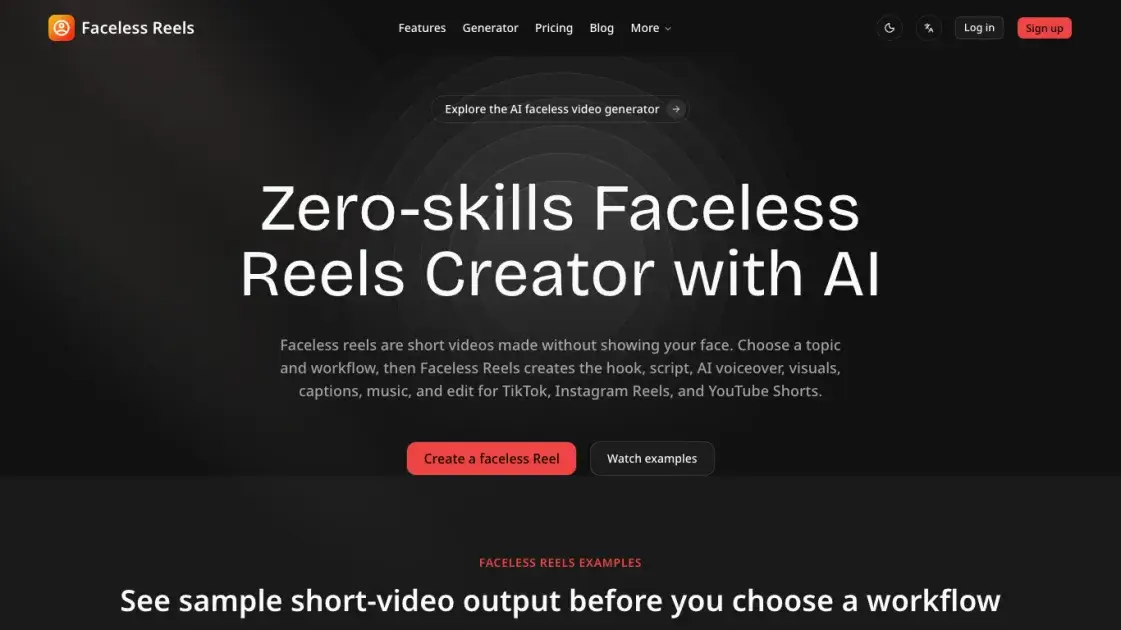
What is Faceless Reels
Faceless Reels is an AI-powered video generator that turns a single topic into a ready-to-post faceless short video. The service handles the hook, script, AI voiceover, visuals, captions, music, and final edit, so creators can produce short-form content for TikTok, Instagram Reels, and YouTube Shorts without filming or appearing on camera. Users choose a topic and a guided workflow, such as Brainrot MOV, Storytelling, Doodle Explainer, or Open-source Shorts, instead of starting from a blank editor. New accounts receive five one-time signup credits, enough to test a standard five-credit render. Monthly plans start at $19.5 for 50 credits, roughly ten videos per month, with watermark-free exports available from the Pro tier.
How does Faceless Reels work
Faceless Reels works from a single topic. A user chooses a guided workflow or template, and the platform drafts the hook and script first, often through its AI Script Writer. The service then generates the AI voiceover, assembles matching visuals, and layers in captions and music according to each template's editing rules. The finished video is produced without an editing timeline, and a draft typically takes about five minutes. Once reviewed, the vertical video is exported for TikTok, Instagram Reels, YouTube Shorts, Facebook Reels, LinkedIn, or X.
Benefits of Faceless Reels
Faceless Reels lowers the barrier to running a short-video channel. Guided workflows and templates remove the need to start from a blank editor, and the all-in-one pipeline handles hooks, scripts, voice, captions, visuals, music, and editing. Because there is no editing timeline, production is reduced to a few choices, with a draft ready in about five minutes. The same vertical video exports to six platforms, including TikTok, Instagram Reels, and YouTube Shorts, and the 24/7 automated engine supports consistent, repeatable posting.
Pros and Cons of Faceless Reels
Pros
- Guided templates for zero-skill creation
- Five-minute drafts from a single topic
- Exports to six short-video platforms
- All-in-one pipeline, no editing timeline
- Watermark-free exports from Pro plan
Cons
- Shared queue runs one job at a time
- Each render costs about five credits
- Basic plan adds a site watermark
- No social media links or directory presence
- Views and revenue never guaranteed
Core Features of Faceless Reels
Guided workflow templates
Ready-made formats, including Brainrot MOV, Storytelling, Doodle Explainer, and Open-source Shorts, turn a topic into a structured video with defined visual and editing rules.
All-in-one video production
One workflow produces the hook, script, AI voiceover, visuals, captions, and music, so no separate editing or design tools are needed.
Multi-platform export
Vertical videos export directly to TikTok, Instagram Reels, YouTube Shorts, Facebook Reels, LinkedIn, and X with clear hooks, readable captions, and platform-appropriate pacing.
No editing timeline
Creators make a few guided choices instead of assembling clips on a timeline; the service builds the finished edit automatically.
5-minute video drafts
A video draft can be produced in about five minutes, allowing quick testing and repeated improvement of ideas and styles.
AI Script Writer
A standalone tool drafts hooks, narration, dialogue, and scene-by-scene scripts before an idea is sent into video production, giving creators control over the script first.
24/7 automated content engine
The platform operates as a continuous 24/7 content pipeline, handling topic research, scripts, voice, captions, visuals, music, and editing rules.
Use Cases of Faceless Reels
- Scary story and history channels: Generate mythology, scary story, and historical fact reels from repeatable storytelling workflows.
- Motivation and finance creators: Turn self-improvement and finance explainer topics into ready-to-post faceless videos.
- Affiliate and ecommerce sellers: Produce product clips and ad-style reels for affiliate posts and ecommerce campaigns.
- Story-telling niches: Create Bible stories, school gossip, and anime-style story videos at volume.
FAQs of Faceless Reels
Can faceless Reels made with Faceless Reels help with monetization?
Monetization is not guaranteed; the site states that views and revenue are never guaranteed. Exported videos include commercial-use guidance, and watermark-free exports begin at the Pro plan, which suits creators running ads or affiliate campaigns.
How do you create faceless Reels with Faceless Reels?
Users pick a topic and a guided workflow or template, then the service generates the hook, script, AI voiceover, visuals, captions, and music. The result is reviewed and exported for the chosen platform, typically in about five minutes per draft.
Do I need to be a content creation expert?
No. Faceless Reels is positioned as a zero-skills creator, and every template carries defined structure, narration, captions, music, and editing rules. Users only choose the topic, workflow, and final result, while the service handles the production work.
Can I create videos for different niches?
Yes. The platform supports scary stories, mythology, history, facts, motivation, self-improvement, finance explainers, product clips, affiliate posts, ecommerce ads, Bible stories, school gossip, and anime-style stories. Sample examples also cover astronomy, heists, and POV scenarios.
Is Faceless Reels a mobile app or a web-based generator?
Faceless Reels is a web-based generator. Its hosted workflows, including MoneyPrinterTurbo Online, run online with no install, GPU, or API keys required. No mobile app is mentioned anywhere on the site.
Does Faceless Reels automatically post videos to social media?
Not currently. The workflow ends at exporting a finished video for platforms such as TikTok, Instagram Reels, and YouTube Shorts. A YouTube Automation workflow is listed as coming soon for scheduled creation and upload operations, but it is not available yet.
How do credits and pricing work?
New accounts receive five one-time signup credits, enough for one standard five-credit render. Monthly plans start at $19.5 for 50 credits, and extra credit packages range from $49 for 50 credits to $249 for 500 credits.
How to use Faceless Reels
- Create a new account on the Faceless Reels website and receive five one-time signup credits, enough to test one standard five-credit render before choosing a paid plan.
- Pick a guided workflow such as Brainrot MOV, Storytelling, or Doodle Explainer, or start from the blank editor to control every setting directly.
- Type the topic for the video, for example a scary story, a historical fact, or a product clip, and the workflow applies its structure.
- Wait for the shared render queue to finish, then review the generated hook, script, voiceover, visuals, captions, and music in about five minutes.
- Export the vertical video for the target feed, such as TikTok, Instagram Reels, YouTube Shorts, Facebook Reels, LinkedIn, or X.
Faceless Reels Website Traffic Analysis
Latest traffic information
- Monthly Visits14.25K
- Bounce Rate43.98%
- Pages Per Visit4.54
- Visit Duration00:02:43
- Global Rank1.26M
- Country/Region Ranking343.12K
Top Keywords
| Keyword | Traffic | Volume | Cost Per Click |
|---|---|---|---|
| facelessreels | 230 | 10.01K | $1.04 |
| faceless reels | 100 | 28.92K | $1.43 |
| generador de stikman por matias pluma | 40 | 40 | -- |
| toonbee | 20 | 19.83K | $0.99 |
| download facebook video without watermark | 10 | 5.23K | $0.11 |
Top Regions
| Region | Percentage |
|---|---|
| Brazil | 52.79% |
| United States | 27.88% |
| India | 19.33% |
Faceless Reels Alternatives
Seedance 3.0 preview page: planned multi-shot continuity, scene editing and audio-visual sync for AI video, while the on-page generator runs Seedance 2.5.
Browser workspace for AI image generation, reference photo editing, and short video drafts, aimed at creators, marketers, and product teams.
Black Forest Labs' multimodal model with a web generator for text-to-video, image-to-video and image editing with native audio, for creators and marketers.
Wan API is an independent platform for Wan and Seedance video models. Compare specs and rates, generate clips in the Playground, or call them through one API.
Seedance 3.0 turns text, images, video clips, and audio into videos with sound, and edits one part of a clip without regenerating the rest.
Scribix is an AI video clipper that cuts podcasts and interviews into captioned vertical shorts, then publishes them to YouTube, TikTok and LinkedIn.
Wery is a virtual AI studio that routes one goal to specialist agents for video, images, music and documents, keeping characters and project assets consistent.

AI video and image studio with text-to-video, image-to-video and keyframe control across Seedance, Kling, Wan and Vidu — all on one credit balance.
Browser studio for AI video, image and music generation with Grok Imagine, Kling and GPT Image models. Free daily credits, no sign-up required.
SeaMove AI is an AI video and image generation platform offering Seedance 2.0 and Seedance 2.5 models for text-to-video, image-to-video, and reference-based creation. Features multi-shot continuity, director-level control, and audio-visual sync for creators and studios.
Turns two separate portraits into a 15-second vertical rap duet video on an orange stage with a shared microphone and the original soundtrack. Free 480P preview available.
Katto turns long videos and podcasts into scored, captioned 9:16 clips. It ranks clips by viral potential and exports them to 7 platforms from one place.