
Seedance 3.0: AI Video Generator With Reference-to-Video Editing

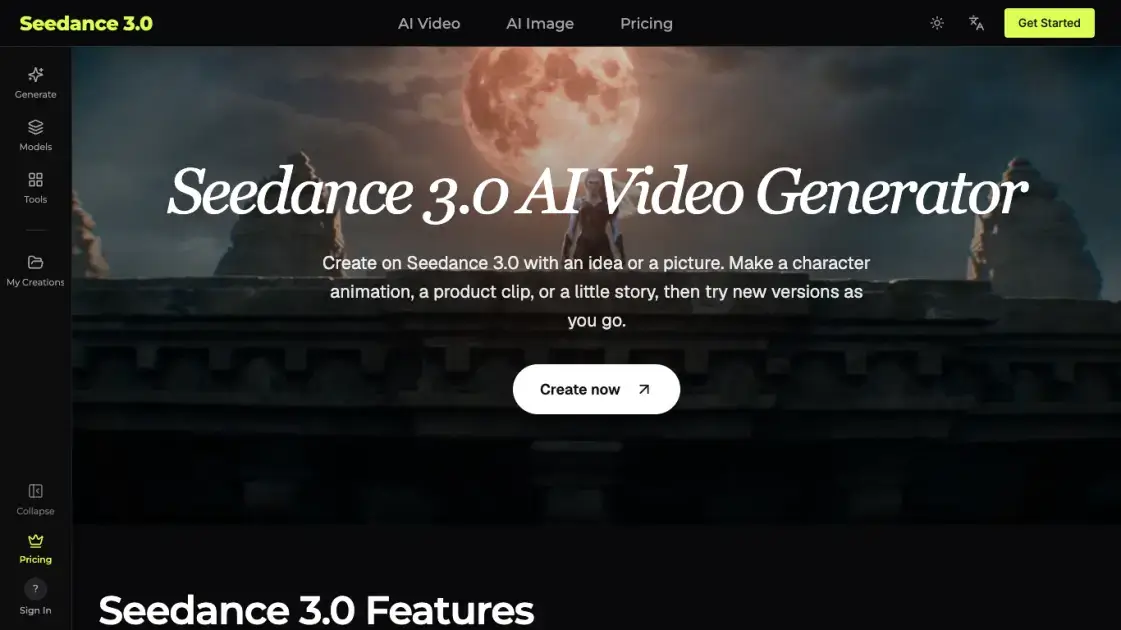
What is Seedance 3.0
Seedance 3.0 is a browser-based AI video generator that accepts written prompts, pictures, footage, and audio, then assembles them into a finished clip with sound. Each uploaded file is given a separate job — the subject, the camera move, or the beat — instead of being blended into the request without distinction. The editor also supports targeted replacement: mark one object inside an existing video, such as a product, an outfit, a person, or the background, and only that object is redrawn while the surrounding motion, light, and camera path stay as they were. It suits small studios, retailers, marketing groups, teachers, and hobbyists who need motion footage without booking a shoot.
How does Seedance 3.0 work
Work begins with the model chosen in the settings panel, since its capabilities define what the request can include. The prompt and any attachments are sent to that model, which returns footage whose duration, resolution, and audio track match the options offered for it. Credit cost is derived from the model, the requested length, the resolution tier, and the attachments, and that figure is displayed before the request leaves the page. Editing follows a separate path: an existing video is uploaded, the desired change is described in the prompt, and the model rewrites the named region while leaving the rest of the frames intact.
Benefits of Seedance 3.0
Reference-driven input keeps a character or product recognizable across shots, which removes the drift that appears when each scene is described from text alone. Edits stay surgical, so pointing at one object avoids rebuilding an entire sequence and preserves the original camera path, lighting, and timing. Cost transparency is built into the flow: the panel quotes a credit figure before the request is sent, and failed runs return those credits automatically. A single account also reaches multiple video families, including Seedance, MiniMax, Wan, Kling, Grok Imagine, and Veo, next to image models for still work.
Pros and Cons of Seedance 3.0
Pros
- Four input types usable in one request
- Selective edits preserve original motion
- Several model families under one account
- Credit estimate shown before submission
- No prior editing experience required
Cons
- Available options differ between models
- Top resolution limited by plan tier
- Every generation consumes credits
- Subscription credits expire each billing period
Core Features of Seedance 3.0
Multi-Material Input
Images, video clips, and audio can be combined inside one prompt, with each attachment assigned a specific role. A typical request might pair two stills, a reference clip, and a music track to produce an eight-second first-person fruit tea spot.
Precise Editing
Pointing at a single element inside an existing clip — a garment, a package, a face, or a backdrop — changes just that element. Camera movement, lighting, and timing are carried over, so the scene does not have to be generated again from scratch.
Text to Video
A written scene description covers who appears, where they stand, and what they do, and can be extended with weather, palette, or camera notes. Even a single sentence such as a kitten chasing a butterfly is enough to submit.
Image to Video
A clear still supplies the starting frame while the prompt states what should move next, whether that is a drawn character waving or the camera drifting toward a bouquet.
Audio-Aware Models
Certain models can generate dialogue, sound effects, or music alongside the picture. Uploaded audio works as a rhythm or voice reference, and available sound controls depend on the chosen model.
Format and Export
Frame shape follows the destination: tall crops for phone screens, wide ones for larger displays. Length and quality tiers are listed in the panel before submission, and finished clips can be previewed then downloaded.
Use Cases of Seedance 3.0
- Content creators: a travel moment, a pet story, or a channel intro grown from one written idea.
- Marketing teams: several openings and backdrops for a single product, compared before the ad moves into production.
- Shop owners: photos already on hand turned into a storefront or social clip, with shape, colors, and logo checked before posting.
- Designers and studios: a moving draft that communicates palette, mood, and camera direction to a client ahead of a full shoot.
- Teachers and trainers: a simple sequence such as a seed sprouting or rainfall, used to introduce a lesson and prompt questions.
FAQs of Seedance 3.0
What kind of files can be attached?
Pictures, video clips, and audio tracks, subject to the limits of the selected model. Each field in the panel states the accepted types and counts.
Can a single detail be changed after a clip exists?
Yes, with a model that offers video editing: upload the footage and describe the adjustment. Regions outside the requested area are meant to remain untouched.
Does the output include audio?
Sound-capable models generate speech, effects, or music. Describe what should be heard — rain, footsteps, a voice — and check the playback afterward.
How is credit usage calculated?
Every run spends credits, scaled by the model, the footage length, the resolution tier, and the number of attachments. Runs that fail return the credits spent on them.
Do credits carry over between billing periods?
Subscription allowances reset at each period and do not roll over. Credits purchased in packs stay valid for twelve months.
Can the videos be used commercially?
The pricing FAQ states that every yearly subscription includes a commercial license, along with the higher monthly tiers. Monthly Lite and Standard plans exclude it.
Can photographs of real people be uploaded?
Permission from the person is required, and some models restrict real human faces. If a photo is rejected, a drawn character, animal, or product image works instead.
How to use Seedance 3.0
- Write the scene into the prompt field, naming the subjects, the setting, and the action.
- Attach reference pictures, clips, or audio when a specific character, product, or rhythm has to be matched.
- Pick a model, then set the length, frame shape, and quality level that model exposes.
- Read the credit estimate in the panel before committing the request.
- Submit the generation, then play the result to check movement, image quality, and sound.
- Download the accepted take, or revise the description and produce another version.
Seedance 3.0 Alternatives
Wan API is an independent platform for Wan and Seedance video models. Compare specs and rates, generate clips in the Playground, or call them through one API.
Wery is a virtual AI studio that routes one goal to specialist agents for video, images, music and documents, keeping characters and project assets consistent.

AI video and image studio with text-to-video, image-to-video and keyframe control across Seedance, Kling, Wan and Vidu — all on one credit balance.
Browser studio for AI video, image and music generation with Grok Imagine, Kling and GPT Image models. Free daily credits, no sign-up required.
SeaMove AI is an AI video and image generation platform offering Seedance 2.0 and Seedance 2.5 models for text-to-video, image-to-video, and reference-based creation. Features multi-shot continuity, director-level control, and audio-visual sync for creators and studios.
Turns two separate portraits into a 15-second vertical rap duet video on an orange stage with a shared microphone and the original soundtrack. Free 480P preview available.
Mareel is an all-in-one AI video and image generation workspace giving creators, marketers, and ecommerce teams 40+ leading models and one shared credit balance.
Kinovi is a REST API that runs published video, image, and audio AI models from one endpoint. Send a model ID to createTask, poll recordInfo, and pay per use from one shared credit balance.
An AI cartoon video generator that turns a script or prompt into an animated video with the same character in every scene, AI voiceover and soundtrack, and commercial rights included.
Gemini Omni is an online AI video generator and editor that turns a text prompt or reference image into a video, then refines each shot through conversational edits while keeping characters and the scene consistent.
Kling 4.0 turns text, images, and up to 15 Omni Reference assets into cinematic AI video, with 30-second multi-shot scenes, 10 keyframes, and 4K HDR.
Gemini Omni is a chat-based multimodal AI video generator and editor. It combines text, images, video, and audio to create cinematic clips with native audio.