
Seedance 3.0 Preview: AI Video Generator Workflow Guide

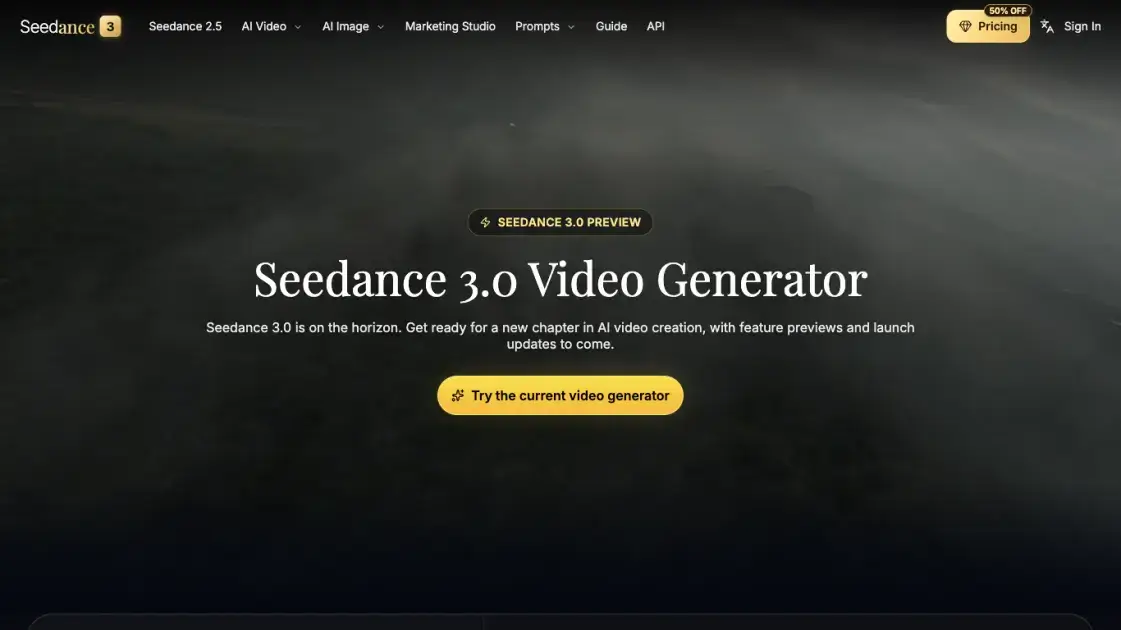
What is Seedance 3.0
Seedance 3.0 is a preview destination on seedance3ai.dev for an upcoming video model, pairing a description of planned creative controls with a generator that currently renders on Seedance 2.5. It targets creators, brand teams, filmmakers and studios weighing a next-generation text-to-video and image-to-video setup. The page is explicit about limits: no launch date, no confirmed model pricing and no footage produced by the unreleased model. Every request submitted from the page is handled by the existing generator at 30 credits per second until the new model is announced.
How does Seedance 3.0 work
Work starts in the generator panel, where a model is chosen first and Seedance 2.5 is the default with 1080p output and multimodal references. A prompt of up to 30,000 characters, optional stills or clips and reference tags define the shot, while resolution (480p, 720p or 1080p), 16:9 framing, native audio and a 4-second duration fix the render shape. Before submission the panel converts those settings into an estimated credit total at 30 credits per second, and a batch can request up to four variations of the same prompt. Renders arrive in the Result and My Creations tabs, and the underlying provider may refuse prompts built on copyrighted characters, logos or music.
Benefits of Seedance 3.0
Preparation can begin before the model ships, since the site documents proposed hold over framing, camera movement, scene extension and audio pacing, letting prompts and review routines be built now. Rendering already covers text, image and reference-driven requests at 30 credits per second, with cost surfaced up front instead of after the fact. A single panel spanning 480p to 1080p with native audio keeps tests and finals in one session. Because each capability is labeled a preview, expectations stay honest rather than treating unreleased output as shipped. An advertised 50% annual discount and a listed 2,500-credit monthly allowance give repeat work a predictable budget.
Pros and Cons of Seedance 3.0
Pros
- Preview of planned multi-shot and scene-editing capabilities
- @Image and @Video tagging inside a single prompt
- Credit estimate shown before a render starts
- 480p to 1080p output with native audio
- Annual plan advertised at 50% off monthly billing
Cons
- Seedance 3.0 cannot be used yet
- No confirmed launch date or model pricing
- Sample visuals are illustrative, not model output
- Discount banner with a countdown visible while browsing
- Prompts with copyrighted characters or music may be blocked
Core Features of Seedance 3.0
Director-level control across formats
Text prompts, reference images and clips feed one workflow, where first and last frame choice, camera movement guidance and cinematic styling are set together.
Cinematic multi-shot continuity
One-take tracking shots and multi-shot sequences hold character identity, environment and visual rhythm steady from cut to cut.
Advanced scene editing
Scenes get extended, shots inserted and footage refined without the project drifting between first frame and final delivery.
Flexible scene progression
Longer sequences grow from expanded moments and added beats while motion and cinematic flow survive, so a story does not need a fresh generation.
Audio-visual synchronization
Sound and pacing advance alongside visual direction, letting text, image and motion cues stay aligned through a render.
All-in-one reference tagging
@Image and @Video references sit inside the prompt itself, locking characters and camera moves for multi-shot work without a separate asset manager.
Use Cases of Seedance 3.0
- Brand teams and content marketers: campaign visuals, launch videos and social edits that keep identity stable as output volume grows.
- Filmmakers and video editors: previsualized scenes, camera movement tests and multi-shot sequences checked before final production.
- Designers and visual storytellers: reference images turned into stylized motion concepts that head toward production-ready direction.
- Agencies and studios: prompt, reference and review conventions drafted ahead of a model switch, rehearsed on today's generator.
- Solo creators: short text-to-video experiments with several variations per prompt before spending credits on a final pass.
FAQs of Seedance 3.0
Can Seedance 3.0 videos be generated today?
No. The panel renders on Seedance 2.5, and Seedance 3.0 appears only as a preview with no availability date attached.
What can be prepared before the model launches?
Prompts, reference images, clips and a review routine can be drafted with current tools so assets are ready once model details are confirmed.
Which inputs does the generator accept?
Text prompts up to 30,000 characters, stills, video clips and reference tags, across text-to-video, image-to-video and reference modes.
How are credits priced?
The panel shows an estimate first: the chosen model is billed per second of output, currently 30 credits per second, and a batch may hold four variations.
Is the imagery on the page made by Seedance 3.0?
No. Those visuals are illustrative concepts, and the background footage demonstrates ideas rather than output from the unreleased model.
Does Seedance 3.0 have a price list yet?
None is announced. Runs made today bill at the credit rate of whichever current model is selected in the panel.
Does this page alter the existing generator?
Settings, model options, credit calculation and provider integration stay exactly as they are on the Seedance 2.5 page.
How to use Seedance 3.0
- Open https://seedance3ai.dev/ and choose "Try the current video generator" to reach the panel.
- Confirm the AI model listed there; Seedance 2.5 is what actually renders while Seedance 3.0 stays a preview.
- Select Text to Video, Image to Video or Reference, then write the prompt and tag any @Image or @Video assets.
- Set resolution, aspect ratio, audio and duration, and read the estimated credit cost before pressing Generate Video.
- Collect finished clips from Result or My Creations, then adjust the prompt for another batch.
Seedance 3.0 Alternatives
Browser workspace for AI image generation, reference photo editing, and short video drafts, aimed at creators, marketers, and product teams.
Black Forest Labs' multimodal model with a web generator for text-to-video, image-to-video and image editing with native audio, for creators and marketers.
Wan API is an independent platform for Wan and Seedance video models. Compare specs and rates, generate clips in the Playground, or call them through one API.
Seedance 3.0 turns text, images, video clips, and audio into videos with sound, and edits one part of a clip without regenerating the rest.
Wery is a virtual AI studio that routes one goal to specialist agents for video, images, music and documents, keeping characters and project assets consistent.

AI video and image studio with text-to-video, image-to-video and keyframe control across Seedance, Kling, Wan and Vidu — all on one credit balance.
Browser studio for AI video, image and music generation with Grok Imagine, Kling and GPT Image models. Free daily credits, no sign-up required.
SeaMove AI is an AI video and image generation platform offering Seedance 2.0 and Seedance 2.5 models for text-to-video, image-to-video, and reference-based creation. Features multi-shot continuity, director-level control, and audio-visual sync for creators and studios.
Turns two separate portraits into a 15-second vertical rap duet video on an orange stage with a shared microphone and the original soundtrack. Free 480P preview available.
Mareel is an all-in-one AI video and image generation workspace giving creators, marketers, and ecommerce teams 40+ leading models and one shared credit balance.
Kinovi is a REST API that runs published video, image, and audio AI models from one endpoint. Send a model ID to createTask, poll recordInfo, and pay per use from one shared credit balance.
An AI cartoon video generator that turns a script or prompt into an animated video with the same character in every scene, AI voiceover and soundtrack, and commercial rights included.