
Video Text Remover FAQs
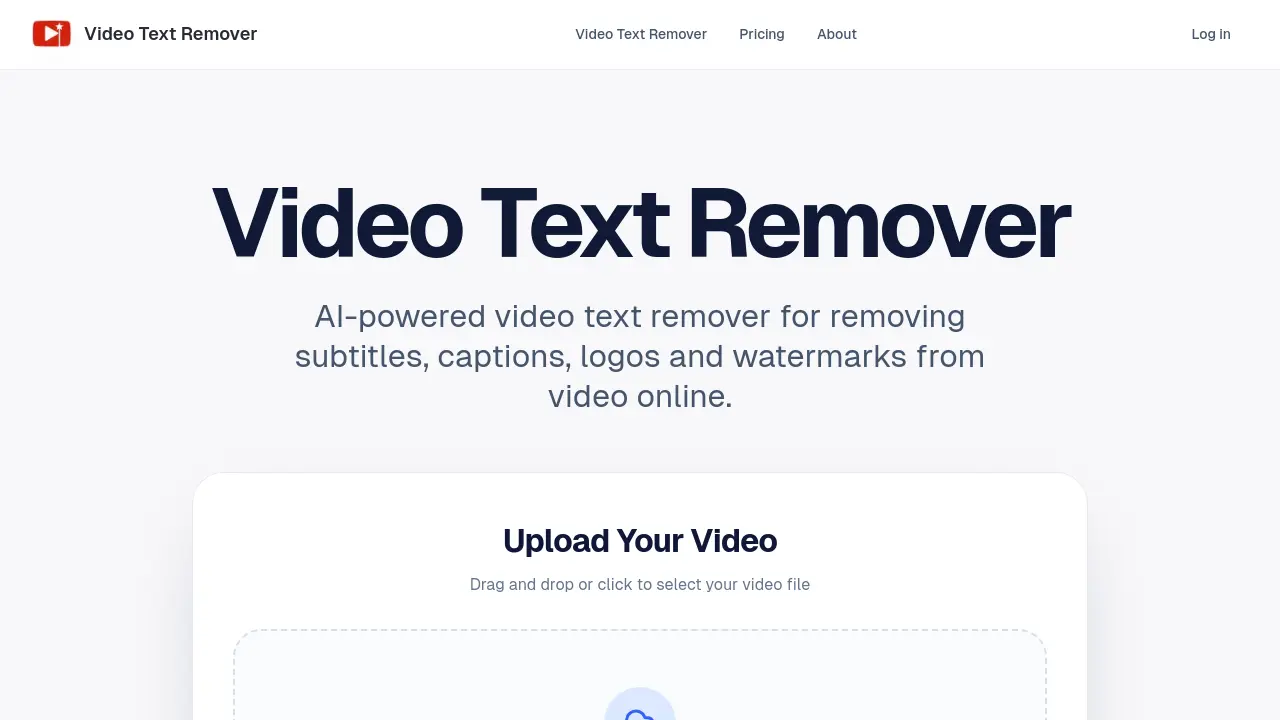
Video Text Remover: AI tool for creators to remove subtitles, logos, and watermarks from videos online, providing clean results for social media publishing.

FAQs of Video Text Remover
What can this video text remover remove from a video?
The video text remover can remove various on-screen elements including subtitles, captions, logos, watermarks, and other distracting objects from videos. It uses AI to detect and clean these overlays while preserving the original background.
Does the result use blur or rebuild the background?
No, the tool does not simply blur the text areas. Instead, its AI engine rebuilds the background behind subtitles, stickers, and logos to create a natural-looking result that maintains visual consistency with the original scene.
Can I generate a preview before exporting the full video?
Yes, users can generate a short preview of the cleaned video before committing to a full export. This allows checking the cleanup quality and deciding whether to proceed, which helps manage credit usage effectively.
How are credits charged?
Credits are deducted from your account balance when generating previews or full video exports. The cost depends on the video length and export quality, with different subscription plans offering varying monthly credit allowances.
What video formats are supported?
The tool supports common video formats such as MP4, MOV, and WEBM for upload. These formats cover most consumer and professional video sources, ensuring compatibility with various recording devices and editing software.
Does it work for TikTok, Reels and YouTube Shorts?
Yes, the video text remover is optimized for short-form video platforms including TikTok, Instagram Reels, and YouTube Shorts. It handles the typical formats and resolutions used on these platforms effectively.
Can I remove people or unwanted objects, not just text?
Absolutely. The same AI engine powers an object removal mode, allowing users to mark and remove people, products, or any distracting elements from the video frame, not limited to text overlays.
Will my uploaded videos be shown publicly?
No, uploaded videos are processed privately and are not shared publicly. They are stored in your personal account history, accessible only to you for future edits or downloads.
When should I use preview instead of full export?
Use the preview feature to test the cleanup quality on a short segment before exporting the entire video. This is useful for assessing results without spending credits on a full export, especially for complex scenes.
What are the available subscription plans and their features?
There are three subscription plans: Basic at $100/year with 400 monthly credits and 1080p export, Pro at $200/year with 1000 credits, priority queue, and commercial usage, and Agency at $500/year with 3000 credits, high-volume capacity, and priority support. All plans include the full toolkit.
Is any software installation required to use this tool?
No, the video text remover is a cloud-based online service. Users access it through a web browser without installing any software, making it convenient for quick edits on any device with internet.
What is the maximum file size for video uploads?
The maximum supported file size for video uploads is 500MB. This limit ensures efficient processing while accommodating most short-form video files commonly used on social platforms.
What video export resolutions are supported?
The Basic plan supports up to 1080p resolution for exports. Pro and Agency plans offer higher quality exports, though specific resolutions above 1080p are not detailed; they are described as providing high-quality results.
How are my processed videos stored in my account?
Processed videos are saved in your personal account history. This allows you to revisit previous projects, compare different outputs, and continue editing without having to re-upload original files.
How to use Video Text Remover
Video Text Remover is an AI-powered online tool designed to remove subtitles, captions, logos, watermarks, and other distracting objects from videos, primarily for social media content creators.
- The user accesses the Video Text Remover website and logs into their account to enable credit tracking and project history functionality.
- The video file is uploaded via drag-and-drop or file selection, supporting MP4, MOV, and WEBM formats with a maximum size of 500MB.
- The region containing text or unwanted objects is marked using the on-screen tool, defining the area for AI-driven background reconstruction.
- A short preview clip is generated to evaluate the cleanup quality, consuming minimal credits while demonstrating the AI's reconstruction effectiveness.
- The preview review focuses on visual consistency, ensuring the removed area blends naturally without blurring or distortion artifacts.
- If the preview is satisfactory, a full export is initiated, processing the entire video at a higher credit cost for the final output.
- The completed video is downloaded and can be reposted to platforms like TikTok, Instagram Reels, or YouTube Shorts.
- Processed projects are saved to the user's account history, allowing future access for comparison or further editing without re-uploading.
- Credit usage is monitored, with previews requiring fewer credits than full exports, managed through the selected subscription or pay-as-you-go plan.
