
TapVid Core Features
Turn prompts, PDFs, or links into explainer videos with motion graphics using TapVid AI. No editing or design skills required.

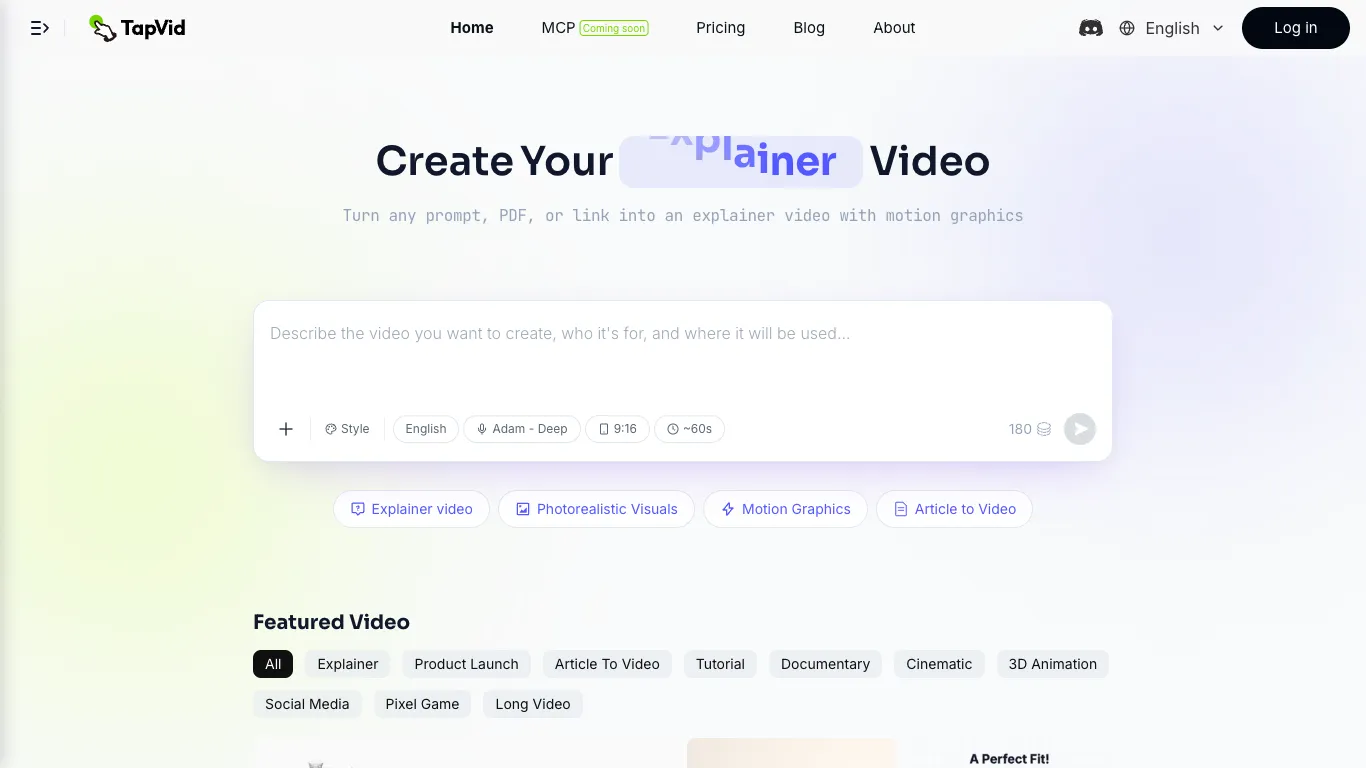
Core Features of TapVid
Text to Video Generation
TapVid converts written prompts into animated explainer videos with motion graphics. Users describe their concept in natural language, and the AI generates structured video content with visual elements, transitions, and timing that match the narrative flow.
Document and Link Import
The platform accepts PDF documents, web links, and uploaded scripts as source material. TapVid extracts key information from these inputs and transforms them into video format, eliminating the need to manually write scripts or storyboard content.
Voiceover and Subtitles
TapVid includes built-in voiceover generation with multiple voice options and automatic subtitle creation. Videos come with synchronized audio narration and text overlays, making them ready for distribution across social platforms and educational channels.
Multiple Video Styles
Users can choose from several video formats including explainer videos, photorealistic visuals, motion graphics, and article-to-video conversions. Each style uses different animation techniques and visual approaches to match the content type and audience expectations.
MCP Integration
TapVid is available via Model Context Protocol, allowing developers to integrate video generation capabilities directly into their existing tools and workflows. This enables programmatic video creation from within development environments and automation pipelines.
Credit-Based Rendering
The platform uses a credit system where video length determines credit consumption at a rate of 3 credits per second. Unused monthly credits roll over for one billing cycle, and users only pay for successfully rendered content, avoiding charges for failed generation attempts.
Use Cases of TapVid
Product Marketing Teams: Generate explainer videos for new product launches, feature announcements, and competitive comparisons without scheduling production shoots or coordinating with external agencies.
Educational Content Creators: Transform course slides, lecture notes, and tutorial scripts into engaging motion graphics videos that improve student completion rates and learning outcomes.
Content Marketing Departments: Produce motion graphics at volume for social media channels, landing pages, and email campaigns while maintaining consistent brand quality across all video outputs.
Course Instructors: Convert educational materials into video format with voiceover narration and subtitles, creating multimedia learning resources from existing written content.
Startup Founders: Create investor pitch videos, product demo clips, and marketing materials quickly during early-stage growth when budget and timeline constraints limit traditional video production options.
