
TapVid FAQs
Turn prompts, PDFs, or links into explainer videos with motion graphics using TapVid AI. No editing or design skills required.

FAQs of TapVid
What is TapVid and who is it for?
TapVid is an AI video generation platform that converts text prompts, documents, and scripts into explainer videos with motion graphics. It targets product marketing teams, content creators, educators, and course creators who need professional video content without traditional editing skills or production crews.
How does the credit system work?
TapVid uses credits as the billing unit for video generation, with a consumption rate of 3 credits per second of video produced. A 30-second clip requires approximately 90 credits, while a one-minute video uses about 180 credits. Unused monthly credits roll over for one billing cycle when you maintain an active subscription.
Can I cancel my subscription anytime?
Yes, TapVid subscriptions can be canceled at any time. Your plan remains active until the end of the current billing period, then automatically downgrades to the free tier. There are no partial refunds for unused time within a billing cycle.
What video formats and styles does TapVid support?
TapVid generates multiple video styles including explainer videos, photorealistic visuals, motion graphics, and article-to-video conversions. The platform supports various aspect ratios and resolutions up to 1080p, with clip lengths ranging from 1 minute on the free plan to 5 minutes on the Ultra tier.
Is there a watermark on exported videos?
Free tier exports include a TapVid watermark. All paid plans (Flex, Pro, Max, and Ultra) export videos without watermarks, providing clean output suitable for professional distribution across marketing channels and social platforms.
How does TapVid compare to traditional video production?
TapVid reduces video production time from weeks of agency collaboration to minutes of AI generation. The platform eliminates the need for specialized editing skills, motion graphics expertise, and production crew coordination, making professional video accessible to teams without dedicated video departments.
Can I use TapVid for team collaboration?
Yes, TapVid offers team features on higher-tier plans. The Ultra plan includes team seats and shared credits, allowing multiple users to collaborate on video projects while pooling their credit allocations for maximum production efficiency.
How to use TapVid
Sign up for a TapVid account and select a subscription plan that matches your video production needs and budget.
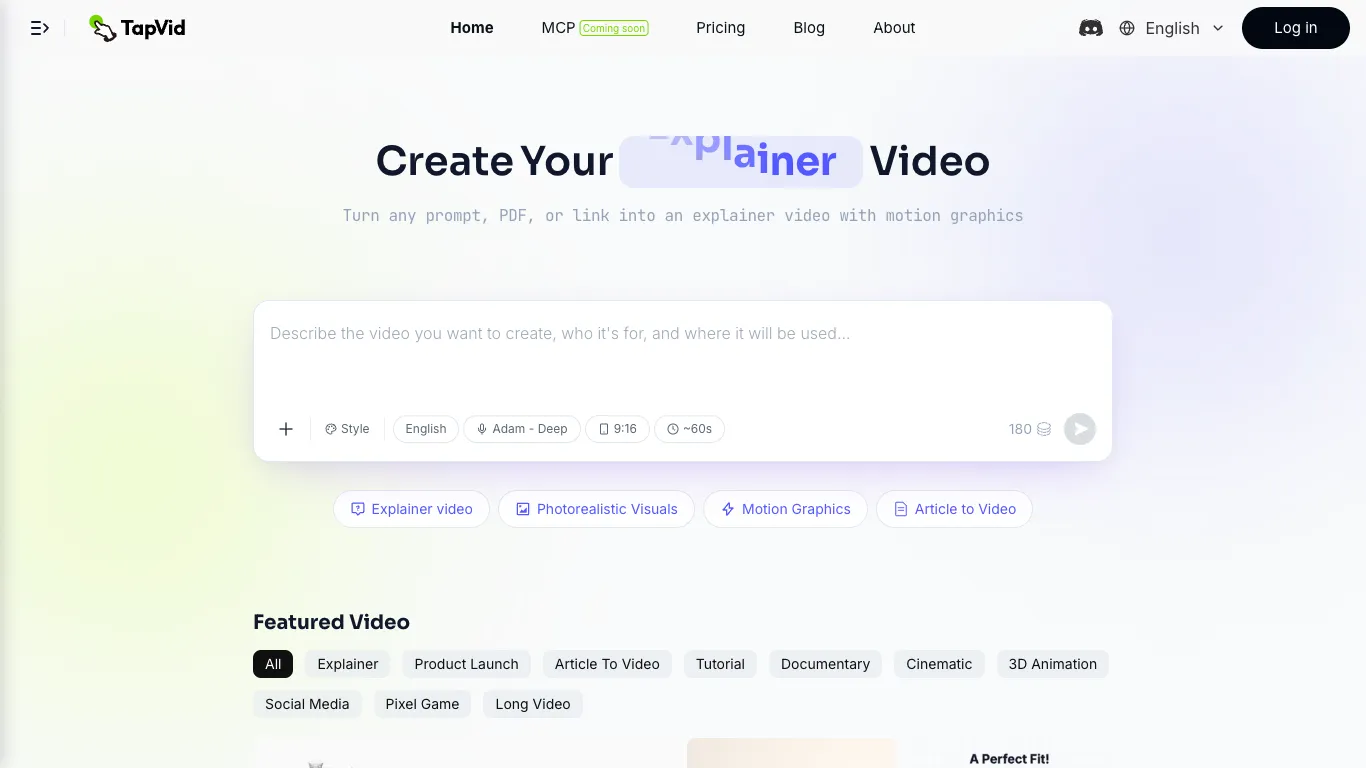
Choose your video input method by typing a descriptive prompt, uploading a PDF document, or pasting a link to existing content you want to convert.
Configure video settings including style (explainer, motion graphics, photorealistic), language, voiceover selection, aspect ratio, and target duration.
Review the generated video preview and make adjustments to timing, transitions, or visual elements if needed before final rendering.
Export the finished video in your chosen resolution and download the file for distribution across social platforms, websites, or educational channels.
