
RGB to CMYK Converter Core Features
This online RGB to CMYK converter provides built-in settings or custom ICC profiles with real-time preview for accurate color matching and print-ready results.

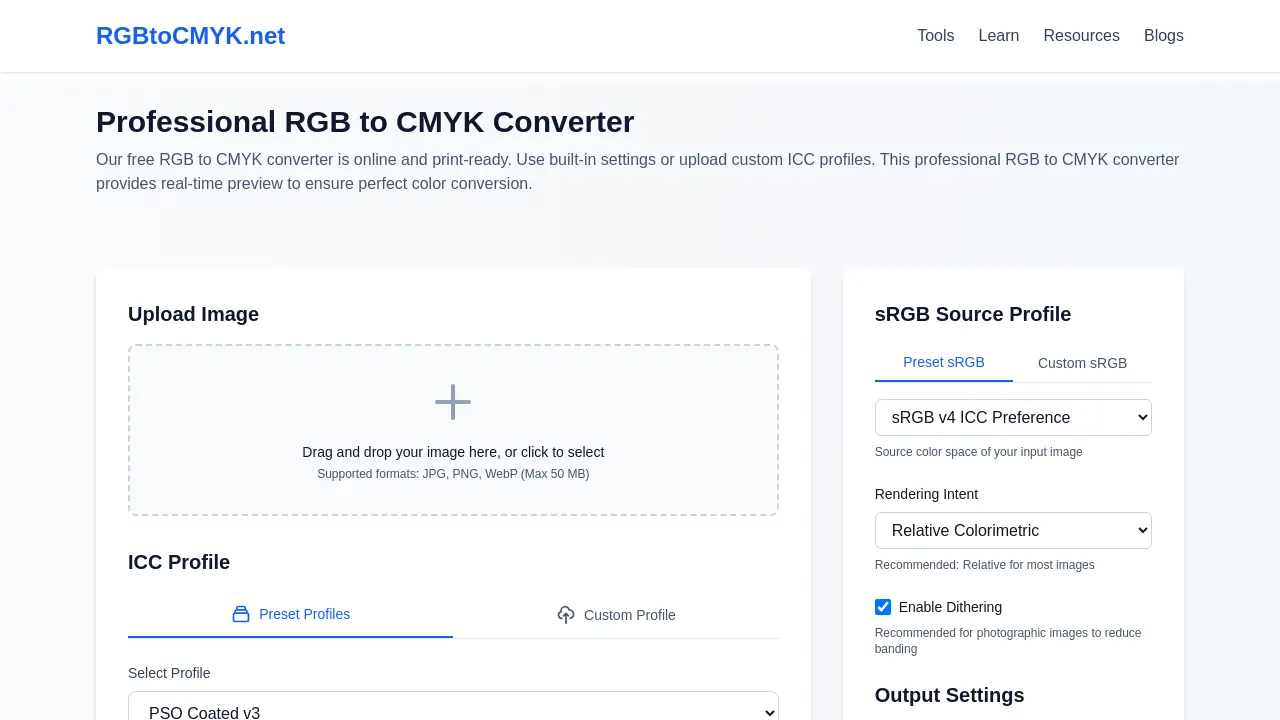
Core Features of RGB to CMYK Converter
Image Color Space Conversion
Facilitates the transformation of digital image colors from RGB (Red, Green, Blue) to CMYK (Cyan, Magenta, Yellow, Key/Black) for print readiness.
Custom ICC Profile Application
Allows users to upload and utilize custom ICC (International Color Consortium) profiles, ensuring precise color matching for specific printing conditions.
Real-time Conversion Preview
Provides an instant visual comparison of the original RGB image and the converted CMYK output, aiding in color accuracy validation before final download.
Advanced Color Management Options
Offers control over rendering intents (Perceptual, Relative Colorimetric, Saturation, Absolute Colorimetric) and dithering for optimized color reproduction across various image types.
Multiple Output Format Generation
Supports exporting converted CMYK images in various formats, including TIFF (recommended for printing), JPEG, and PNG, catering to diverse professional printing requirements.
Use Cases of RGB to CMYK Converter
- Graphic Designers: Convert RGB images to CMYK for print production, ensuring accurate color reproduction with various ICC profiles.
- Photographers: Prepare high-resolution JPG, PNG, or WebP images for professional printing using the online RGB to CMYK converter.
- Print Shops: Utilize the free RGB to CMYK converter to process client files, maintaining brand consistency and reducing color mismatches.
- Marketing Professionals: Convert design assets to CMYK for brochures and packaging, preventing costly reprints due to color inaccuracies.
- Students: Learn about color management by comparing RGB to CMYK conversions with different rendering intents and ICC profiles.
