
Picture to Drawing
Picture to Drawing AI: Turn Photos into Drawings Free Online

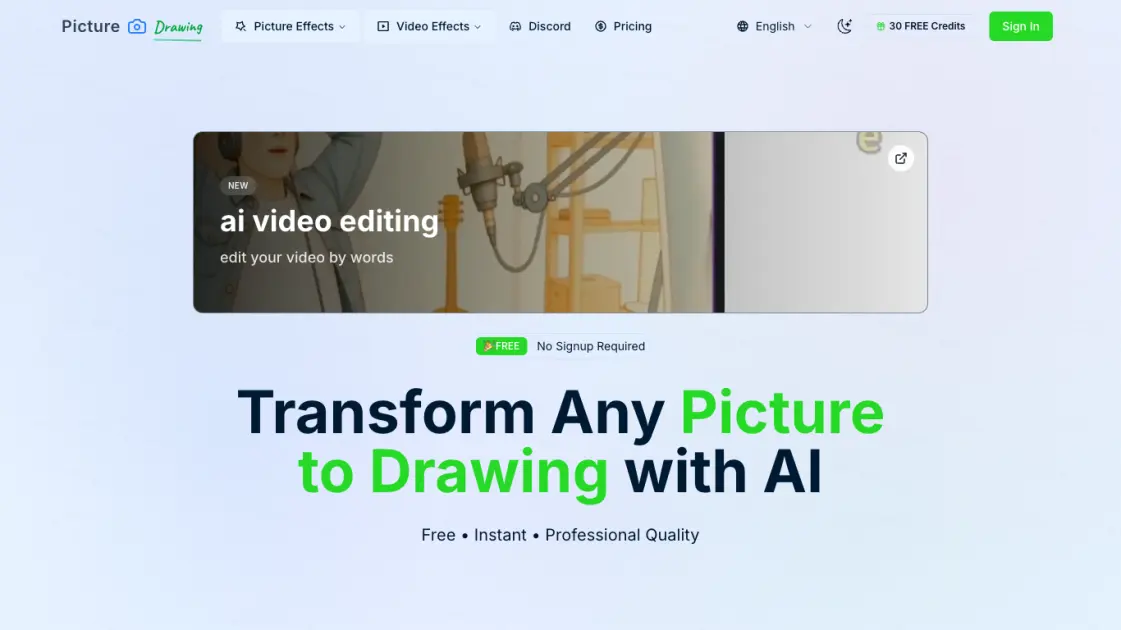
What is Picture to Drawing
Picture to Drawing is an AI-powered online tool that transforms ordinary photos into artistic drawings with a single click. No registration, no fees — just upload an image and watch as advanced AI algorithms convert it into a pencil sketch, charcoal drawing, watercolor painting, or other artistic style. Supporting multiple output formats and offering 8 distinct art styles, this free web application caters to artists, designers, and casual users who want to add a creative touch to their images. The entire process completes in seconds, with premium models offering even faster processing and higher quality results for those who need regular access.
How does Picture to Drawing work
Picture to Drawing uses deep learning models trained on millions of artistic image pairs to analyze uploaded photos and generate corresponding drawings. When a user uploads an image, the AI identifies key visual elements such as edges, textures, shading, and color composition. It then applies the selected artistic style — whether pencil sketch, charcoal, watercolor, or another effect — by transforming these elements through style-specific neural network layers. The processed image is rendered at high resolution, with free models prioritizing accessibility and premium models utilizing more computational resources for faster, higher-quality output.
Benefits of Picture to Drawing
Picture to Drawing provides a free, accessible way to transform photos into professional-quality artistic drawings without requiring artistic skills or expensive software. The tool eliminates the need for registration, allowing immediate use with no upfront commitment. With 8 distinct art styles and high-resolution output, users can create diverse visual content for personal projects, social media, or professional work. The service offers both free and premium tiers, making it suitable for casual experimentation as well as regular, high-volume use with faster processing speeds and commercial usage rights.
Pros and Cons of Picture to Drawing
Pros
- Free to use with no registration required
- 8 diverse artistic styles to choose from
- Fast processing even on free tier
- High-resolution output suitable for printing
- Supports multiple image formats
Cons
- Free models have limited daily usage (2 images)
- Free processing slower than premium (20-50 seconds)
- No mobile app, web-only interface
Core Features of Picture to Drawing
AI-Powered Image Transformation
Advanced artificial intelligence converts pictures to artistic drawings with high accuracy and style fidelity, preserving key visual elements.
8 Distinct Drawing Styles
Choose from Pencil Sketch, Line Drawing, Charcoal, Color Pencil, Watercolor, InkArt, Crosshatch, and Pastel effects for diverse artistic results.
Fast Processing
Free models deliver results in 20-50 seconds, while premium models process images in approximately 10 seconds with enhanced quality.
No Registration Required
Upload and convert images immediately without creating an account or providing any personal information.
Batch Conversion
Process multiple images at once with the dedicated batch convert tool for efficient workflow and time savings.
High Resolution Output
Download drawing results in high resolution suitable for both digital sharing and physical printing.
Use Cases of Picture to Drawing
- Digital artists: Generate quick style references and experiment with different artistic effects on base photographs.
- Social media managers: Create unique, engaging visual content that stands out in crowded social feeds and drives higher engagement.
- Photography enthusiasts: Transform personal photos into artistic keepsakes with various drawing-style interpretations.
- Art teachers: Demonstrate different art techniques and styles to students using real photographs as source material.
- Content creators: Produce distinctive profile pictures, thumbnails, and cover images with artistic flair.
FAQs of Picture to Drawing
What types of images work best for conversion?
Picture to Drawing works with any photo, but portraits and images with clear, well-defined subjects produce the best results. The AI handles various image formats including JPG, PNG, WEBP, and HEIC, and adapts to different lighting conditions for optimal output quality.
Is Picture to Drawing really free?
Yes, the basic tier is completely free with no registration required. Free users get 2 images per day with standard processing speed. Premium plans start at $9.9 for 1000 credits and unlock faster processing, commercial usage rights, and an ad-free experience while credits are active.
How long does the conversion take?
Free models typically process images in 20-50 seconds depending on image size and complexity. Premium models deliver results in approximately 10 seconds with more consistent quality. Processing time may vary based on current server load.
Can I use the generated images commercially?
The free tier grants personal use rights only. Users who purchase premium plans — Starter, Popular, or Pro — receive commercial usage rights for the images they generate, along with priority support and fastest processing speeds.
What drawing styles are available?
The tool offers 8 distinct styles: Pencil Sketch, Line Drawing, Charcoal Drawing, Color Pencil Drawing, Watercolor Painting, InkArt, Crosshatch Drawing, and Pastel Drawing. Each style produces unique visual effects suitable for different artistic preferences.
How to use Picture to Drawing
- Upload your picture: Drag and drop or click to browse and select an image from your device. Supports JPG, PNG, WEBP, and HEIC formats.
- Choose a drawing style: Select from 8 artistic styles including Pencil Sketch, Line Drawing, Charcoal, Watercolor, and more to customize the output.
- Select the AI model: Pick between the free Basic model for standard quality or premium models for faster processing and enhanced results.
- Click convert: Press the Convert to Drawing button and let the AI process your image. Free models take 20-50 seconds, premium models around 10 seconds.
- Download your artwork: Save the resulting drawing to your device in high resolution, ready for printing or sharing on social media.
Picture to Drawing Website Traffic Analysis
Latest traffic information
- Monthly Visits74.41K
- Bounce Rate45.78%
- Pages Per Visit1.97
- Visit Duration00:00:46
- Global Rank503.78K
- Country/Region Ranking472.12K
Visits Over Time
Traffic Sources
- Organic Search: 77.71%
- Direct: 19.94%
- Generative AI: 1.2%
- Referrals: 1.01%
- Mail: 0.15%
Top Keywords
| Keyword | Traffic | Volume | Cost Per Click |
|---|---|---|---|
| image to a drawing | 270 | -- | -- |
| photo to sketch converter | 240 | 1.2K | $0.27 |
| convertir foto en dibujo | 240 | 500 | $0.21 |
| ia que convertir imagenes en dibujos | 240 | 350 | -- |
| foto conferteren naar lijntekening gratis | 240 | -- | -- |
Top Regions
| Region | Percentage |
|---|---|
| United States | 18.92% |
| Spain | 6.1% |
| France | 5.64% |
| Mexico | 5.36% |
| Russia | 5.29% |
