
AI Clothes Swap — Free AI Clothes Changer & Virtual Try-On Online

What is AI Clothes Swap
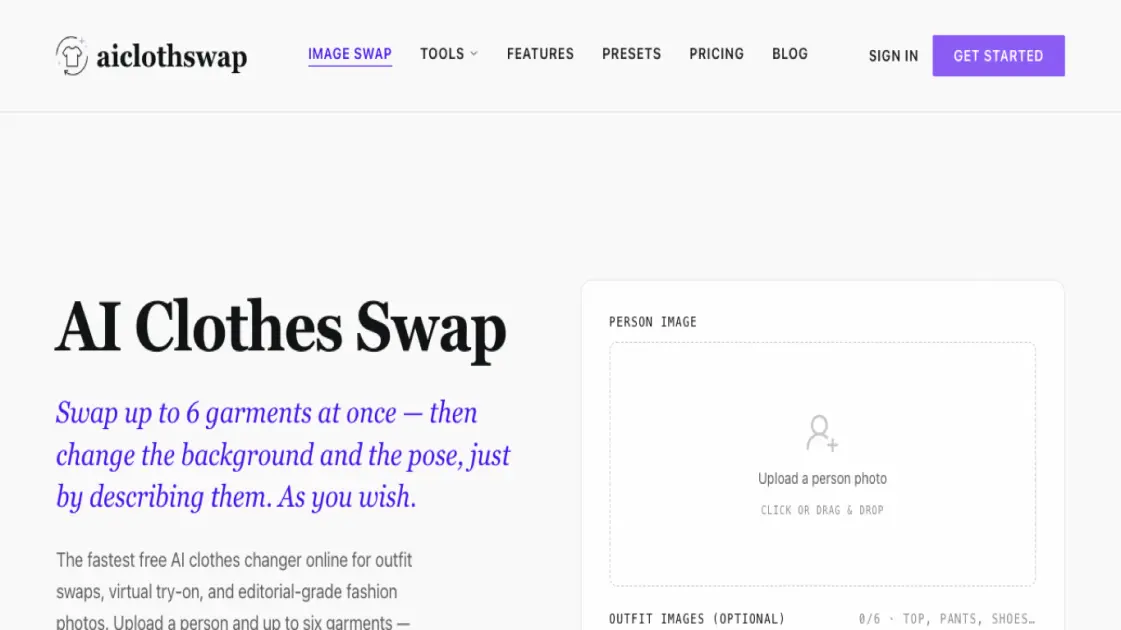
AI Clothes Swap is an online AI-powered tool that lets you change outfits in photos without Photoshop. Upload a person photo, add up to six garment images, and the AI blends fabric, lighting, and pose into a single realistic result. You can also describe the outfit or scene in plain words — the AI generates the whole look from text. A free tier with 20 credits on signup and 10 daily credits makes it accessible for casual try-ons and quick experiments. The tool targets stylists, ecommerce sellers, fashion brands, and social creators who need fast outfit visualization without a physical fitting room.
How does AI Clothes Swap work
Users upload a person photo and optionally up to six garment images into the AI clothes changer. They can also describe the desired outfit or scene in plain words. The AI analyzes body contours and garment regions, then blends fabric textures, lighting, and pose into a single realistic output. Multiple garments are processed together so the entire outfit — top, bottoms, shoes, and accessories — appears cohesive in one generation. Quality and resolution options let users balance speed against detail.
Benefits of AI Clothes Swap
The main advantage is the ability to swap multiple garments in one go — head-to-toe outfit changes without piecing together separate edits. The integrated background and pose controls reduce the need for external image editing tools. A free tier with daily credits lowers the barrier for casual users and evaluation, while paid plans offer 4K output, watermark removal, and commercial rights. The tool is specialized for clothes swapping rather than being a general-purpose editor, which means the core workflow is more streamlined for fashion-related tasks.
Pros and Cons of AI Clothes Swap
Pros
- Multi-garment swap in a single generation
- Background and pose editing by text description
- Free tier available with daily credits
- Commercial license on paid plans
- No garment photo needed, text-to-outfit supported
Cons
- Free plan outputs include watermark
- Daily free credits are limited to 10
- Quality depends on input photo clarity and angle
- No mobile app, browser-only at launch
Core Features of AI Clothes Swap
Multi-Garment Outfit Swap
Swap up to six garments — top, pants, shoes, hat, and bag — in a single head-to-toe outfit swap with consistent lighting and proportions.
Background and Pose Editing
Describe scene or pose changes in plain text, such as "put her in a clean studio backdrop," and the AI adjusts the scene and pose alongside the outfit.
AI-Powered Body Detection
The system automatically detects body contours and garment regions, fitting new clothing to natural proportions for realistic clothing changes.
Describe-to-Generate
Skip uploading garment images entirely — just describe the look or occasion, and the AI creates the full outfit on your photo from text alone.
Curated Presets
Specialized modes for blending text into images, transforming flat-lay photos into on-model shots, and rendering complex fabric textures accurately.
Use Cases of AI Clothes Swap
- Stylists: Preview wardrobe combinations for clients before pulling physical pieces
- Ecommerce sellers: Generate on-model product images from flat-lay garment photos
- Fashion brands: Create lookbook variations and seasonal campaign visuals
- Social creators: Try outfits virtually before buying and share styled looks
- Photographers: Extend a single photoshoot across multiple wardrobe variations
FAQs of AI Clothes Swap
How does the AI clothes changer work?
AI Clothes Swap replaces the outfit in a photo while preserving the person, pose, lighting, and background. Upload a person photo and garment images, and the AI fits new clothing with realistic fabric, folds, and shadows.
Is the AI clothes changer free to use?
Yes, the Starter plan is free forever with 20 credits on signup and 10 free credits every day. Paid plans start at $19.99 per month for higher resolution, watermark removal, and commercial licensing.
Is my data safe when I upload photos?
Uploads are encrypted in transit and at rest. Generations are private and never used to train public models. You can delete your images at any time.
How realistic are the results?
The output is editorial-grade with fabric textures, lighting, and drape that hold up next to professional studio photography, especially on the high-quality setting.
How long does a swap take?
A single swap on the Fast quality setting takes about one minute. Higher quality settings may take longer but produce more detailed results.
Can I use the images commercially?
Yes, commercial use licenses are included with paid plans. Free plan images are watermarked but still yours to use. You own every image you generate.
How to use AI Clothes Swap
- Upload your photo: Drag and drop or upload a clear portrait into the AI clothes changer. Front-facing or three-quarter shots with visible upper or full body work best.
- Choose or describe the outfit: Optionally upload up to six garment images, or type a description of the look you want — such as "beach vacation outfit" — and select quality and resolution.
- Generate and download: Click generate and wait about one minute for Fast quality. Preview the result, fine-tune if needed, and download your new outfit image.
