
reAPI FAQs
reAPI provides a single OpenAI‑compatible endpoint that aggregates leading image, video, chat, music and code models, delivering 99.96% uptime, automatic failover and zero request logging for developers.

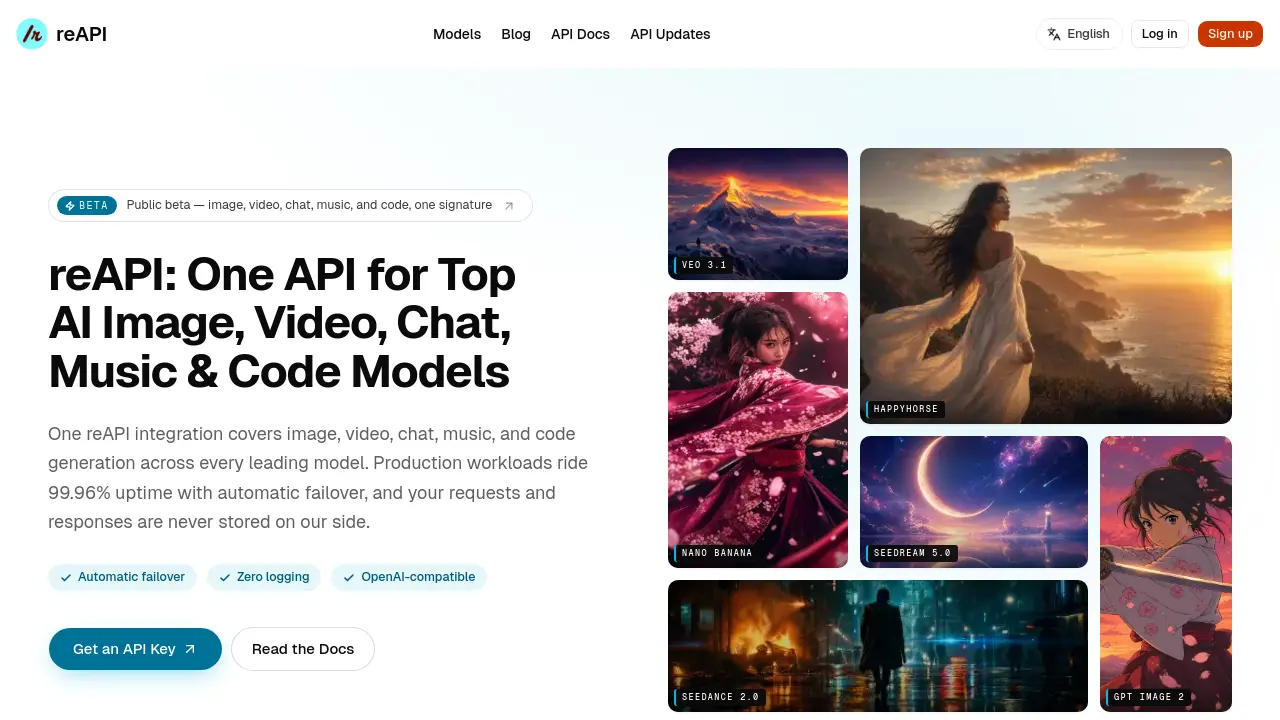
FAQs of reAPI
What does reAPI actually do for each call?
reAPI acts as a unified routing layer that receives a request at a single OpenAI‑compatible endpoint, selects the appropriate vendor model, and forwards the request. It handles failover, region pinning, idempotent retries, and returns the response unchanged, so developers interact with many models through one consistent API.
Do you keep my requests or responses?
reAPI implements zero‑logging for content: request payloads and model outputs are never stored on the platform. Only audit‑ready metadata such as billing events and security logs are streamed to the customer’s chosen warehouse or syslog, ensuring privacy while still providing traceability.
Does my code change to use reAPI?
Minimal changes are required. Existing OpenAI, Anthropic, or Google SDK clients can point to https://reapi.ai/v1 and swap the model identifier to any catalog model. Apart from updating the base URL and using a reAPI API key, the request structure and code flow remain identical.
What does 99.96% uptime mean in practice?
A 99.96% uptime translates to roughly 3.5 hours of downtime per year. reAPI achieves this by routing each call through multiple redundant provider instances; if one instance degrades, traffic is instantly shifted to a healthy replica, keeping applications available almost continuously.
Do I need API keys from each provider, or just reAPI?
Only a single reAPI key is required. The platform contracts with the underlying model vendors and abstracts their authentication, so developers do not need to manage separate keys for OpenAI, Anthropic, Google, ByteDance, or other providers.
How does automatic failover work when a model provider experiences latency?
reAPI continuously monitors latency and health metrics for each vendor endpoint. When a provider’s response time exceeds predefined thresholds, the request is automatically rerouted to an alternative vendor offering the same model type, all within the same API call, preventing the client from seeing timeout errors.
Can I limit spending per key or per team?
Yes. reAPI provides per‑key spend caps that can be set in the dashboard, as well as hierarchical team‑level caps. When a limit is reached, further requests are rejected, protecting budgets from runaway usage while still allowing granular control over individual projects.
Is region pinning supported for compliance‑sensitive data?
reAPI allows you to pin traffic to specific geographic regions (EU, US, APAC). Requests originating from a region are processed by providers in the same region whenever possible, helping organizations meet data residency and regulatory requirements without additional configuration.
What streaming capabilities are preserved through reAPI?
All streaming features of the underlying models—including server‑sent events for token‑by‑token chat, real‑time audio/video streams, and tool‑calling messages—are passed through unchanged. Developers receive the same incremental payloads as they would from the native provider, enabling low‑latency interactive applications.
How to use reAPI
reAPI aggregates top‑tier AI models—image, video, chat, music, and code—into a single OpenAI‑compatible endpoint, offering automatic failover, zero logging, and unified key management.
Register on the reAPI dashboard, generate an API key, and copy it; this key authorizes access to every model without needing individual provider credentials.
Configure your existing SDK (OpenAI, Anthropic, or Google) by setting the base URL to https://reapi.ai/v1 and inserting the API key into the Authorization header.
Compose a request payload, specifying the desired model (e.g.,
gpt-5.5,flux-pro,veo-3.1) and appropriate input data such as prompts, images, or audio, then send the POST request.Receive the response in the standard OpenAI schema; the payload contains generated content, metadata, and usage statistics, which can be parsed directly by your application.
Analyze usage metrics (tokens, latency, cost) and model‑specific outputs to evaluate quality, adjust prompts, or switch models, enabling continuous optimization of AI‑driven workflows.
