
Gemini Omni Flash
Gemini Omni Flash AI Generator for Multimodal Text‑to‑Video

What is Gemini Omni Flash
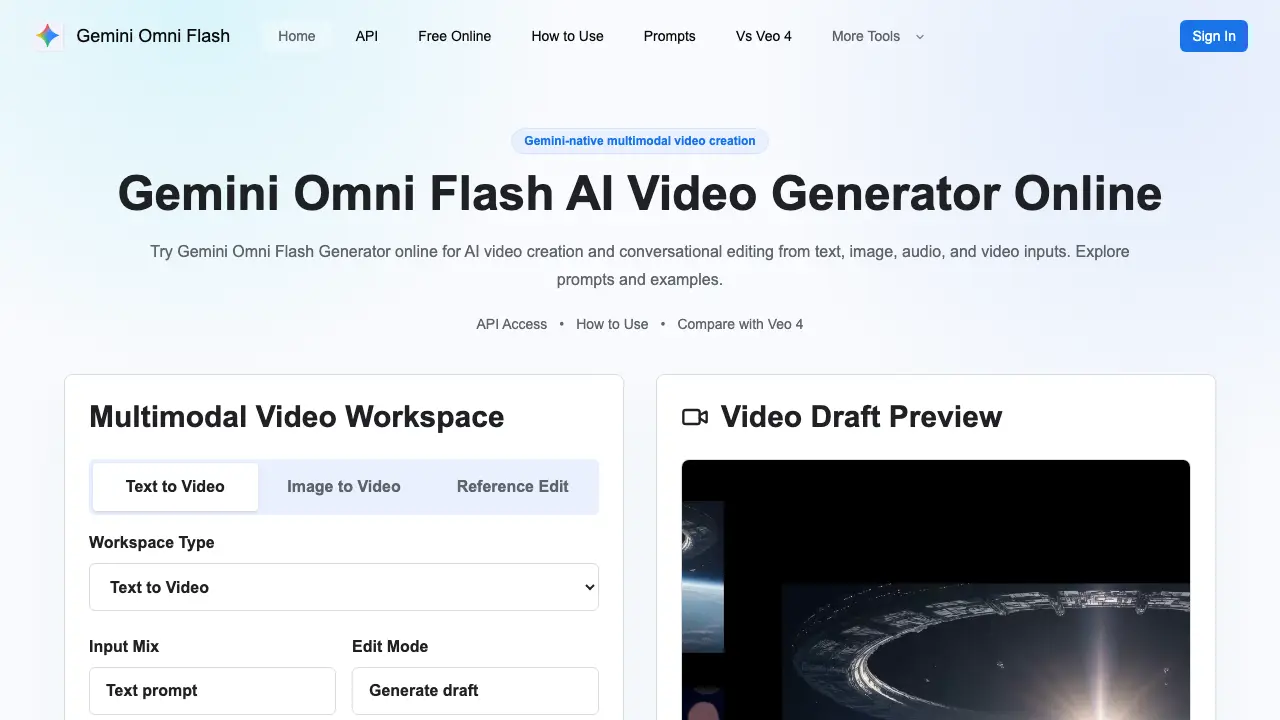
Gemini Omni Flash is an online AI video generator that combines Gemini’s multimodal understanding with direct video creation and conversational editing. Users can start from pure text prompts, anchor identity with image‑to‑video inputs, or refine existing footage using audio and video references. The workspace supports real‑world reasoning, physics‑aware scene planning, and multi‑turn edits, allowing precise control over motion, camera direction, pacing, and element preservation. A built‑in prompt library showcases typical workflows such as product reveals, social clips, and cinematic demos, while an accessible API enables developers to integrate automated video pipelines into marketing, ad‑variation, or creative‑review tools. Free credits facilitate rapid prototyping, and paid credits unlock higher‑resolution outputs and longer runtimes for commercial productions. Gemini Omni Flash thus offers a flexible, knowledge‑driven solution for creators seeking scalable, AI‑assisted video generation and editing.
How does Gemini Omni Flash work
Gemini Omni Flash processes multimodal inputs—text prompts, images, audio clips, and reference video—to generate or edit AI‑driven video drafts within a browser workspace. The system first parses the user’s brief, applying Gemini’s multimodal reasoning to infer scene logic, physical behavior, and contextual consistency. It then synthesizes a video draft, rendering motion, lighting, and camera paths guided by the supplied assets. Users can issue conversational edit commands, prompting the model to adjust pacing, camera movement, or preserve specific elements while maintaining coherence across iterations. This workflow supports both text‑to‑video and reference‑based video creation, enabling rapid prototyping and multi‑turn editing.
Benefits of Gemini Omni Flash
Gemini Omni Flash is the first Gemini‑based model that combines multimodal understanding with video generation and conversational editing. Users can craft a brief from text, images, audio, or reference video, then generate drafts that respect scene logic, physical reasoning, and character consistency. The workspace supports natural‑language revisions, allowing adjustments to pacing, camera moves, or identity preservation without re‑starting. An online generator and upcoming API let creators automate product demos, social clips, or cinematic assets while maintaining control over visual style and narrative flow. Free credits enable quick prototyping before scaling with paid video credits.
Pros and Cons of Gemini Omni Flash
Pros
- Multimodal inputs (text, image, audio, video).
- Conversational editing via natural language.
- Real‑world reasoning and physics‑aware generation.
- API rollout supports developer integration.
- Free credits for initial drafts.
Cons
- Full feature access requires paid credits.
- API still in limited rollout phase.
- No detailed pricing publicly listed.
- Requires clear prompts for consistent results.
- Limited information on output resolution options.
Core Features of Gemini Omni Flash
Multimodal Video Generation
Creates videos from any combination of text prompts, images, audio cues, and reference videos, enabling flexible creative briefs within a single workflow.
Conversational Video Editing
Allows natural‑language revisions—such as adjusting pacing, changing endings, or refining camera moves—without re‑rendering the entire clip.
Reference‑Based Guidance
Uses supplied images, audio, or video as anchors to preserve identity, product details, scene layout, and motion consistency across iterations.
Real‑World Knowledge & Physics Reasoning
Applies Gemini’s world knowledge and physical reasoning to produce logically coherent scenes, realistic motion, and context‑aware storytelling.
Developer API Access
Provides programmatic endpoints for integrating multimodal input handling, credit management, and safety checks into custom video generation pipelines.
Use Cases of Gemini Omni Flash
- Marketing teams: Produce product demo videos from text prompts, maintaining brand identity across multiple drafts.
- Content creators: Convert static images into animated social clips, adding motion and camera dynamics automatically.
- Developers: Integrate Gemini Omni Flash API to automate video generation pipelines for ad variations and personalization.
- Educators: Generate instructional videos by combining lecture notes, images, and audio cues in a single multimodal workflow.
- Post‑production editors: Apply conversational edit commands to refine pacing, endings, or camera moves without re‑rendering from scratch.
FAQs of Gemini Omni Flash
What is Gemini Omni Flash?
Gemini Omni Flash is the first Gemini Omni model specifically designed for video generation and conversational editing. It merges Gemini’s multimodal understanding, real‑world knowledge, and physical reasoning with a generative video workflow, allowing users to create and refine clips from text, images, audio, or reference video inputs.
How does the Gemini Omni Flash online generator work?
The online generator provides a browser‑based workspace where users enter a prompt, select starting media (text, image, or video), add reference assets, and specify edit instructions. After submitting, the model renders a video draft that can be previewed, compared with variations, and further edited through natural‑language commands such as “shorten the opening” or “preserve the product identity.”
Can Gemini Omni Flash edit existing video content?
Yes. Beyond text‑to‑video creation, Gemini Omni Flash supports reference‑based editing. Users can upload a source clip, provide audio cues or timing notes, and request changes like pacing adjustments, camera smoothing, or alternate endings. The model processes these instructions while maintaining continuity of characters, products, and scene layout.
What types of multimodal inputs are accepted?
Gemini Omni Flash accepts any combination of text prompts, still images, audio tracks, and reference video files. This flexibility enables creators to anchor identity with an image, guide motion with a video snippet, or influence performance through audio cues, all within a single unified prompt.
Is an API available for developers?
Google has announced a forthcoming Gemini Omni Flash API, with rollout status and pricing information tracked on the site’s API page. Developers can prepare by building prompt templates, asset storage pipelines, moderation rules, and credit‑tracking logic ahead of public access.
How does Gemini Omni Flash differ from Veo 4?
While both platforms support multimodal video creation, Gemini Omni Flash emphasizes Gemini‑level reasoning, real‑world physics awareness, and conversational edit loops. Veo 4 focuses more on predefined pipelines, whereas Gemini Omni Flash allows natural‑language revisions that preserve identity, camera logic, and scene consistency across multiple iterations.
What is included in the free credit package?
Free credits are allocated for initial drafts, prompt experimentation, aspect‑ratio testing, and short‑scene validation. They enable users to explore how phrasing affects identity preservation and motion stability before committing to paid credits for longer, higher‑resolution, or production‑scale videos.
How are paid video credits structured?
Paid credits cover extended clip lengths, higher resolution outputs, multiple variation generations, and workflows that incorporate source assets such as product footage or brand‑specific audio. Pricing scales with the volume and complexity of the video tasks, making it suitable for marketing teams that need predictable budgeting.
What best practices should be followed when writing prompts?
Effective prompts clearly name the subject, desired motion, camera movement, environment, timing, and any preservation rules. Including physical context (e.g., “a lightweight object falls gently”) and specifying what must stay unchanged (e.g., “keep the brand logo visible”) helps the model produce coherent, physics‑aware results.
How to use Gemini Omni Flash
Gemini Omni Flash serves as an AI video generator that creates and edits videos from text, images, audio, or reference video using multimodal prompts.
Sign in, select the workspace type (Text‑to‑Video, Image‑to‑Video, or Reference Edit), and paste or upload the desired input assets into the provided fields.
Compose a concise prompt that specifies subject, motion, camera angle, environment, timing, and any preservation rules, then click Generate draft to start rendering.
Review the preview thumbnail or playback; the interface displays duration, aspect ratio, and a download link for the draft video file.
Use the conversational edit box to request changes—such as shortening the opening, adjusting camera movement, or keeping character identity—then regenerate the updated clip.
Compare multiple drafts by toggling between versions; note differences in motion smoothness, lighting consistency, and adherence to the original constraints.
Export the final video by confirming resolution and format, then download or copy the embed code for integration into marketing or academic projects.
For developers, consult the Gemini Omni Flash API documentation to automate prompt submission, credit management, and batch processing within custom pipelines.
Gemini Omni Flash Website Traffic Analysis
Latest traffic information
- Monthly Visits353
- Bounce Rate37.46%
- Pages Per Visit1.02
- Visit Duration00:00:00
- Global Rank--
- Country/Region Ranking--
Visits Over Time
Top Keywords
| Keyword | Traffic | Volume | Cost Per Click |
|---|---|---|---|
| omni flash | 20 | 26.02K | -- |
| gemini omni flash | -- | 41.56K | -- |
| gemini omni api | -- | 8.02K | -- |
| omniflash | -- | 1.49K | -- |
| google omni vs veo | -- | 670 | -- |
Top Regions
| Region | Percentage |
|---|---|
| United States | 65.56% |
| Türkiye | 34.44% |
