
MusVideo Core Features
MusVideo AI music‑to‑video generator lets musicians, creators and labels upload an audio file and receive a HD, scene‑by‑scene cinematic video ready for TikTok, YouTube or Instagram in minutes.

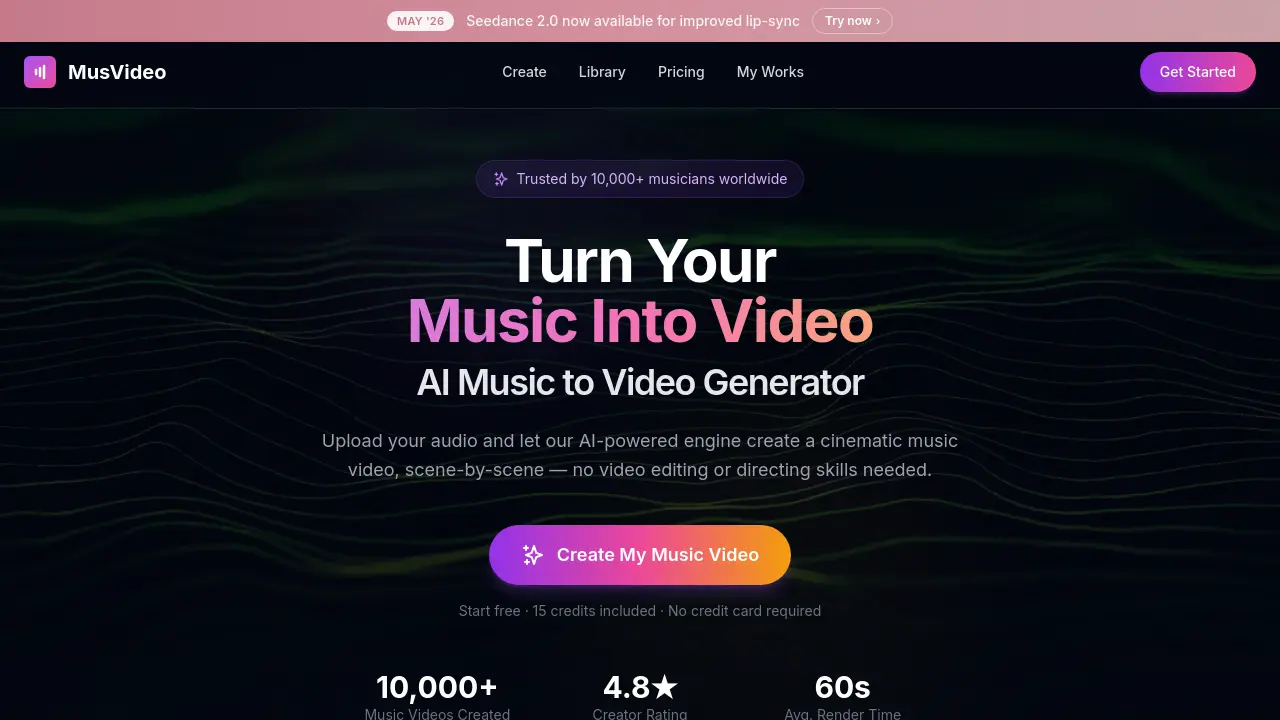
Core Features of MusVideo
AI‑Driven Audio Analysis
Analyzes uploaded tracks for tempo, mood, energy, and language, enabling the system to select appropriate visual themes and synchronize scenes with the music’s rhythm.
Automated Scene Generation & Direction
Creates a cinematic storyboard, generates and color‑grades each shot, and sequences visuals to match beats, acting as a virtual director without manual editing.
Visual Style Selection & Customization
Offers preset visual styles or lets the AI choose matching aesthetics, allowing users to fine‑tune the video’s look while preserving artistic intent.
Multi‑Format Export for Social Platforms
Renders videos in vertical, square, and widescreen HD formats optimized for TikTok, Instagram Reels, YouTube, and Spotify Canvas, facilitating rapid publishing.
Centralized Video Library & Re‑rendering
Stores all generated videos in a personal library where users can organize, download, swap styles, or re‑render content without re‑uploading the original audio.
Use Cases of MusVideo
- Independent musicians: Generate professional‑grade music videos in minutes, eliminating costly filming and editing.
- Indie labels: Deploy simultaneous visual campaigns for multiple artists, streamlining release schedules across YouTube and TikTok.
- Social media creators: Convert any track into vertical or square video clips optimized for Reels, Shorts, and Instagram feeds.
- Songwriters and producers: Produce lyric‑style visualizers that match tempo and mood, supporting rapid EP rollouts.
- Content managers: Organize generated videos in a central library, re‑rendering styles or formats without re‑uploading audio.
