
MusVideo FAQs
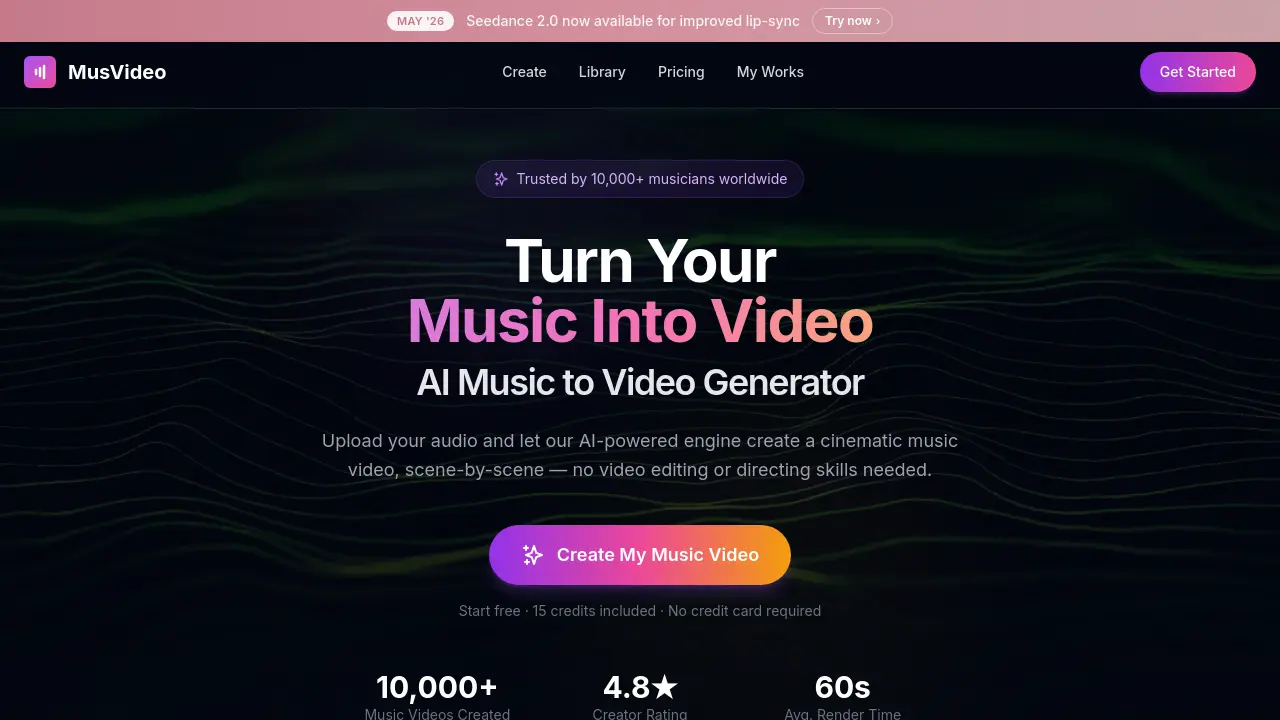
MusVideo AI music‑to‑video generator lets musicians, creators and labels upload an audio file and receive a HD, scene‑by‑scene cinematic video ready for TikTok, YouTube or Instagram in minutes.

FAQs of MusVideo
What is MusVideo and how does it work?
MusVideo is an AI‑powered music‑to‑video generator that transforms uploaded audio files into cinematic music videos. Users upload an MP3, WAV, or other supported track, the AI analyses tempo, mood, and energy, then automatically creates a scene‑by‑scene storyboard, generates visuals, synchronises them to the beat, and provides a downloadable HD video ready for platforms like TikTok, YouTube, and Instagram.
Which audio formats and file sizes can MusVideo accept?
MusVideo accepts common audio formats such as MP3 and WAV. While the website does not specify a strict maximum size, typical cloud‑based upload limits range from 500 MB to 1 GB, which comfortably accommodates full‑length songs and instrumental tracks. Users should ensure the file is clear, properly mixed, and that they hold the necessary rights to the content.
Can MusVideo handle any musical genre or language?
Yes. MusVideo’s AI is trained to recognise a wide spectrum of genres—from lo‑fi hip hop and EDM to metal, ballads, and K‑pop—and it can interpret tracks in any language. The system analyses rhythmic and tonal patterns rather than relying on lyrics alone, allowing it to select appropriate visual styles for diverse musical styles and spoken‑word pieces.
How long does it take to render a music video, and what are the output options?
Typical rendering time is around 60 seconds per video, though complex tracks may take slightly longer. MusVideo outputs videos in high‑definition (1080p) and supports vertical, square, and widescreen aspect ratios, making the files ready for TikTok, Instagram Reels, YouTube, and even Spotify Canvas. Users can preview, fine‑tune, and download the final video directly from their personal library.
What pricing model does MusVideo use and are there free credits available?
MusVideo offers a freemium model: new users receive 15 free credits on sign‑up, allowing them to generate an initial music video without a credit card. After the free credits are exhausted, additional credits can be purchased individually or through subscription plans that grant higher‑volume credit bundles. Detailed pricing information is available on the MusVideo “Pricing” page.
How can I customise the visual style or edit the generated video?
During the creation workflow, users can select a predefined visual style or let the AI automatically choose one that matches the track’s mood. After AI generation, MusVideo provides a preview interface where users can adjust scene order, tweak colour grading, add subtitles, or swap style references by uploading their own reference images. The edited version can then be re‑rendered using remaining credits.
Is MusVideo suitable for commercial use and what copyright responsibilities do I have?
MusVideo is designed for both personal and commercial creators, including independent artists, labels, and content managers. However, users must own or have a licence for the uploaded audio and ensure any generated video complies with copyright law. MusVideo’s terms of service place responsibility on the user for rights clearance; the platform does not provide music licences or guarantee third‑party content usage rights.
How to use MusVideo
MusVideo is an AI‑powered music‑to‑video generator that transforms uploaded audio files into cinematic, scene‑by‑scene music videos, supporting any genre or language.
Upload an MP3, WAV, or other audio file via the Create page; the system automatically analyses tempo, mood, and energy to inform visual planning.
Choose a visual style from the preset gallery or let the AI select a matching aesthetic; this selection guides the subsequent scene generation.
Initiate the AI director; it composes a storyboard, generates each scene, and synchronises visual cuts to the beat and lyrical cues of the track.
Preview the rendered video, fine‑tune parameters such as aspect ratio (vertical, square, widescreen), and export the final HD file for platforms like TikTok, YouTube, or Spotify Canvas.
Review the export summary—track render time, scene count, and style consistency—to assess whether the video meets promotional goals; re‑render from the library if adjustments are needed.
