
MusVideo AI generates cinematic music videos from any track

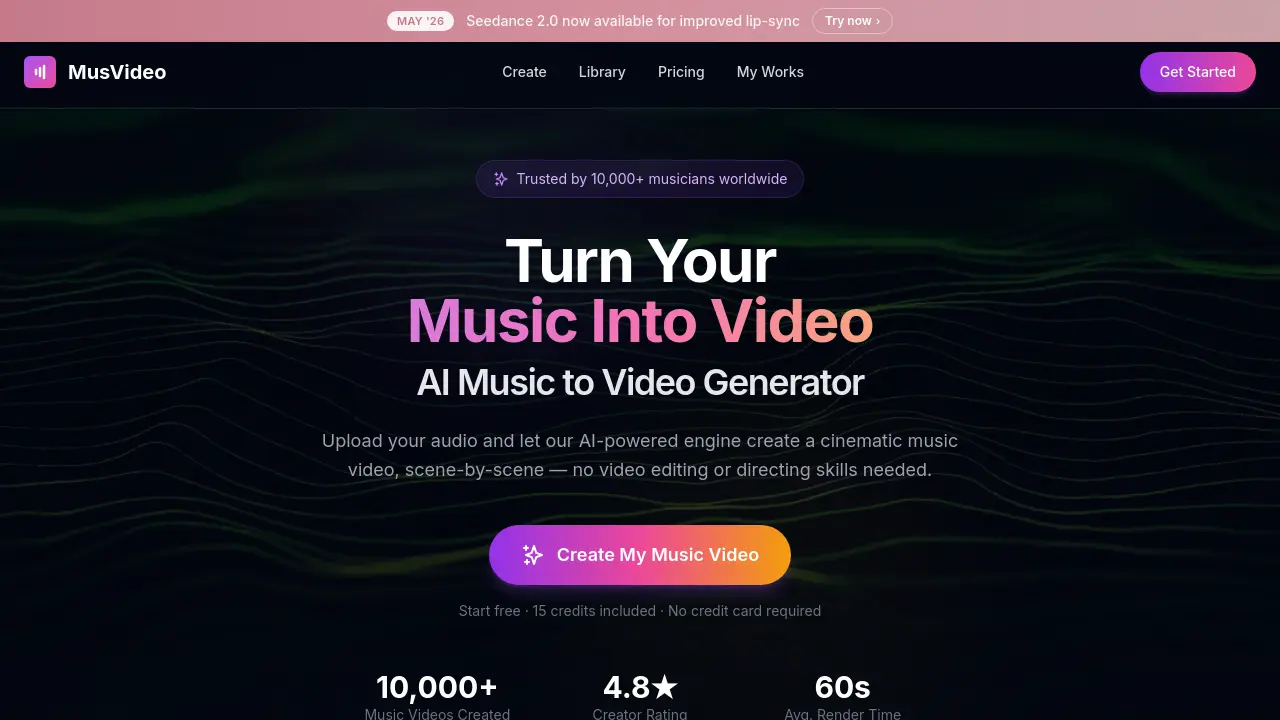
What is MusVideo
MusVideo is an AI‑driven music‑to‑video generator that transforms any uploaded audio file into a cinematic music video within minutes. The platform analyzes tempo, mood, and energy to craft a scene‑by‑scene storyboard, then automatically directs and color‑grades each shot to match the track’s vibe. Users can select a visual style or let the AI choose, preview the result, make fine‑tuning adjustments, and export the final HD video in formats optimized for TikTok, Instagram Reels, YouTube, or Spotify Canvas. The service stores every creation in a personal library, allowing unlimited re‑renders and style swaps without additional editing software. Designed for independent artists, labels, and content creators, MusVideo eliminates the need for costly crews or editing suites while delivering professional‑grade visuals for any genre or language.
How does MusVideo work
MusVideo operates as an AI‑powered music‑to‑video generator that converts uploaded audio files into fully rendered cinematic music videos. When a user drops an MP3, WAV, or other audio format into the platform, the system analyses tempo, mood, BPM and lyrical content, then an AI director assembles a scene‑by‑scene storyboard, selects visual styles, and synchronises each frame to the track’s beats. The generated scenes are colour‑graded and composited into a high‑definition video, which can be previewed, fine‑tuned and exported in vertical, square or widescreen formats for TikTok, YouTube, Instagram Reels or Spotify Canvas.
Benefits of MusVideo
MusVideo converts any audio file into a cinematic, scene‑by‑scene music video without requiring editing skills or a production crew. After uploading an MP3, WAV, or similar track, its AI analyzes tempo, mood and energy, then directs a storyboard, generates fully color‑graded shots, and syncs visuals to the beat. Users can select a visual style or let the system choose, preview and fine‑tune, and export HD videos in formats optimized for TikTok, Instagram Reels, YouTube or Spotify Canvas. The platform stores all projects in a personal library, supports any genre or language, and offers a free starter credit for quick, budget‑friendly video creation.
Pros and Cons of MusVideo
Pros
- Generates cinematic videos from any audio file.
- No editing or directing skills required.
- Supports all genres and languages.
- Fast rendering—average 60 seconds per video.
- Free starter credits with no credit card.
Cons
- Limited control over detailed scene prompts.
- Subscription model may cost more long‑term.
- Video length capped at four minutes.
- Quality depends on AI’s mood analysis.
- Requires user to own or license uploaded music.
Core Features of MusVideo
AI‑Driven Audio Analysis
Analyzes uploaded tracks for tempo, mood, energy, and language, enabling the system to select appropriate visual themes and synchronize scenes with the music’s rhythm.
Automated Scene Generation & Direction
Creates a cinematic storyboard, generates and color‑grades each shot, and sequences visuals to match beats, acting as a virtual director without manual editing.
Visual Style Selection & Customization
Offers preset visual styles or lets the AI choose matching aesthetics, allowing users to fine‑tune the video’s look while preserving artistic intent.
Multi‑Format Export for Social Platforms
Renders videos in vertical, square, and widescreen HD formats optimized for TikTok, Instagram Reels, YouTube, and Spotify Canvas, facilitating rapid publishing.
Centralized Video Library & Re‑rendering
Stores all generated videos in a personal library where users can organize, download, swap styles, or re‑render content without re‑uploading the original audio.
Use Cases of MusVideo
- Independent musicians: Generate professional‑grade music videos in minutes, eliminating costly filming and editing.
- Indie labels: Deploy simultaneous visual campaigns for multiple artists, streamlining release schedules across YouTube and TikTok.
- Social media creators: Convert any track into vertical or square video clips optimized for Reels, Shorts, and Instagram feeds.
- Songwriters and producers: Produce lyric‑style visualizers that match tempo and mood, supporting rapid EP rollouts.
- Content managers: Organize generated videos in a central library, re‑rendering styles or formats without re‑uploading audio.
FAQs of MusVideo
What is MusVideo and how does it work?
MusVideo is an AI‑powered music‑to‑video generator that transforms uploaded audio files into cinematic music videos. Users upload an MP3, WAV, or other supported track, the AI analyses tempo, mood, and energy, then automatically creates a scene‑by‑scene storyboard, generates visuals, synchronises them to the beat, and provides a downloadable HD video ready for platforms like TikTok, YouTube, and Instagram.
Which audio formats and file sizes can MusVideo accept?
MusVideo accepts common audio formats such as MP3 and WAV. While the website does not specify a strict maximum size, typical cloud‑based upload limits range from 500 MB to 1 GB, which comfortably accommodates full‑length songs and instrumental tracks. Users should ensure the file is clear, properly mixed, and that they hold the necessary rights to the content.
Can MusVideo handle any musical genre or language?
Yes. MusVideo’s AI is trained to recognise a wide spectrum of genres—from lo‑fi hip hop and EDM to metal, ballads, and K‑pop—and it can interpret tracks in any language. The system analyses rhythmic and tonal patterns rather than relying on lyrics alone, allowing it to select appropriate visual styles for diverse musical styles and spoken‑word pieces.
How long does it take to render a music video, and what are the output options?
Typical rendering time is around 60 seconds per video, though complex tracks may take slightly longer. MusVideo outputs videos in high‑definition (1080p) and supports vertical, square, and widescreen aspect ratios, making the files ready for TikTok, Instagram Reels, YouTube, and even Spotify Canvas. Users can preview, fine‑tune, and download the final video directly from their personal library.
What pricing model does MusVideo use and are there free credits available?
MusVideo offers a freemium model: new users receive 15 free credits on sign‑up, allowing them to generate an initial music video without a credit card. After the free credits are exhausted, additional credits can be purchased individually or through subscription plans that grant higher‑volume credit bundles. Detailed pricing information is available on the MusVideo “Pricing” page.
How can I customise the visual style or edit the generated video?
During the creation workflow, users can select a predefined visual style or let the AI automatically choose one that matches the track’s mood. After AI generation, MusVideo provides a preview interface where users can adjust scene order, tweak colour grading, add subtitles, or swap style references by uploading their own reference images. The edited version can then be re‑rendered using remaining credits.
Is MusVideo suitable for commercial use and what copyright responsibilities do I have?
MusVideo is designed for both personal and commercial creators, including independent artists, labels, and content managers. However, users must own or have a licence for the uploaded audio and ensure any generated video complies with copyright law. MusVideo’s terms of service place responsibility on the user for rights clearance; the platform does not provide music licences or guarantee third‑party content usage rights.
How to use MusVideo
MusVideo is an AI‑powered music‑to‑video generator that transforms uploaded audio files into cinematic, scene‑by‑scene music videos, supporting any genre or language.
Upload an MP3, WAV, or other audio file via the Create page; the system automatically analyses tempo, mood, and energy to inform visual planning.
Choose a visual style from the preset gallery or let the AI select a matching aesthetic; this selection guides the subsequent scene generation.
Initiate the AI director; it composes a storyboard, generates each scene, and synchronises visual cuts to the beat and lyrical cues of the track.
Preview the rendered video, fine‑tune parameters such as aspect ratio (vertical, square, widescreen), and export the final HD file for platforms like TikTok, YouTube, or Spotify Canvas.
Review the export summary—track render time, scene count, and style consistency—to assess whether the video meets promotional goals; re‑render from the library if adjustments are needed.
MusVideo Website Traffic Analysis
Latest traffic information
- Monthly Visits33.81K
- Bounce Rate38.86%
- Pages Per Visit2.21
- Visit Duration00:00:44
- Global Rank856.19K
- Country/Region Ranking466.54K
Top Keywords
| Keyword | Traffic | Volume | Cost Per Click |
|---|---|---|---|
| ai music video generator | 250 | 7.02K | $3.99 |
| free ai music video generator from mp3 | 90 | 460 | -- |
| music video generator upload mp3 and mp4 | 90 | -- | -- |
| musvideo | 80 | -- | -- |
| music to video ai | 60 | 950 | $3.89 |
Top Regions
| Region | Percentage |
|---|---|
| United States | 28.15% |
| United Kingdom | 13.64% |
| France | 8.45% |
| Vietnam | 8.24% |
| India | 6.51% |
MusVideo Alternatives
Seedance 3.0 preview page: planned multi-shot continuity, scene editing and audio-visual sync for AI video, while the on-page generator runs Seedance 2.5.
Browser workspace for AI image generation, reference photo editing, and short video drafts, aimed at creators, marketers, and product teams.
Black Forest Labs' multimodal model with a web generator for text-to-video, image-to-video and image editing with native audio, for creators and marketers.
Wan API is an independent platform for Wan and Seedance video models. Compare specs and rates, generate clips in the Playground, or call them through one API.
Seedance 3.0 turns text, images, video clips, and audio into videos with sound, and edits one part of a clip without regenerating the rest.
Wery is a virtual AI studio that routes one goal to specialist agents for video, images, music and documents, keeping characters and project assets consistent.

AI video and image studio with text-to-video, image-to-video and keyframe control across Seedance, Kling, Wan and Vidu — all on one credit balance.
Browser studio for AI video, image and music generation with Grok Imagine, Kling and GPT Image models. Free daily credits, no sign-up required.
SeaMove AI is an AI video and image generation platform offering Seedance 2.0 and Seedance 2.5 models for text-to-video, image-to-video, and reference-based creation. Features multi-shot continuity, director-level control, and audio-visual sync for creators and studios.
Turns two separate portraits into a 15-second vertical rap duet video on an orange stage with a shared microphone and the original soundtrack. Free 480P preview available.
Mareel is an all-in-one AI video and image generation workspace giving creators, marketers, and ecommerce teams 40+ leading models and one shared credit balance.
Kinovi is a REST API that runs published video, image, and audio AI models from one endpoint. Send a model ID to createTask, poll recordInfo, and pay per use from one shared credit balance.