
Gemini Omni AI creates videos from text, images, references

What is Gemini Omni
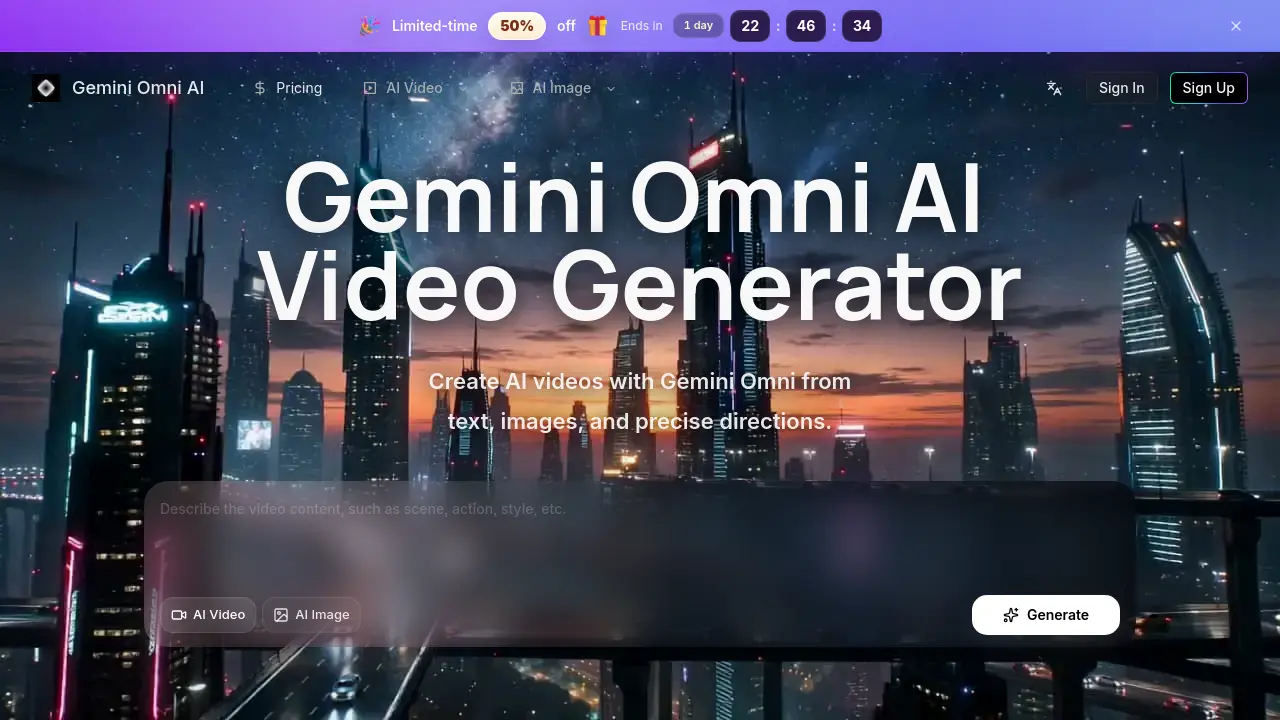
Gemini Omni is an AI‑driven video generator that turns text prompts, reference images, or combined directions into high‑definition cinematic clips. The platform supports image‑to‑video conversion, allowing users to supply a single photograph and detailed prompts to create motion‑rich sequences for product showcases, storyboards, or social media ads. Text‑to‑video mode lets creators specify camera moves, timing, and visual style, producing drafts that are instantly editable and exportable in HD. A unified dashboard consolidates prompt history, credit usage, and downloads, streamlining revisions and collaborative workflows. Designed for marketers, designers, and short‑form creators, Gemini Omni emphasizes fine‑grained control, reference‑driven output, and a single‑tool workflow that reduces the need to switch between disparate AI services.
How does Gemini Omni work
Gemini Omni AI functions as an integrated AI video generator that accepts text prompts, reference images, or combined directions to produce cinematic, HD‑resolution clips. Users submit a detailed description of scene composition, camera motion, timing, and visual style; alternatively, they upload an image that the system extrapolates into motion using a reference‑driven pipeline. The platform’s backend model parses these inputs, maps semantic cues to motion vectors, and renders frames with fine‑grained control over transitions and lighting. Generated drafts are stored with credit‑based usage tracking, allowing creators to edit, download, and reuse assets within a single workflow.
Benefits of Gemini Omni
Gemini Omni AI Video Generator streamlines cinematic production by allowing creators to craft HD clips from text prompts, reference images, or combined directions. Its fine‑grained controls let users specify camera motion, timing, and transitions, while a single‑pane workflow keeps prompts, assets, and generation history organized, reducing the need to switch between separate tools. Built‑in credit tracking and downloadable outputs support commercial projects, and the platform’s public example library aids rapid concept exploration. The service offers tiered pricing with daily reward credits, making high‑quality AI video creation accessible for freelancers and larger teams alike.
Pros and Cons of Gemini Omni
Pros
- Supports both text‑to‑video and image‑to‑video generation.
- HD output optimized for editing workflows.
- Unified interface minimizes switching between tools.
- Tiered credit plans accommodate varying usage levels.
- Public example library aids prompt development.
Cons
- Not an official Google product, may affect trust.
- Credit consumption can become costly for heavy users.
- Lower subscription tiers limit concurrent tasks.
- Per‑video pricing details are not transparent.
- Advanced features may require higher‑priced plans.
Core Features of Gemini Omni
Text‑to‑Video Generation
Creates cinematic HD clips from detailed text prompts, allowing users to define scene composition, camera moves, timing, and visual style in a single workflow.
Image‑to‑Video Conversion
Transforms uploaded reference images into animated video sequences, preserving subject characteristics while adding motion and cinematic effects based on user‑specified directions.
Reference‑Driven Video Drafting
Combines still images, visual anchors, and optional prompts to guide AI generation, delivering stronger control over subject, style, and composition.
Fine‑Grained Motion Control
Enables precise specification of camera paths, subject movement, transitions, and timing, resulting in videos that match exact creative intentions.
Editing‑Friendly HD Output
Produces high‑resolution video files optimized for revision‑heavy pipelines, facilitating easy export, download, and integration into marketing or social media assets.
Credit & History Management
Tracks generation credits, saves task history, and organizes downloads within a unified dashboard, streamlining workflow continuity and resource monitoring.
Use Cases of Gemini Omni
- Marketing teams: Produce short promotional clips from product images, maintaining brand style with precise text prompts.
- Content creators: Generate storyboard animations by converting script excerpts into cinematic video drafts.
- E‑commerce managers: Transform product photos into engaging motion ads, speeding up seasonal campaign rollout.
- Social media strategists: Create vertical, short‑form videos from reference images for platform‑specific engagement.
- Freelance editors: Consolidate prompt, reference, and export management in a single workflow to reduce tool-switching overhead.
FAQs of Gemini Omni
What is Gemini Omni AI?
Gemini Omni AI is an AI‑powered video generator that creates cinematic‑quality videos from text prompts, reference images, or precise directional inputs. It consolidates prompt planning, reference handling, and HD output within a single workflow, making it suitable for creators, marketers, and developers who need fast, high‑resolution video drafts.
Can I create videos from both text and images?
Yes. Gemini Omni AI supports text‑to‑video, image‑to‑video, and reference‑driven video generation. Users can start with a plain description, upload a still image as a visual anchor, or combine both to achieve fine‑grained control over style, composition, and motion.
Is Gemini Omni AI an official Google website?
No. Gemini Omni AI is an independent service operated by Lotook, LLC. Although the name references Google’s Gemini brand, the platform is not affiliated with or endorsed by Google.
What can I make with Gemini Omni AI?
The platform can produce short‑form social clips, product advertisements, storyboards, concept scenes, brand visuals, and other creative video assets. Its flexibility allows creators to generate anything from fashion lookbooks to isometric office walkthroughs.
Do I need an account to generate videos?
You can browse public examples without signing in. To generate, save history, manage credits, and download files, you must create an account and log in.
How do credits work?
Each generation consumes credits based on the selected model, video resolution, duration, and complexity of the prompt. Credits are replenished monthly according to your subscription tier, and you can purchase additional credits on demand.
Can I use generated videos commercially?
Gemini Omni AI is designed for commercial workflows, but the final usage rights depend on the specific model’s licensing terms and the nature of the input materials. Review the model documentation for any restrictions before using outputs in paid campaigns.
How can I export videos in HD quality?
After a video is generated, an “Export” button appears on the result page. Selecting HD (1080p or higher) initiates a download of an MP4 file encoded with H.264. The platform stores the HD file for 180 days, after which you may need to re‑export if additional edits are required.
What is the approximate credit cost per minute of video?
Credit consumption varies, but a typical 30‑second HD video using the standard model costs between 8 and 12 credits. Longer durations or higher‑quality models can increase the cost proportionally, so a full minute generally requires roughly 20‑30 credits.
Is there a refund or cancellation policy for subscriptions?
Lotook, LLC offers a 7‑day money‑back guarantee for new subscribers. If you cancel within this window, a full refund of the most recent payment will be issued. After the guarantee period, refunds are evaluated on a case‑by‑case basis according to the terms of service.
Can multiple team members collaborate on the same project?
Yes. The Premium subscription includes unlimited concurrency, allowing several users to work on separate drafts simultaneously. While real‑time co‑editing is not yet supported, each member can access shared generation history and download assets using the same account credentials.
How to use Gemini Omni
Gemini Omni AI serves as an AI video generator that creates cinematic HD videos from text prompts, reference images, or combined directions, streamlining content production for marketing and storytelling.
Sign in or create an account, then navigate to the “Generate Video” section; the interface displays separate tabs for Text‑to‑Video and Image‑to‑Video inputs.
For text‑to‑video, compose a concise prompt describing scene, camera motion, timing, and visual style; the system parses the description into a structured draft.
For image‑to‑video, upload a high‑resolution reference image, add an optional prompt to guide motion and transitions, then click Generate to convert the still into motion.
Review the preview window where the generated video appears; hover over timestamps to inspect individual frames and assess fidelity to the original prompt or reference.
Use the download button to export the HD video, or click “Edit” to adjust prompts, refine camera paths, or modify style settings for iterative improvement.
Analyze the output by comparing key metrics such as visual coherence, motion smoothness, and resolution; apply insights to optimize future prompts and achieve desired creative goals.
