
AI Image to Video Introduction
AI Image to Video is a free online image‑to‑video AI generator that lets users turn a single photo into cinematic clips with motion prompts.

What is AI Image to Video
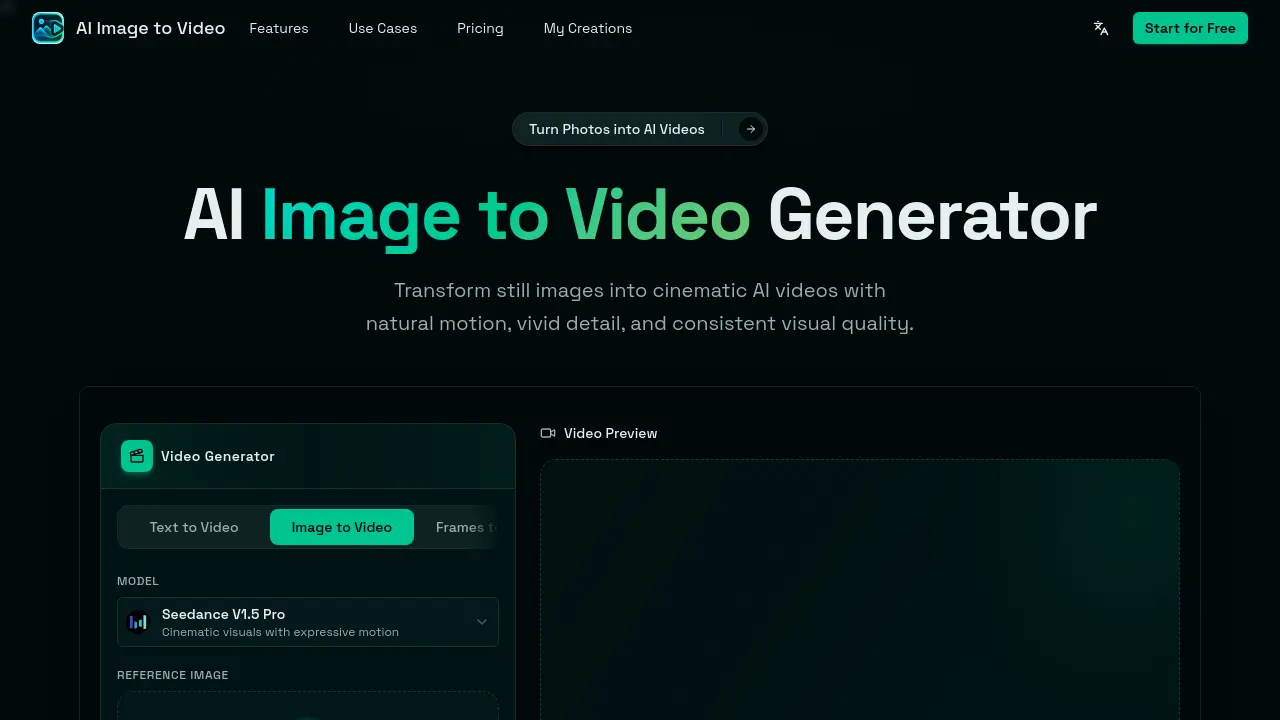
AI Image to Video is an online generator that converts a single still image into a short cinematic video. By uploading a photo, product shot, portrait, anime illustration, or pet picture (max 5 images, 10 MB each) and entering a natural‑language motion prompt, the Seedance V1.5 Pro model adds realistic camera moves, depth motion, lighting changes, and subject‑preserving animation. The workflow requires no installation, local GPU, or video‑editing expertise: upload, prompt, generate, then download the result in common aspect ratios (1:1, 9:16, 16:9, etc.). Designed for creators, marketers, and ecommerce owners, the tool quickly produces social‑media clips, product promos, and visual storytelling assets suitable for TikTok, Instagram Reels, YouTube Shorts, and ad campaigns. A free tier enables immediate experimentation, with optional paid credits for higher‑resolution outputs or extended durations.
How does AI Image to Video work
The AI Image to Video service operates through a browser‑based workflow that accepts a single uploaded image (up to 5 files, 10 MB each) and a text‑based motion prompt. The platform’s Seedance V1.5 Pro model interprets the visual content as a base frame, then synthesizes consecutive frames by applying the described camera movements, subject dynamics, and lighting changes, producing a short video with consistent subject identity and cinematic depth. Users can select aspect ratio, resolution, and duration, optionally generating matching audio, after which the video is rendered online and available for download, enabling rapid creation of social‑media clips, product promos, and animated portraits without external editing software.
Benefits of AI Image to Video
AI Image to Video lets users convert a single still image into a short cinematic video directly in the browser, eliminating the need for editing software or local GPU resources. By uploading a photo, product shot, illustration, or pet picture and adding a natural‑language motion prompt, the platform generates smooth camera movements, subject animation, and optional matching audio within minutes. The tool maintains the original subject’s recognizability, supports multiple aspect ratios and resolutions, and produces videos ready for TikTok, Reels, Shorts, ads, or e‑commerce pages. Its free‑to‑start model offers a fast, low‑skill workflow for creators, marketers, and designers.
Pros and Cons of AI Image to Video
Pros
- Free to start, browser‑based generation.
- Single image sufficient for video creation.
- Motion prompts allow textual control of camera and effects.
- Produces short, social‑media ready clips quickly.
- No video editing expertise required.
Cons
- Limited to short video durations.
- Output quality depends on uploaded image resolution.
- Advanced customization options are minimal.
- Potential watermark or credit limits on free tier.
- Requires credits for higher‑quality or longer renders.
