
AI Image to Video Core Features
AI Image to Video is a free online image‑to‑video AI generator that lets users turn a single photo into cinematic clips with motion prompts.

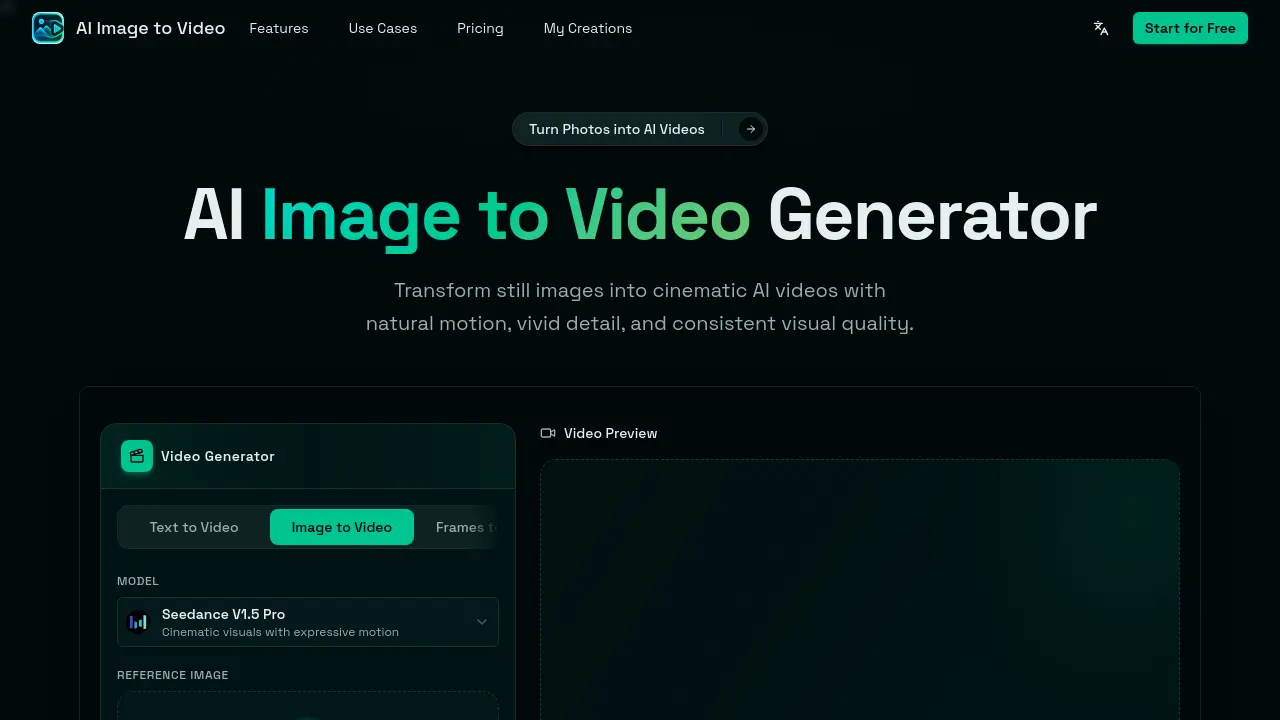
Core Features of AI Image to Video
Still Image Animation
Transforms a static photo into a moving video, adding subject motion, environmental shifts, and depth cues to create dynamic visual storytelling.
Cinematic Camera Control
Applies zooms, pans, orbit shots, and parallax depth, giving the generated video realistic camera movement and professional‑grade framing.
Motion Prompt Control
Allows users to describe desired motion with natural‑language prompts, guiding camera behavior, lighting, background action, and overall video mood.
Subject Consistency
Ensures the primary subject—person, product, pet, or character—remains recognizable throughout the animation, preserving visual identity while adding motion.
Fast Online Generation
Processes image‑to‑video conversion directly in the browser without local software or GPU requirements, delivering results within minutes.
Short‑Form Video Output
Exports compact videos optimized for TikTok, Instagram Reels, YouTube Shorts, and other social platforms, facilitating immediate sharing and marketing use.
Use Cases of AI Image to Video
- Social media managers: Generate short, platform‑optimized video clips from product photos for TikTok and Instagram Reels.
- E‑commerce owners: Animate product images with cinematic camera pans to create engaging ad videos without editing software.
- Graphic design students: Transform storyboard sketches or anime panels into dynamic video sequences using motion prompts.
- Content creators: Add subtle zoom and background motion to portrait selfies for personalized video intros.
- Marketing teams: Produce quick promotional videos from brand posters, maintaining visual identity while adding expressive motion.
