
AI Image Text Editor Introduction
AI Image Text Editor lets users replace, remove, translate, and redact text inside finished images while preserving the original font, background, and layout.

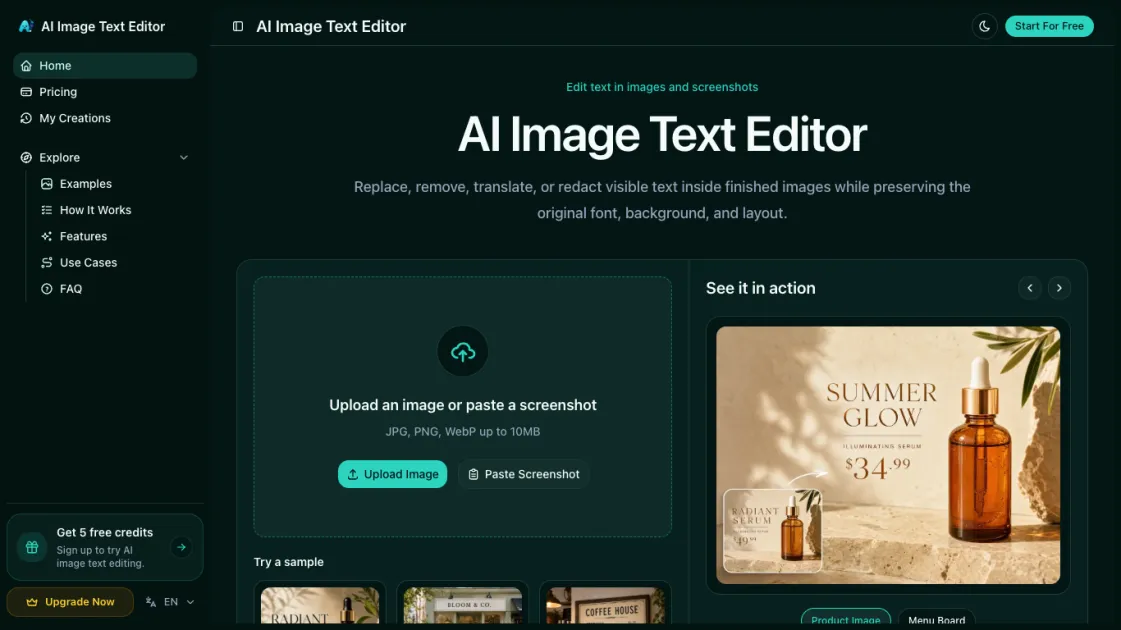
What is AI Image Text Editor
AI Image Text Editor is an AI-powered online tool that lets you replace, remove, translate, and redact text inside finished images without needing the original source files. Simply upload a photo or screenshot, select the text you want to change, and type your replacement — the AI detects every character, rebuilds the background seamlessly, and matches the original font style, size, and color so the edit is invisible. Whether you need to fix a typo on a product listing, localize marketing banners into another language, remove watermarks, or blackout sensitive information, the whole process takes just a few clicks right in your browser, with no design skills or software installation required.
How does AI Image Text Editor work
AI Image Text Editor works in four straightforward steps. First, you upload a photo, screenshot, or paste an image directly into the browser — no software installation needed. The AI then scans the image and automatically detects all visible text along with its position, font, size, and color. Next, you click on the text you want to change and type your replacement, deletion, or select a target language for translation. Finally, the AI rebuilds the background behind the edited area and renders the new text in the original style, producing a seamless result that you can preview and download in seconds.
Benefits of AI Image Text Editor
AI Image Text Editor eliminates the back-and-forth with designers by letting anyone fix or update text in images directly. Ecommerce sellers can correct product descriptions or pricing without reshooting photos, and marketers can localize campaign assets into new languages without redesigning from scratch. The AI preserves the original font, color, and layout, so every edit looks native to the image rather than pasted on. Sensitive information can be redacted in seconds before sharing documents publicly, and batch processing lets teams update dozens of images at once. Since it runs entirely in the browser, there is no software to install and no learning curve — just upload, edit, and download.
Pros and Cons of AI Image Text Editor
Pros
- No design skills or software required
- Edits are visually undetectable
- Supports multiple languages for translation
- Freemium with 5 free trial credits
- Runs entirely in the browser
Cons
- Email-only customer support
- Credit-based pricing may be limiting for heavy users
- Requires internet connection to use
- Text-heavy or complex layouts may produce imperfect results
