
AI Image Text Editor Core Features
AI Image Text Editor lets users replace, remove, translate, and redact text inside finished images while preserving the original font, background, and layout.

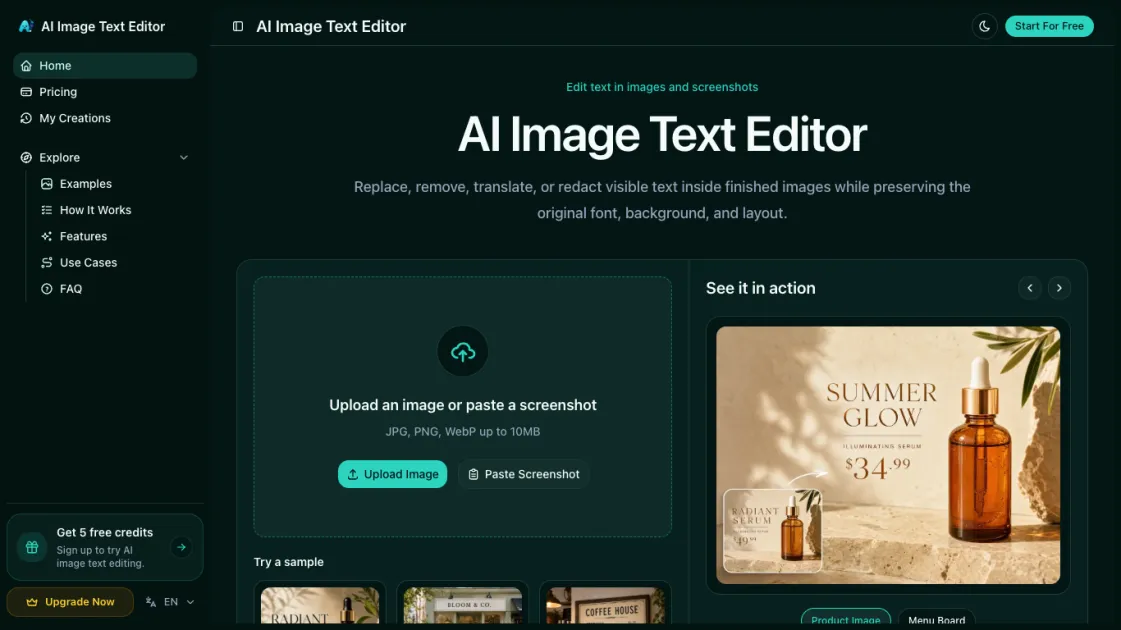
Core Features of AI Image Text Editor
Replace Text in Images
Upload any image, select the text you want to change, and type a replacement. The AI reconstructs the background and matches the original font style and color.
Remove Text from Images
Select unwanted text — watermarks, dates, labels — and delete it entirely. The tool repairs the background behind the removed text, leaving a clean, unmarked image.
Translate Text in Images
Pick a target language and the AI translates all detected text in-place, preserving the original typography and layout so the result looks native.
Edit Screenshot Text
Modify text in screenshots, mockups, or UI captures without reloading the original app. Fix labels, update placeholders, or correct copy for presentations and documentation.
Redact Sensitive Information
Black out or blur confidential text in images — phone numbers, addresses, IDs — to protect privacy before sharing documents or screenshots publicly.
Batch Processing
Upload multiple images and apply the same text edits across all of them at once, saving time when updating product listings, marketing assets, or localized content at scale.
AI Background Reconstruction
After text is replaced or removed, the AI intelligently fills in the background using surrounding pixels, ensuring edits are invisible even on complex textures, gradients, or photographs.
No Design Skills Required
The entire workflow runs in your browser with a simple click-and-type interface. Upload, select text, type your edit, and download — no Photoshop or graphic design experience needed.
Use Cases of AI Image Text Editor
- Product listing images: Correct typos, update pricing, or fix descriptions on ecommerce photos without reshooting.
- Marketing banners: Localize campaign graphics into new languages while preserving the original design and typography.
- Screenshots and mockups: Edit placeholder text, fix labels, or update UI copy for presentations and documentation.
- Social media graphics: Adjust captions, remove outdated dates, or replace text on shareable images before posting.
- Shared documents: Redact phone numbers, addresses, or IDs in images before sending them to clients or publishing online.
