
AI Background Remover Introduction
AI Gazou removes image backgrounds for free using AI. Upload photos, products, or logos to get transparent PNGs with clean edges and customizable margins.

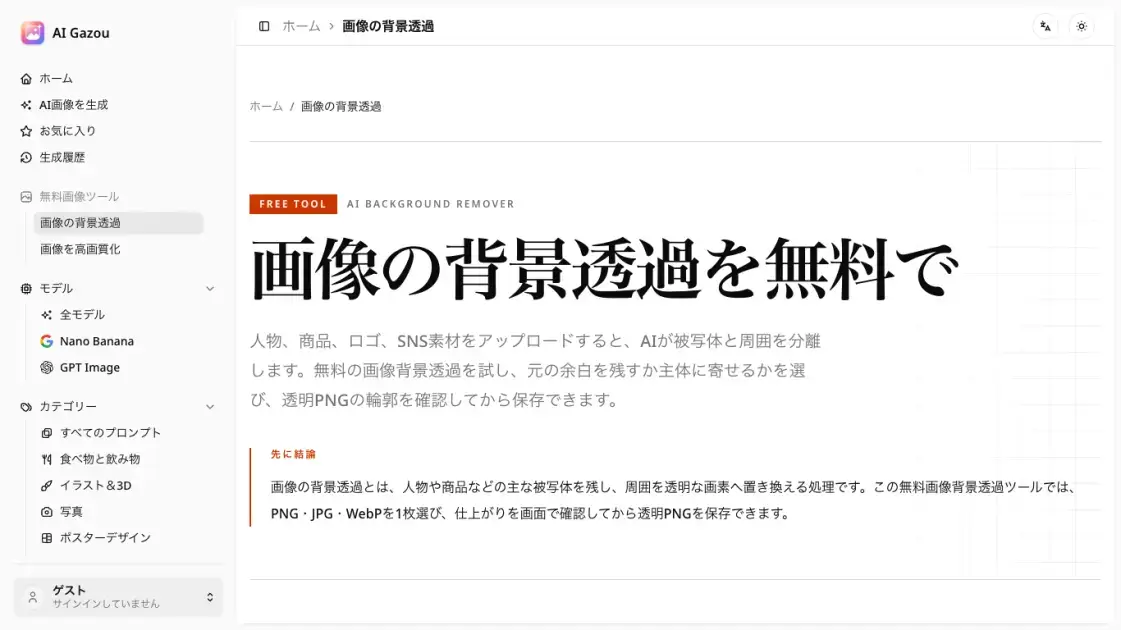
What is AI Background Remover
AI Gazou is a free online tool that removes image backgrounds using artificial intelligence. Users upload a photo, product shot, logo, or social media asset in PNG, JPG, or WebP format (up to 8 MB), and the AI model isolates the subject from its surroundings. The result is a transparent PNG that can be placed on any background without manual masking. A built-in preview lets users compare the processed image against the original on a checkerboard canvas before downloading. Two output modes are available: keep the original canvas dimensions or crop tight to the subject. The tool operates entirely in the browser with no account or login required, making it a straightforward option for quick background removal tasks across e-commerce, design, and social media workflows.
How does AI Background Remover work
When an image is uploaded, it is sent to a server-side AI model that performs semantic segmentation to distinguish the main subject from its background. The model analyzes color boundaries, edge patterns, and depth cues to create a mask separating foreground from background pixels. The background is then replaced with transparent values, producing a PNG with an alpha channel. Users can choose to retain the original canvas dimensions or crop to the subject's bounding box. Results appear on a checkerboard pattern to make transparency visible, and users can toggle between original and processed views to verify edge accuracy before saving.
Benefits of AI Background Remover
AI Gazou eliminates manual background removal by automating the process with AI. The tool is free and requires no account, lowering the barrier for tasks like preparing product listings, profile pictures, or design assets. The edge comparison preview helps catch quality issues before download, reducing post-processing. Transparent PNG output integrates directly into websites, presentations, and social media graphics. However, the tool processes one image at a time with an 8 MB limit, which may not suit high-volume workflows. For individual users and small teams needing quick, no-cost background removal, the tool provides a practical solution without software installation.
Pros and Cons of AI Background Remover
Pros
- Free to use with no account or login required
- Edge comparison preview before download catches quality issues
- Supports PNG, JPG, and WebP input formats
- Canvas margin control for flexible output composition
- Browser-based tool with no software installation needed
Cons
- Processes only one image at a time
- File size limit of 8 MB per image
- No batch processing for bulk workflows
- Depends on external AI service for image processing
- Limited to background removal without additional editing features
