
AI Background Remover Core Features
AI Gazou removes image backgrounds for free using AI. Upload photos, products, or logos to get transparent PNGs with clean edges and customizable margins.

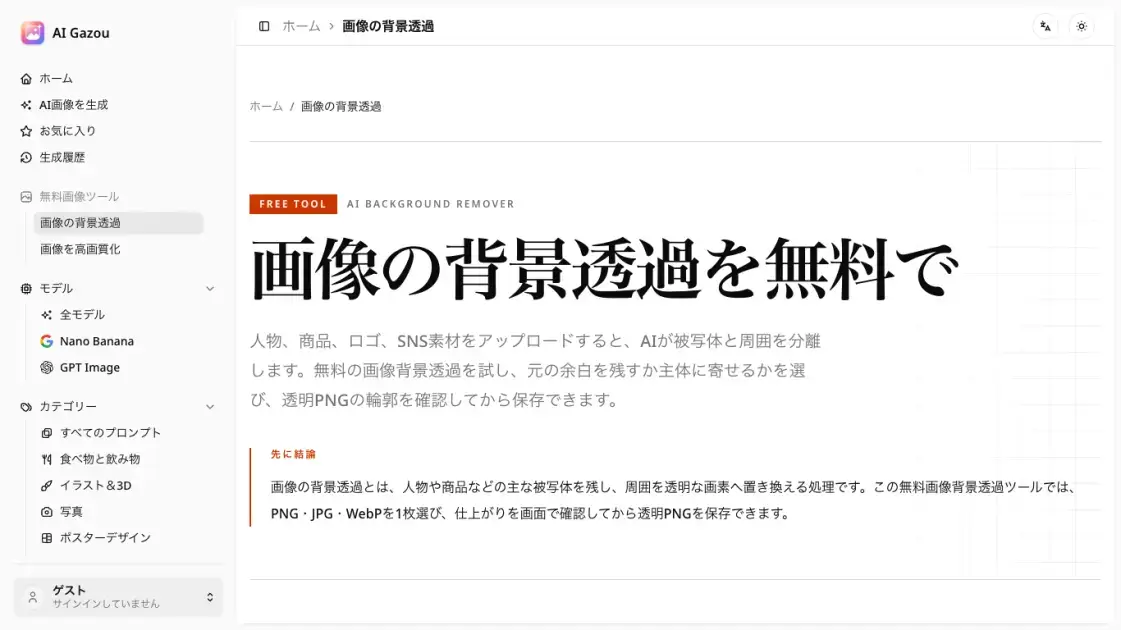
Core Features of AI Background Remover
AI-Powered Background Removal
The core function uses a server-side AI model to detect and separate the main subject from its background, replacing the surrounding area with transparent pixels.
Transparent PNG Export
Processed images are saved as PNG files, which preserve transparent pixels. This format is necessary because JPG does not support transparency.
Edge Preview and Comparison
After processing, users can toggle between the original and the result on a checkerboard canvas to inspect edge quality around hair, fingers, and product details before downloading.
Canvas Margin Control
Two output modes let users decide the final composition: keep the original canvas dimensions to preserve the original framing, or crop tightly to the subject to remove unnecessary transparent space.
Multi-Format Input
The tool accepts PNG, JPG, and WebP files up to 8 MB. This covers the most common image formats used for product photography, personal photos, and digital assets.
No Registration Required
The tool can be used without creating an account or logging in. A Cloudflare security check is performed for anonymous users, but no credentials or payment information are needed.
Use Cases of AI Background Remover
- E-commerce product images: Remove cluttered backgrounds from product photos to create clean, consistent listings with transparent or white backgrounds.
- Profile and headshot photos: Isolate a person's portrait from a busy background for professional profiles, team pages, or ID badges.
- Logo extraction: Separate a logo from its surrounding design elements to obtain a transparent version for watermarking or overlay use.
- Social media graphics: Prepare images with transparent backgrounds for layering onto custom banners, stories, or promotional posts.
- Design assets and stickers: Cut out subjects from photos to create reusable design components for presentations, mockups, or digital art projects.
