
Wplace Pixel Introduction
This free online tool converts images to Wplace Pixel Art, specifically optimized for the Wplace.live collaborative canvas, offering advanced customization.

What is Wplace Pixel
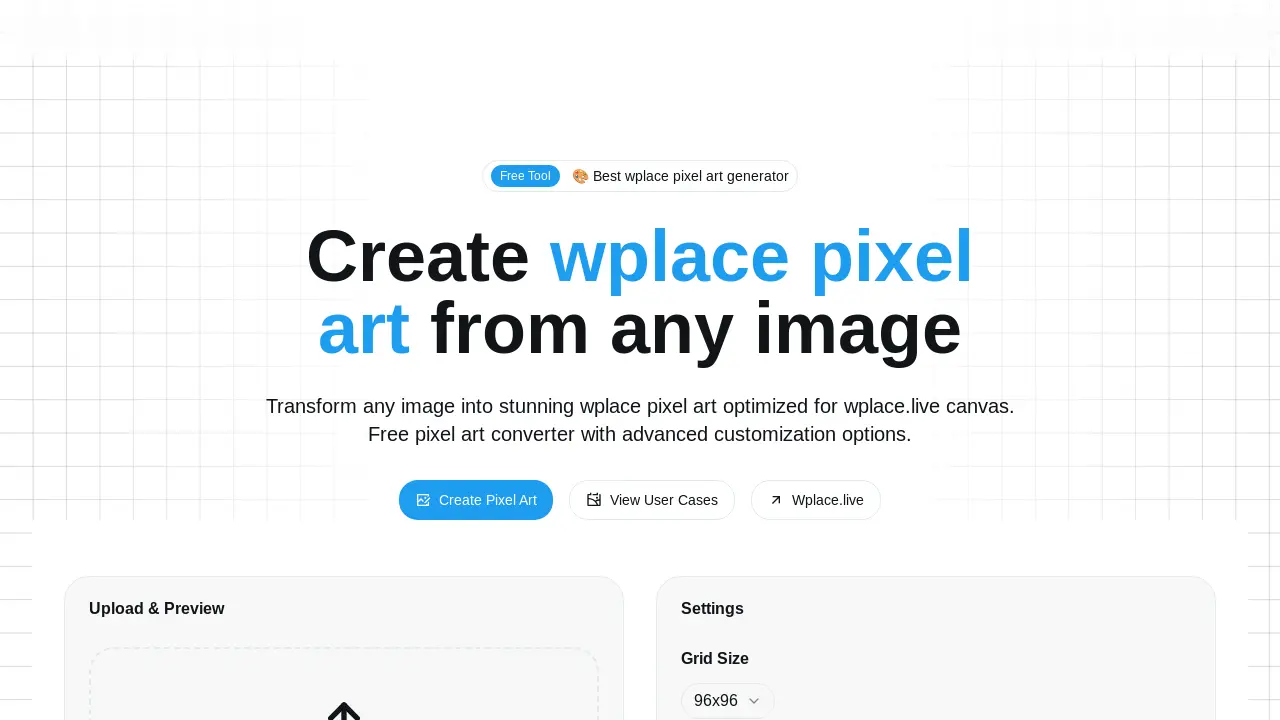
Wplace Pixel is a free online tool designed to transform any image into pixel art specifically optimized for the wplace.live collaborative canvas. This pixel art generator supports common image formats like PNG, JPG, JPEG, BMP, and GIF. It offers advanced customization options, including grid size adjustment, color palette control, and transparency settings. Users can download coordinate files and automation scripts to facilitate drawing their pixel art on the wplace.live canvas. The platform streamlines the process of creating and deploying pixel art for collaborative online projects.
How does Wplace Pixel work
Wplace Pixel functions as a specialized online pixel art generator, converting standard images into pixel art optimized for the wplace.live collaborative canvas. Users upload PNG, JPG, JPEG, BMP, or GIF images, then adjust settings like grid size, display mode, and color palette, which can be restricted to free wplace.live colors. The platform provides a real-time preview and generates the customized pixel art along with coordinate files and automation scripts. These scripts enable automated drawing of the pixel art on the wplace.live canvas, facilitating large-scale collaborative art projects.
Benefits of Wplace Pixel
Wplace Pixel offers a free, online tool to transform any image into stunning wplace pixel art, specifically optimized for wplace.live. Users can easily convert JPG, PNG, or GIF files, adjusting settings like grid size and color palette for precise customization. The platform provides coordinate files and automation scripts, enabling seamless integration and automatic drawing on the wplace.live collaborative canvas. This generator enhances the collaborative art experience by simplifying the creation and placement of pixel art.
Pros and Cons of Wplace Pixel
Pros
- Free pixel art conversion tool.
- Optimized for wplace.live canvas.
- Supports common image formats.
- Provides automation scripts.
- Offers extensive customization.
Cons
- Max file size limit of 10MB.
- Primarily for wplace.live users.
- Limited color palette for free users.
