
Wplace Pixel FAQs
This free online tool converts images to Wplace Pixel Art, specifically optimized for the Wplace.live collaborative canvas, offering advanced customization.

FAQs of Wplace Pixel
What is the Wplace Pixel art converter?
Wplace Pixel is a free online tool designed to convert regular images into pixel art, specifically optimized for the wplace.live collaborative canvas drawing platform. It functions as a wplace pixel art generator, allowing users to transform JPG, PNG, or GIF images into pixelated designs suitable for the wplace.live environment.
How does the Wplace Pixel art converter operate?
Users can upload an image (JPG, PNG, GIF, up to 10MB) to the Wplace Pixel converter. The tool then processes the image, converting it into pixel art. Users can customize settings such as grid size, display mode, and color options to achieve their desired wplace pixel art style before downloading the output.
Is the Wplace Pixel art generator available at no cost?
Yes, the Wplace Pixel art generator is entirely free to use. There is no requirement for registration, and users can create and download an unlimited number of wplace pixel art creations, along with their corresponding coordinate data, without any charges.
Which image file types are compatible with the Wplace Pixel converter?
The Wplace Pixel art generator supports JPG, PNG, and GIF image formats, with a maximum file size limit of 10MB per upload. The converter is capable of handling images with transparency, allowing users to either preserve or modify transparency settings for their wplace pixel art.
What are the customization options for wplace pixel art conversions?
The Wplace Pixel art generator provides extensive customization features for wplace pixel art. Users can adjust parameters such as pixel size (ranging from 8x8 to 64x64), control the number of colors (from 2 to 256), manage transparency, and utilize various export formats. A real-time preview feature enables immediate visualization of changes.
How does Wplace Pixel specifically optimize art for wplace.live?
Wplace Pixel distinguishes itself by providing specific optimization for wplace.live integration. Unlike general pixel art tools, this wplace pixel art generator generates coordinate files and browser automation scripts. These features are designed to facilitate the automatic drawing of pixel art onto the wplace.live collaborative canvas, streamlining the process for users on that platform.
Can the generated wplace pixel art be automatically drawn on wplace.live?
Yes, Wplace Pixel provides functionality for automatic drawing. After creating your wplace pixel art, you can download both the pixel art image and a coordinate file. By installing a provided browser automation script as an extension, users can follow a tutorial to automatically draw their wplace pixel art onto the wplace.live collaborative canvas.
What are the advanced features of the Wplace Pixel art generator?
The Wplace Pixel art generator includes advanced features such as Smart Pixel Art Upload, which supports drag-and-drop for JPG, PNG, and GIF images with instant previews. It also offers Custom Pixel Art Resolution for adjusting pixel size, Pixel Art Color Optimization for controlling color count with intelligent palette reduction, and Pixel Art Transparency Control to manage image transparency for canvas backgrounds.
How to use Wplace Pixel
Wplace Pixel is a free online tool designed to convert images into pixel art, specifically optimized for the wplace.live collaborative canvas. It facilitates the creation of unique digital artwork suitable for shared projects.
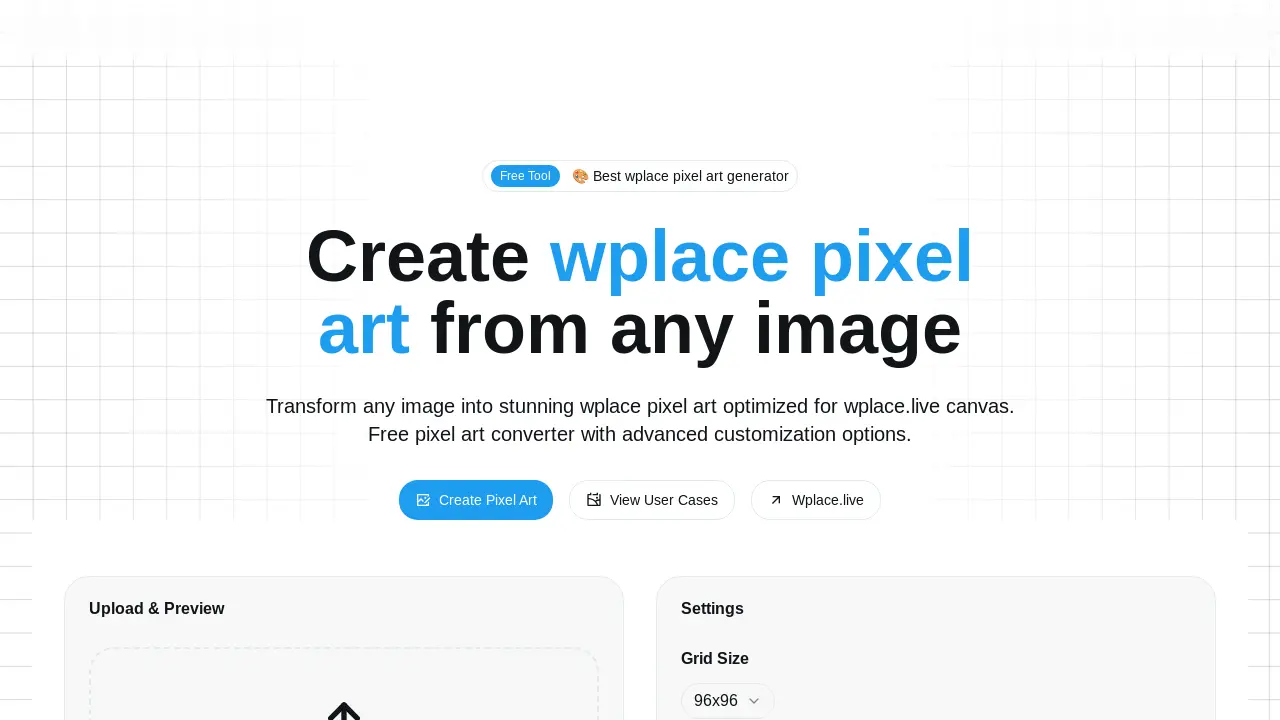
- To begin, navigate to the Wplace Pixel website and locate the "Upload & Preview" section.
- Drag and drop your desired image file (PNG, JPG, JPEG, BMP, GIF, max 10MB) into the designated area to upload.
- Adjust the "Grid Size" settings to choose the output pixel art dimensions, influencing the granularity of the final image.
- Optionally, select "Show Grid Lines" under "Display Mode" to overlay a pixel grid for visual guidance.
- Under "Color Options," you may choose "Use Free Colors Only" to restrict the palette to wplace.live's free color set.
- Once satisfied with the settings, the converted wplace pixel art will be previewed, ready for download.
- Download the generated wplace pixel art image and its corresponding coordinate file for use on wplace.live.
- For automated drawing on wplace.live, download and install the provided browser automation scripts and follow the tutorial.
