
Wplace Pixel Core Features
This free online tool converts images to Wplace Pixel Art, specifically optimized for the Wplace.live collaborative canvas, offering advanced customization.

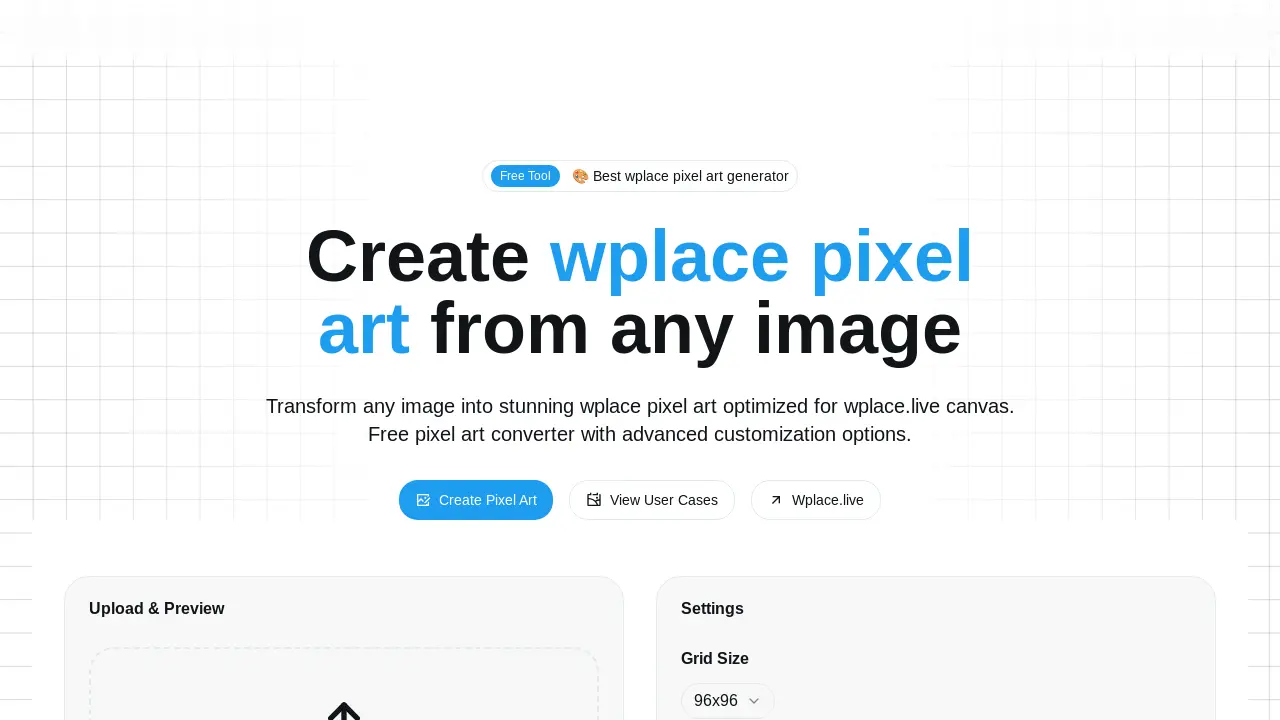
Core Features of Wplace Pixel
Image to Pixel Art Conversion
Transforms standard images (JPG, PNG, GIF) into pixel art, optimized for wplace.live's collaborative canvas, enabling visual conversion.
wplace.live Integration and Optimization
Generates pixel art perfectly sized and formatted for seamless use on the wplace.live collaborative canvas, including free and premium color options.
Automation Script and Coordinate Export
Provides downloadable coordinate files and browser automation scripts to automatically draw converted pixel art onto the wplace.live canvas efficiently.
Advanced Customization and Preview
Offers extensive settings for pixel art creation, including adjustable resolution, color control, transparency, and real-time preview functionality.
Use Cases of Wplace Pixel
- Digital Artists: Transform images into wplace pixel art for collaborative projects on the wplace.live canvas.
- Community Organizers: Facilitate large-scale pixel art murals by converting images and utilizing automation scripts.
- Game Developers: Prototype pixelated sprite designs for indie games, leveraging the wplace pixel converter.
- Live Streamers: Engage viewers in real-time pixel art creation sessions on wplace.live using the integrated tools.
- Remote Teams: Collaborate on digital art pieces globally, transforming images into optimized pixel art.
