
Veo 3.1 AI Video Generation Platform for Creators

What is Veo
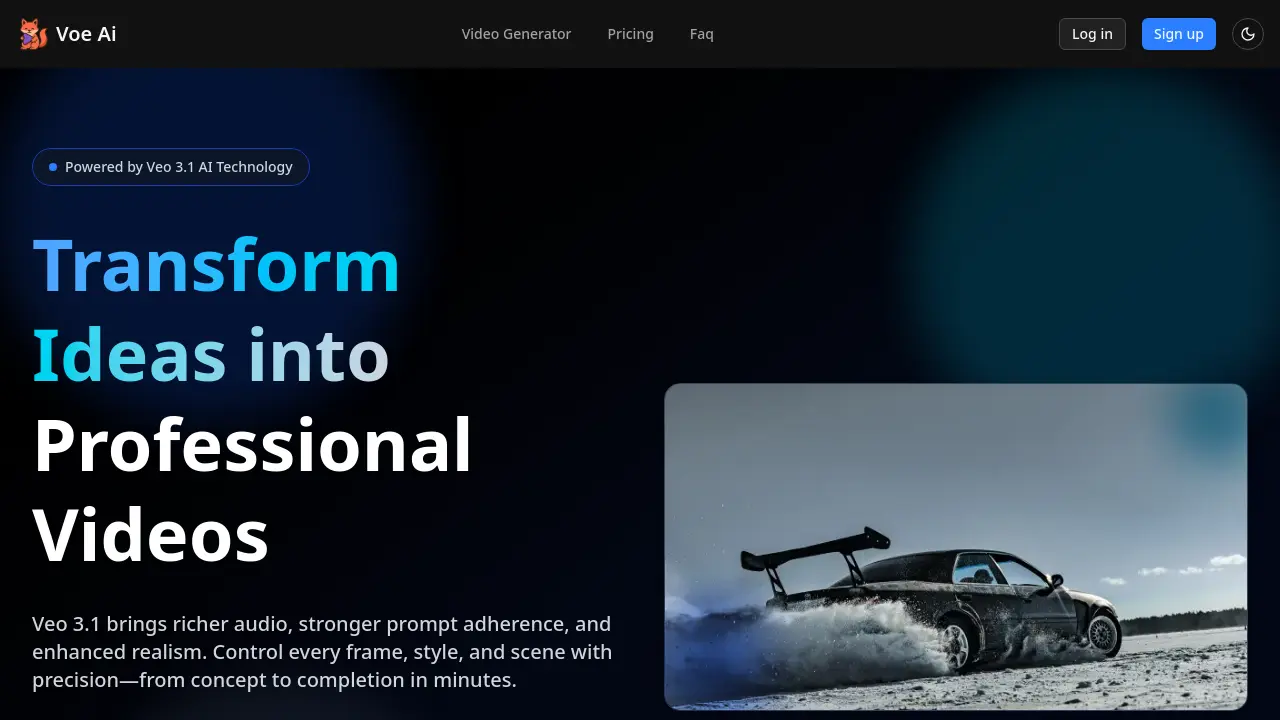
Veo 3.1 is an AI‑powered video generator that turns concise prompts or reference images into polished cinematic clips. Built on the Veo 3.1 engine, it supports text‑to‑video, image‑to‑video, and frame‑to‑video modes, while the extend‑shots feature lets creators elongate sequences without reshoots. Rich, multi‑layer audio automatically synchronizes with visual actions, improving authenticity. Users can lock style elements—fonts, colors, logos—ensuring brand consistency across formats such as 16:9, 1:1, and 9:16. The Gemini‑based API offers rapid deployment for workflows that demand high production volume, offering a commercial‑ready solution for marketers, studios, and independent creators. With accelerated rendering, precise scene‑control prompts, and a straightforward three‑step workflow, Veo 3.1 reduces production time and cost while amplifying video quality.
How does Veo work
Veo 3.1 is an AI‑powered video generator that transforms text, images, or reference frames into cinematic clips. The platform applies advanced image‑to‑video (I2V) models, enabling users to lock styles, control shot pacing, and extend scenes seamlessly. Rich multi‑layer audio is automatically synced to generated visuals, improving dialogue and ambient sound quality. The workflow requires only a brief script or prompt, optional reference images, and a single rendering step, producing exportable videos in multiple aspect ratios. Developers can access Veo 3.1 through Gemini‑API 2 or Vertex AI, making it operable within broader content pipelines.
Benefits of Veo
Veo 3.1, the latest Veo AI platform, lets creators generate cinematic videos in minutes by converting text or reference images into high‑resolution 16:9, 1:1, and 9:16 clips. The system provides enriched multi‑layer audio, tighter prompt adherence, and extended shot capability, allowing users to lock style, font, and color without NLE expertise. With fast rendering and an intuitive three‑step workflow—describe, direct, deliver—Veo 3.1 supports professional storytelling, rapid A/B testing, and scalable localization. The platform is available via API and offers Starter, Pro, and Studio plans, making it suitable for students, marketers, and small teams.
Pros and Cons of Veo
Pros
- Rapid video creation with AI prompts.
- Rich multi‑layer audio sync.
- Strong narrative control for story beats.
- Low cost with starter plan.
- No video editing expertise required.
Cons
- Short maximum duration 8‑60 sec.
- 1080p is upper limit; higher resolution not available.
- Experimental features may be unstable.
- Subscription costs grow with usage.
- Limited availability of languages and voices.
Core Features of Veo
Text-to-Video Generation
Enable creation of high‑quality cinematic videos directly from script or brief, auto‑generating frames, lighting, motion, and synchronized audio within minutes.
Image-to-Video (Ingredients & Frames)
Convert reference images or paired start‑end frames into continuous video, preserving style, objects, and lighting while adding AI‑generated narration and soundtracks.
Extend Shot Functionality
Lengthen existing clips beyond original duration by generating seamless continuation footage that matches final moments, ideal for extended establishing shots.
Rich Audio Generation
Produce multi‑layered audio tracks that sync with visual scenes, producing dialogue, ambient sounds, and spatial positioning for realistic sound design.
Narrative Control
Enforce stronger prompt adherence, steering pacing, beats, and story structure, offering precise scene planning before rendering, ensuring a coherent cinematic experience without manual adjustment.
Scene Controls
Specify camera movements and compositions—e.g., slow dolly‑in, macro product tilt, fast cut—to enhance visual storytelling without needing a director automation.
Insert & Remove
Add or remove objects with AI‑aware editing, respecting shadows and lighting to maintain natural realism without manual re‑recording seamlessly within.
Versioning & A/B Testing
Duplicate scenes, alter hooks, colorways, or calls‑to‑action, and export multiple variants quickly for rapid optimization and ROI improvement by seamlessly.
Automated Brand Lock
Lock fonts, colors, logos, and visual style across clips to keep on‑brand consistency automatically, eliminating post‑production branding work for every campaign.
API Access (Gemini & Vertex)
Provide programmatic video generation via Gemini API and Vertex integration, allowing developers to embed AI video creation into custom workflows and applications.
Use Cases of Veo
- Marketing team: Create ad variants faster with veo 3.1’s prompt‑powered storyboard and A/B testing.
- Content creator: Generate cinematic text‑to‑video content in minutes using veo 3.1’s rich audio and scene control.
- Developer: Integrate veo 3 api into applications for automated video generation at scale.
- Educator: Produce educational science videos quickly with veo 3.1, using a framework to lock brand assets.
FAQs of Veo
Can I use the Veo 3.1 videos commercially?
Yes, Veo 3.1 grants full commercial rights to the videos you create. Every licensed plan explicitly lists “Commercial use” as a permitted activity, allowing you to publish, distribute, or sell the content without additional licensing fees.
Do I need editing experience with Veo 3.1?
No prior editing or NLE experience is required. Veo 3.1’s natural‑language interface lets users specify prompts, scene changes, or audio edits directly. The platform automatically generates a polished video, eliminating the need for traditional editing workflows.
Which lengths and formats does Veo 3.1 support?
Veo 3.1 produces videos ranging from a few seconds to over a minute using the “Extend” feature. Output is available in 1080p native resolution, with aspect ratios of 16:9, 9:16, 1:1, 4:5, and 9:16 for social‑media‑ready formats. Each clip can be exported in standard MP4 format.
Will my prompts or assets train the Veo 3.1 model?
No. Veo 3.1 follows strict privacy guidelines that prevent user content from being used to retrain or improve the underlying generative model. Your text prompts, reference images, and assets remain confidential and are not extracted for training purposes.
Is this affiliated with Google?
While Veo 3.1 integrates with Google’s Gemini API 2 and Vertex AI for backend processing, it operates as an independent AI‑powered video creation service. The brand itself is not a product of Google, though it leverages Google’s cloud infrastructure.
How does the credit system work across Veo 3.1 plans?
Each plan allocates a monthly credit pool—60 credits for Starter, 150 for Pro, and 270 for Studio. Producing a video consumes one or more credits depending on duration and chosen quality preset. Remaining credits carry forward only within the same billing cycle.
What file types and sizes are accepted for reference images in Veo 3.1?
Reference images can be uploaded in PNG, JPG, or WebP format. Accepted files must be under 10 MB each and ideally include a resolution of at least 1080p to ensure optimal texture capture. The platform supports up to three reference images per “Ingredients to Video” prompt.
How does Veo 3.1 handle audio synchronization for dialogues and background sounds?
Veo 3.1’s enhanced audio engine generates multi‑layer soundtracks that align precisely with visual cues. Dialogues are temporally matched to on‑screen lip movements, while ambient sounds are spatially positioned based on scene geometry, producing realistic audio–video synchronization.
Are there limits to the number of reference images I can use in Ingredients to Video mode?
Yes, the current maximum is three reference images per prompt. This limit ensures the model can maintain consistent character, object, and style fidelity across the generated content. Additional images can be staged by creating separate prompts or leveraging the “Insert” feature after rendering.
Can I integrate Veo 3.1 into third‑party applications via API, and what authentication is required?
Developers can access Veo 3.1’s Gemini‑powered video generation through the Gemini API 2 and Vertex AI endpoints. Integration requires an API key obtained from Veo’s developer portal, with standard OAuth or API‑key based authentication to secure request authorization.
How to use Veo
- Veo 3.1 is an AI‑driven video generation tool offering text‑to‑video, image‑to‑video, and frame control, producing high‑fidelity, richly synchronized audio content.
- Log in or sign up via the web interface; proceed to the dashboard where credits and history are displayed for each generation.
- Enter a concise creative brief or paste a script into the prompt field; include desired scene tags or style directives to guide the model.
- Optionally upload up to three reference images in PNG/JPG/WebP; the model will lock character and object appearance while generating the video, ensuring style consistency across shots.
- Set desired output parameters: choose 16:9, 1:1, 4:5 or 9:16 orientation, adjust duration up to 60+ seconds using Extend mode for longer shots or establishing scenes effectively.
- Click Generate; the rendering engine processes the prompt and reference assets, producing frame‑by‑frame video with cohesive audio layers that supports subtitles, voiceovers, background music, and sound effects in context of the timeline.
- Review the preview window; if any elements require adjustment, reload the prompt, modify tags or upload additional reference images, then regenerate until desired composition is achieved and audio sync matches the timeline.
- In the exported file, verify frame resolution, aspect ratio, and audio sync; export as MP4 for upload to social platforms or embed via API to achieve optimal performance across devices.
- Track performance metrics within the dashboard; compare multiple variants created via A/B testing, choose highest ROAS or engagement to inform future creative strategy, ultimately maximizing business impact aligned with goals.
- Archive finished projects; use versioning to store earlier cuts, reference historical data when iterating on new campaigns to ensure consistency, efficient workflow, and quick deployment at scale for ongoing projects.
Veo Website Traffic Analysis
Latest traffic information
- Monthly Visits111
- Bounce Rate47.79%
- Pages Per Visit1.02
- Visit Duration00:00:00
- Global Rank--
- Country/Region Ranking--
Visits Over Time
Top Keywords
| Keyword | Traffic | Volume | Cost Per Click |
|---|---|---|---|
| veo 3.1 | 130 | 189.26K | $1 |
| veo3.1 basic реалистичное музыка с естественным звуком без кредитов | 30 | -- | -- |
| ai api 聚合平台 veo 3.1 | 20 | -- | -- |
| voe3 | -- | 3.28K | $0.34 |
| voe content | -- | 90 | -- |
Top Regions
| Region | Percentage |
|---|---|
| Pakistan | 100% |
