
Veo Introduction
Veo 3.1 is an AI video platform that lets creators and marketers produce videos quickly with text‑to‑video, image‑to‑video, and editing features, cutting production costs.

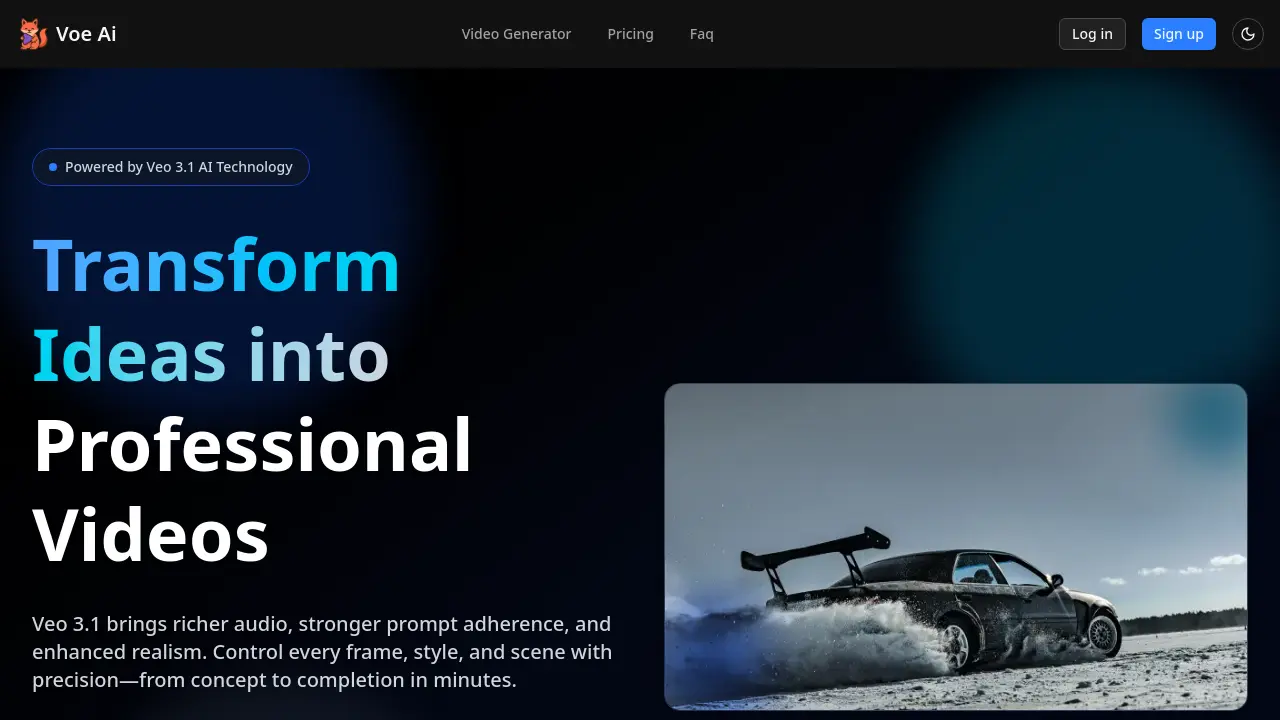
What is Veo
Veo 3.1 is an AI‑powered video generator that turns concise prompts or reference images into polished cinematic clips. Built on the Veo 3.1 engine, it supports text‑to‑video, image‑to‑video, and frame‑to‑video modes, while the extend‑shots feature lets creators elongate sequences without reshoots. Rich, multi‑layer audio automatically synchronizes with visual actions, improving authenticity. Users can lock style elements—fonts, colors, logos—ensuring brand consistency across formats such as 16:9, 1:1, and 9:16. The Gemini‑based API offers rapid deployment for workflows that demand high production volume, offering a commercial‑ready solution for marketers, studios, and independent creators. With accelerated rendering, precise scene‑control prompts, and a straightforward three‑step workflow, Veo 3.1 reduces production time and cost while amplifying video quality.
How does Veo work
Veo 3.1 is an AI‑powered video generator that transforms text, images, or reference frames into cinematic clips. The platform applies advanced image‑to‑video (I2V) models, enabling users to lock styles, control shot pacing, and extend scenes seamlessly. Rich multi‑layer audio is automatically synced to generated visuals, improving dialogue and ambient sound quality. The workflow requires only a brief script or prompt, optional reference images, and a single rendering step, producing exportable videos in multiple aspect ratios. Developers can access Veo 3.1 through Gemini‑API 2 or Vertex AI, making it operable within broader content pipelines.
Benefits of Veo
Veo 3.1, the latest Veo AI platform, lets creators generate cinematic videos in minutes by converting text or reference images into high‑resolution 16:9, 1:1, and 9:16 clips. The system provides enriched multi‑layer audio, tighter prompt adherence, and extended shot capability, allowing users to lock style, font, and color without NLE expertise. With fast rendering and an intuitive three‑step workflow—describe, direct, deliver—Veo 3.1 supports professional storytelling, rapid A/B testing, and scalable localization. The platform is available via API and offers Starter, Pro, and Studio plans, making it suitable for students, marketers, and small teams.
Pros and Cons of Veo
Pros
- Rapid video creation with AI prompts.
- Rich multi‑layer audio sync.
- Strong narrative control for story beats.
- Low cost with starter plan.
- No video editing expertise required.
Cons
- Short maximum duration 8‑60 sec.
- 1080p is upper limit; higher resolution not available.
- Experimental features may be unstable.
- Subscription costs grow with usage.
- Limited availability of languages and voices.
