
VioEvo FAQs
Create cinematic videos and images from prompts, clips, and references. Built for brands, creators, and teams shipping launch-ready content fast.

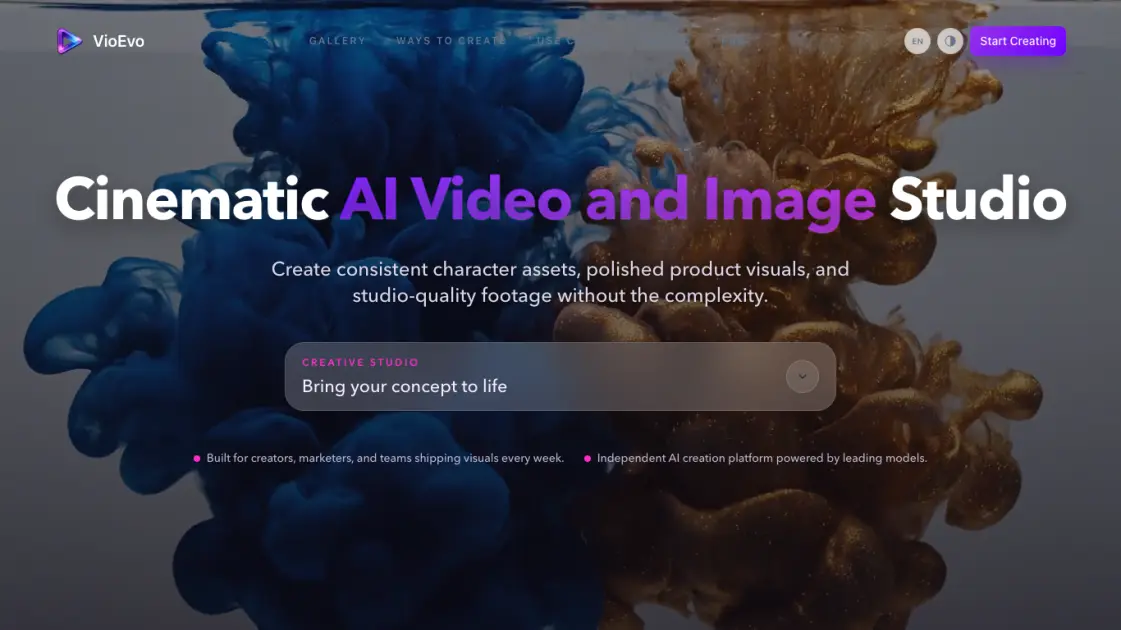
FAQs of VioEvo
What is VioEvo and who is it for?
VioEvo is an AI video and image generation platform that combines multiple models into one tool. It is designed for brands, creators, marketers, and small businesses who need fast visual content without managing individual AI subscriptions.
What creation modes does VioEvo support?
VioEvo supports six modes: text to video, image to video, video to video, reference to video, text to image, and image to image. Each mode routes to the most suitable underlying AI model for the task.
Which AI models are available on the platform?
The platform includes Veo 3.1, Happy Horse 1.0, ChatGPT Image 2, Seedance 2, Wan 2.7, Grok Imagine, Kling 3.0, and Nano Banana 2. The lineup is updated as new models become available.
How does the pricing and credit system work?
New users receive 150 free credits upon sign-up. Paid plans start at $7.90 per month for Basic, $23.90 for Pro, and $71.90 for Team, all billed annually. Credits are consumed based on generation complexity and output resolution.
Can I use the generated content for commercial purposes?
Yes. All plans include a commercial use license, allowing generated images and videos to be used in marketing, advertising, product campaigns, and other commercial contexts.
Does VioEvo add watermarks to generated content?
No. Generated outputs are delivered without any watermarks across all subscription tiers, including during the free credit trial period for new users.
How does VioEvo compare to using AI models directly?
VioEvo abstracts away the differences between individual AI models — no separate accounts, logins, or API keys are needed. Users work through a unified interface and the platform selects the best model for each type of request.
How to use VioEvo
- Visit the VioEvo website and sign up for an account. The registration process is straightforward and includes granting 150 free credits to explore the platform.
- Choose a creation mode from the available options — text to video, image to video, or any other supported format depending on your goal.
- Provide input: type a descriptive prompt for text-based generation, or upload an image, video clip, or reference video for media-based modes.
- Adjust parameters such as aspect ratio, duration, and style preferences. The platform suggests optimal settings based on the selected model.
- Click generate and wait for the output to process. Once ready, preview the result and download it in your preferred format.
