
VideoFast FAQs
Create and edit high-quality videos effortlessly with VideoFast. Choose from a variety of animations, customize your text, and enhance your videos with stunning filters and shapes. Try it now!

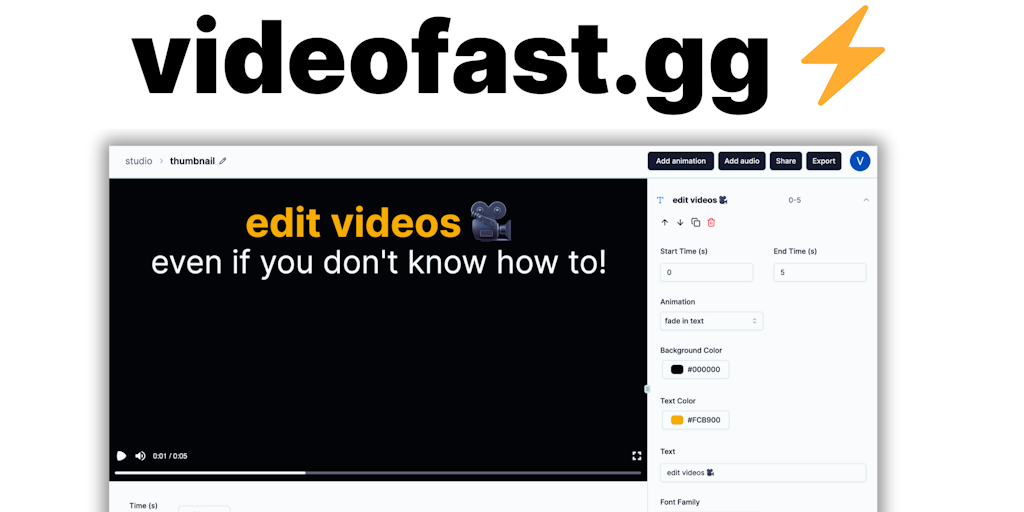
FAQs of VideoFast
What is VideoFast?
VideoFast is an online video editor. You can use it to create and edit videos, without any download or installation required.
How do I use VideoFast?
You can go to VideoFast's website, upload your video, and start editing. It's super easy to use, and you don't need any prior experience with video editing software.
What can I do with VideoFast?
VideoFast offers a wide range of editing features, so you can create professional-looking videos.
What are the benefits of using VideoFast?
VideoFast is super easy to use, even if you've never edited a video before. It's also very quick and efficient, and you can create high-quality videos in minutes. The biggest advantage is that it's free to use.
How does VideoFast compare to other video editors?
VideoFast is different from other video editors because it's online, so you can use it anywhere with an internet connection. It's also free to use, which makes it a great option for anyone who's just starting out with video editing.
How to use VideoFast
VideoFast simplifies video editing, allowing users with no prior experience to create high-quality videos using pre-made animations and easy-to-use tools. It supports various media formats and offers different pricing plans.
- Begin by creating an account or logging in on the VideoFast platform at videofast.gg.
- Choose a pricing plan that suits your needs, considering the Free, Monthly, or Perpetual options offered by VideoFast.
- Start a new project; access the VideoFast editor to begin creating your video content.
- Select from the range of beautifully crafted text, media, and shape animations available in the VideoFast library.
- Customize the selected animations to fit your style and video requirements, ensuring a personalized touch with VideoFast.
- Add media like images, GIFs, and audio files to enhance your VideoFast video project; use the search function for online resources.
- Edit the video timeline, adjusting the timing and order of elements for optimal video fast forward effect.
- Preview your video to ensure it meets your expectations before finalizing your VideoFast creation.
- Export the completed video, considering your plan's export credits and storage space on VideoFast.
- Share your high-quality video; leverage VideoFast’s simplicity to create professional-looking videos effortlessly.
