
Video2PPT Introduction
Video2PPT turns YouTube, MP4, and screen recordings into editable PowerPoint and PDF with AI slide extraction, helping educators save hours on manual work.

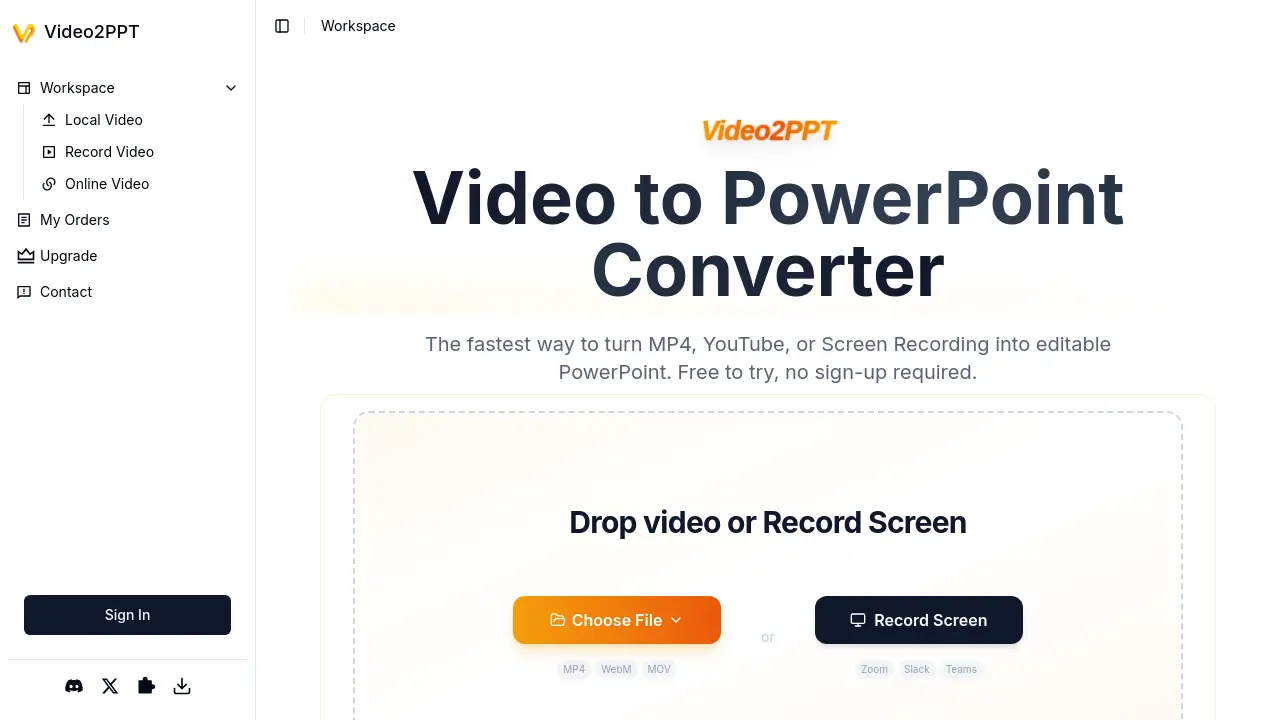
What is Video2PPT
Video2PPT is a specialized conversion tool that transforms video content into editable PowerPoint presentations. The application processes MP4 files, online videos (including YouTube links), and screen recordings originating from platforms like Zoom, Slack, or Teams meetings. All conversion occurs locally on the user's device, ensuring full privacy protection without server uploads or cloud processing.
Key functionalities include AI-powered extraction of key frames from video sources, batch processing for multi-video workflows, and versatile export formats including editable PowerPoint files, Google Slides, PDFs, or HTML. Performance benchmarks indicate rapid processing speeds — converting 2 hours of footage in approximately one minute. Tiered plans accommodate varying usage levels, ranging from a completely free entry-level option to professional subscriptions with expanded capacities.
How does Video2PPT work
Video2PPT converts video content into editable PowerPoint presentations using AI-driven frame extraction. Users upload local video files, paste online video links, or utilize screen recording functionality capturing sources like Zoom or YouTube. The AI algorithm identifies key frames containing presentation slides, which are converted into editable PPTX slides locally on the device—no cloud upload occurs, ensuring confidentiality. Batch processing handles multiple videos simultaneously with claimed 99% accuracy. Output formats include PowerPoint, Google Slides, PDF, and HTML. Tiered plans accommodate varying usage limits, with HD screen recording integration enabling webinar and meeting capture. Chrome extension availability expands browser functionality.
Benefits of Video2PPT
Video2PPT converts videos from YouTube links, MP4 files, or screen recordings into editable PowerPoint slides efficiently. Using AI-powered frame analysis, it extracts key presentation content rapidly—transforming a 2-hour video in minutes. Batch processing handles multiple files simultaneously while maintaining 99% accuracy. All conversion occurs locally on your device, ensuring complete privacy with no external uploads. Outputs include PowerPoint, Google Slides, and PDF formats for flexible use. Professionals across education and corporate sectors utilize this tool to reduce manual extraction time significantly.
Pros and Cons of Video2PPT
Pros
- Rapid processing for video conversion to slides.
- Robust privacy via local-only data processing.
- Flexible batch processing and multiple source inputs.
- Free tier includes core conversion features.
- Versatile export formats including PPT and PDF.
Cons
- Free plan imposes strict slides/file size limits.
- Performance constrained by local hardware specs.
- Watermark applied to free-tier outputs.
- Premium features require paid subscription tiers.
