
Video2PPT Core Features
Video2PPT turns YouTube, MP4, and screen recordings into editable PowerPoint and PDF with AI slide extraction, helping educators save hours on manual work.

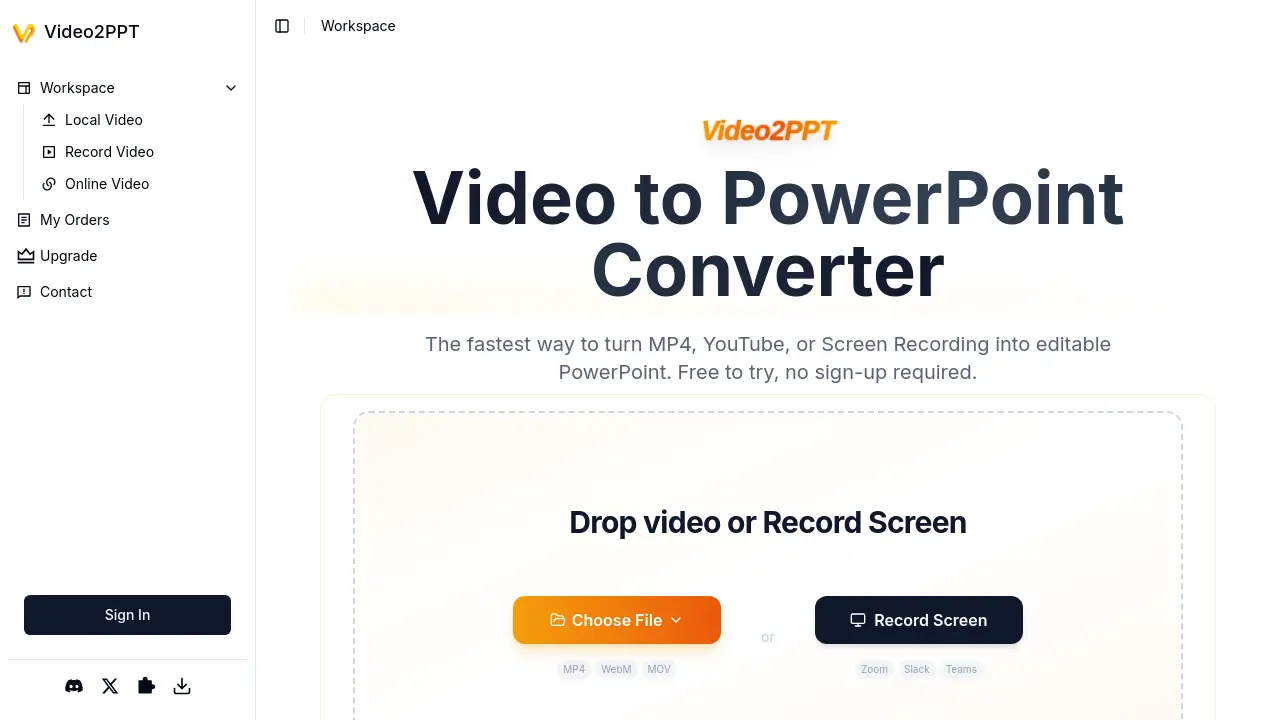
Core Features of Video2PPT
Smart Content Extraction
AI identifies and extracts key frames from videos, delivering them as editable PowerPoint slides with minimal user effort.
Multiple Video Source Support
Processes videos from local uploads, screen recordings, or major platforms like YouTube and Vimeo for flexible input options.
Local Processing for Privacy
Handles video snapshots entirely on the user's device, ensuring content never leaves their computer for maximum security.
HD Screen Recording
Captures meetings from Zoom, Slack, Teams, and webinars seamlessly with automatic slide extraction during recording.
Multiple Export Formats
Outputs extracted slides as native PowerPoint files, Google Slides, PDF, or HTML for broad compatibility with workflows.
Use Cases of Video2PPT
- Educators: Create lecture study materials by converting recorded videos to editable PowerPoint slides using Video2PPT.
- Corporate Trainers: Process multiple training session recordings into formatted PowerPoint decks efficiently via batch conversion.
- Consultants: Transform client presentation recordings into editable PowerPoint files while ensuring complete content privacy locally.
- Healthcare Professionals: Securely convert medical webinar recordings into patient education materials with offline Video2PPT processing.
- Marketing Teams: Extract presentation slides from webinar recordings across platforms using Video2PPT for quick content repurposing.
