
UrlToVideo AI FAQs
UrlToVideo AI is an AI video generator for ecommerce marketers that transforms Shopify, Amazon or TikTok Shop product links into ready-to-run video ads, adding automatic script, AI avatars and voice-cloning to accelerate creative testing and reduce production costs.

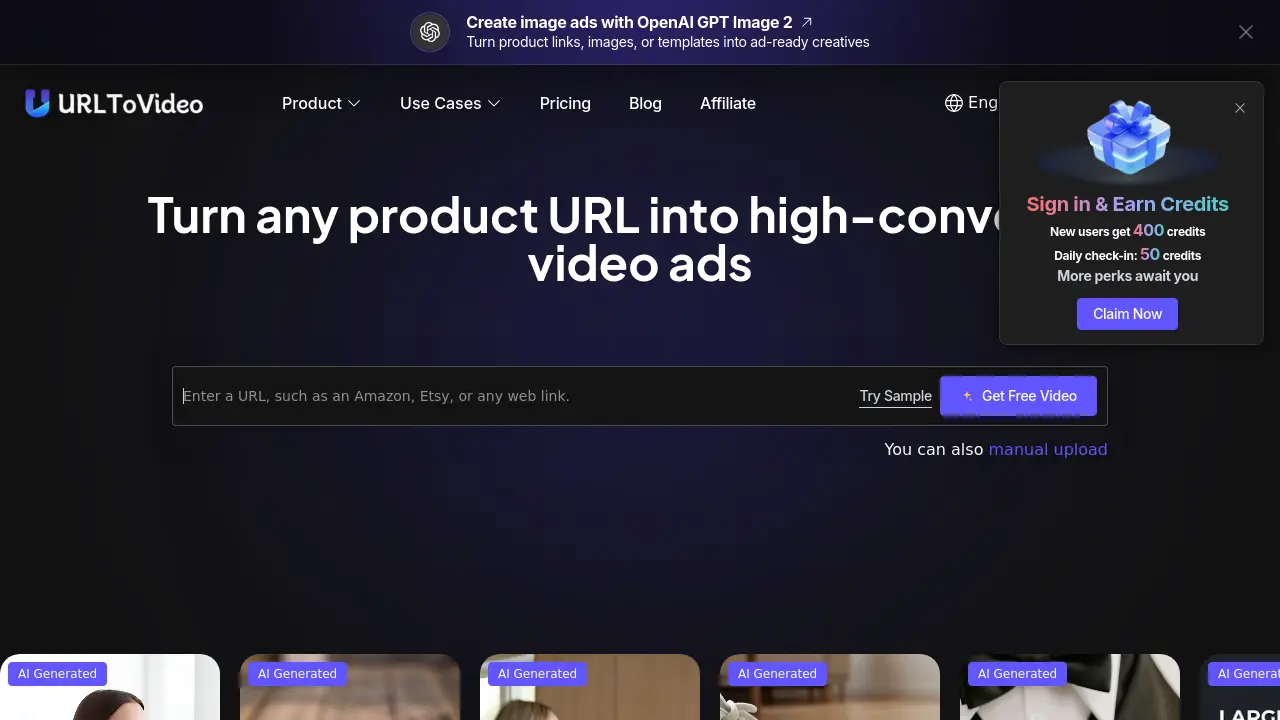
FAQs of UrlToVideo AI
Q. What is URL To Video?
URL To Video is an AI‑powered video generation platform that transforms any ecommerce product webpage—such as Shopify, Amazon, Etsy, or TikTok Shop—into a ready‑to‑publish video ad. By analyzing product images, titles, descriptions, and pricing, the system automatically creates a structured, conversion‑focused video without manual scripting or editing.
Q. How does URL To Video create videos from a link?
The tool follows a four‑step workflow: (1) you paste a product URL; (2) its AI crawls the page, extracting images, copy, and key selling points; (3) it generates a script, selects scenes, adds AI avatars, voice‑over, and subtitles; and (4) the finished MP4 is previewed and can be downloaded instantly for upload to advertising platforms.
Q. Can I use URL To Video without any video production experience?
Yes. The interface is designed for beginners and experienced marketers alike. After entering a product link, the AI handles scriptwriting, scene assembly, avatar selection, and voice synthesis, delivering a complete video with a single click, so no prior editing skills are required.
Q. What types of product links can URL To Video recognize?
URL To Video supports major ecommerce and app marketplaces, including Amazon, Shopify, Etsy, TikTok Shop, AliExpress, eBay, Apple App Store, and Google Play. If a link is not automatically detected, users may manually input product details or contact support for assistance.
Q. Can AI‑generated voice, music, and avatars be used in commercial projects?
Yes. All AI‑generated assets—voice‑overs, background music, and avatar performances—are cleared for commercial use, provided creators follow local regulations and avoid prohibited content such as violence, hate speech, or misleading claims.
Q. What kinds of videos can I create with URL To Video?
The platform can produce a variety of ad formats: short product showcase videos, user‑generated‑content (UGC) style ads, direct‑response DTC brand ads, and longer explainer videos. Each output is optimized for channels like TikTok, Instagram Reels, Facebook, and YouTube Shorts.
Q. How does URL To Video keep my data and privacy secure?
URL To Video processes URLs and extracted content in a transient environment, meaning the data is not stored long‑term, shared with third parties, or indexed for search. Encryption is applied during transmission, and the system complies with GDPR‑like privacy standards to protect user information.
Q. Who can benefit from a video generator that works from links?
Ecommerce brands, dropshippers, performance marketers, and creative agencies can all accelerate ad production. The tool reduces reliance on external video teams, lowers per‑video costs, and enables rapid A/B testing of multiple creative angles.
Q. Is it legal to use AI to make ads?
Using AI to generate advertising assets is legal in most jurisdictions. Compliance hinges on truthful claims, proper disclosures, and respecting intellectual property rights. Advertising platforms also require that AI‑generated content meets their community guidelines.
Q. What makes URL To Video different from other AI video generators?
Unlike generic AI editors, URL To Video is purpose‑built for ecommerce advertising. It incorporates proven ad frameworks, an ad‑library of high‑performing structures, automatic script generation, and a 100+ AI avatar library, all tailored to turn product pages into high‑converting video ads.
Q. Do I need to upload images or write a script?
No. The system extracts product images, titles, bullet points, and pricing directly from the supplied URL, then creates a conversion‑focused script and assembles the visual sequence automatically.
Q. How quickly can I generate a video after entering a product URL?
Typical generation times range from 30 seconds to 2 minutes, depending on the complexity of the source page and selected avatar or voice options. The rapid turnaround supports fast creative iteration and daily ad testing cycles.
Q. Can I create multiple video variations from a single product page?
Yes. Users can select different ad templates, swap AI avatars, adjust voice styles, or modify hook sentences to produce dozens of unique video versions, enabling extensive split‑testing without additional manual effort.
Q. What export formats does URL To Video provide?
Videos are exported as platform‑ready MP4 files with common resolution presets (1080p, 720p). Files include embedded subtitles and are optimized for TikTok, Instagram Reels, Facebook, YouTube Shorts, and other major ad networks, eliminating the need for further resizing.
Q. Is there a free trial or credit system for new users?
New users receive 400 free credits upon registration, with a daily check‑in bonus of 50 credits. Credits are consumed per video generation, allowing prospective customers to test the service before committing to a paid plan.
How to use UrlToVideo AI
UrlToVideo AI converts ecommerce product pages—Shopify, Amazon, Etsy, TikTok Shop—into high‑converting video ads, extracting details, generating scripts, and applying AI avatars and voice.
Log in, navigate to the “URL To Video” section, and paste the product’s web link into the input field; the platform validates the URL format automatically.
Click “Generate Video”; the AI analyses the page, pulls images, titles, and key selling points, then assembles a structured ad script based on proven conversion frameworks.
Review the preview screen where the generated storyboard shows scene order, AI‑generated voiceover, and optional avatar selection; adjust style or avatar if desired.
Press “Download” to export the final MP4 file; the video is already sized for TikTok, Instagram, Facebook, or Shopify ad placements without additional editing.
Import the exported video into your advertising platform, monitor performance metrics, and iterate by tweaking the source URL or selecting alternative ad templates from the built‑in library.
