
Seedream 6.0 AI FAQs
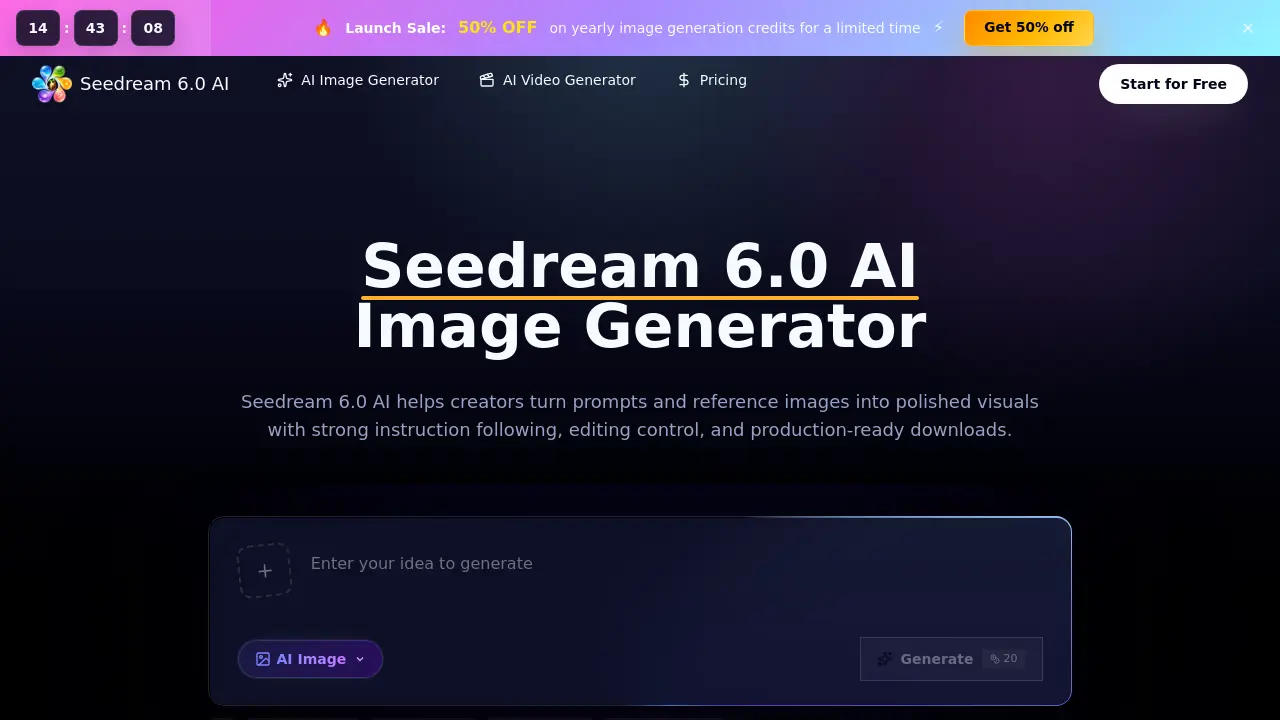
Seedream 6.0 AI is a web‑based AI image generator for designers, marketers and creators, offering text‑prompt creation, reference image guidance, natural‑language editing and high‑resolution downloads to produce visual drafts quickly.

FAQs of Seedream 6.0 AI
What is Seedream 6.0 AI?
Seedream 6.0 AI is a browser‑based workspace that lets users generate images from text prompts, edit them with natural‑language commands, and incorporate uploaded reference images. It manages generation credits, provides high‑resolution downloads, and includes a commercial‑use license.
What can I create with Seedream 6.0 AI?
Users can produce a wide range of visuals such as product mock‑ups, advertising concepts, social‑media graphics, character designs, editorial illustrations, app prototypes, storyboards, and brand exploration assets, all ready for professional hand‑off.
Is this the official ByteDance Seedream 6.0 model site?
No. The site operates as an independent workspace that offers access to the Seedream 6.0 model and related workflows, but it does not represent an official ByteDance product page.
How does Seedream 6.0 AI differ from a basic image generator?
Compared with generic generators, Seedream 6.0 AI emphasizes strong instruction following, reference‑aware composition, built‑in image editing, consistent visual style across batches, and granular output controls such as aspect ratio, quality, and download formats.
Can I use reference images with the Seedream 6.0 AI Image Generator?
Yes. Users may upload one or more reference images to guide subject identity, layout, color palette, texture, and overall composition while still keeping the textual prompt easy to modify.
Who should use Seedream 6.0 AI?
Designers, marketers, e‑commerce teams, concept artists, brand managers, agencies, and small‑business founders benefit from faster visual drafts, iterative testing, and repeatable output without needing deep AI expertise.
How do credits work and what are the pricing options?
Credits are consumed based on selected image size, quality, and model configuration. Plans include a Starter tier ($9.90 / month), Plus tier ($14.90 / month), and Enterprise tier ($39.90 / month), each providing annual credit bundles with a 50 % discount on yearly subscriptions and pay‑as‑you‑go credits available.
What happens if a generation fails – are credits still charged?
If the model produces an output that is later blocked by moderation, the credits are not refunded because a generation occurred. However, failures that occur before any image is produced will automatically return the spent credits to the account.
How can I edit an image after it has been generated?
Seedream 6.0 AI supports natural‑language editing commands. Users can describe additions, removals, style changes, background extensions, or refinements in plain English, and the system will apply those edits while preserving the original composition.
What download formats and usage rights are included?
All generated images can be downloaded in high‑resolution PNG or JPEG formats without watermarks. Each plan includes a commercial‑use license, allowing the images to be employed in advertising, product listings, and any revenue‑generating projects.
How to use Seedream 6.0 AI
Seedream 6.0 AI is a browser‑based AI image generator that creates high‑quality visuals from text prompts, supports reference images, natural‑language edits, and streamlined download of production‑ready assets.
Begin by entering a detailed text brief—subject, setting, lighting, style—and optionally upload a reference image to guide composition, color palette, or subject identity.
Adjust generation parameters such as aspect ratio, resolution, style direction, and output quality to align the draft with the intended channel, e.g., ecommerce, social ad, or storyboard.
Click Generate, wait a few seconds for the model to render, then review the draft; use the side‑by‑side comparison to evaluate fidelity to the prompt and reference.
Refine the result by issuing natural‑language edit commands (add, remove, restyle, extend background); regenerate until the visual meets the brief’s specifications.
Once satisfied, download the high‑resolution image, record the credit usage, and integrate the asset into the project workflow for final production or client presentation.
