
Seedream 6.0 AI Introduction
Seedream 6.0 AI is a web‑based AI image generator for designers, marketers and creators, offering text‑prompt creation, reference image guidance, natural‑language editing and high‑resolution downloads to produce visual drafts quickly.

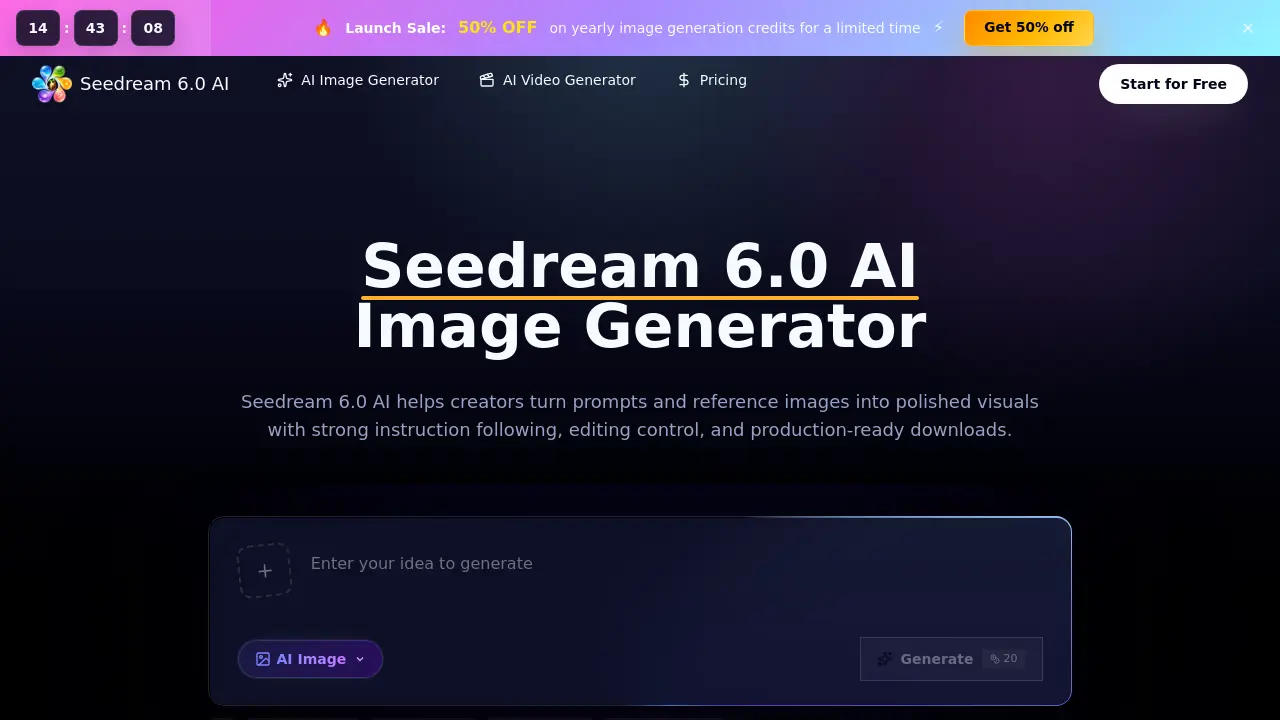
What is Seedream 6.0 AI
Seedream 6.0 AI is a browser‑based workspace that converts text prompts and optional reference images into high‑quality visual drafts. The platform supports prompt‑to‑image creation, reference‑aware composition, and natural‑language editing, allowing users to add, remove, restyle, or extend elements without complex tooling. A multi‑reference workflow keeps revisions organized, while built‑in credit management tracks usage and enables clean, high‑resolution downloads for commercial projects. Designed for designers, marketers, ecommerce teams, and concept artists, Seedream 6.0 AI streamlines production of product visuals, ad concepts, storyboards, and brand assets with consistent lighting and style across image sets. Team plans provide priority queues and expert support, making the service suitable for both hobbyists and large‑scale creative teams seeking fast, controllable AI‑generated imagery.
How does Seedream 6.0 AI work
Seedream 6.0 AI operates as a browser‑based workspace that converts textual prompts and optional reference images into high‑resolution visuals. Users enter a description, upload a reference to guide subject identity, layout, or style, then select parameters such as aspect ratio, size, and quality. The platform’s underlying Seedream 6.0 model processes the input, generating an image that reflects the prompt and reference cues; natural‑language commands allow on‑the‑fly edits, background extensions, or element replacements. Generated outputs are version‑controlled within the credit system, enabling comparison, download, and handoff for ecommerce, advertising, concept art, or storyboard production.
Benefits of Seedream 6.0 AI
Seedream 6.0 AI provides a browser‑based workspace that converts text prompts and uploaded references into high‑quality visuals, supporting both text‑to‑image and image‑to‑image workflows. Its natural‑language editing lets users add, remove, or restyle elements without technical commands, while multi‑reference handling preserves subject identity, layout, and color consistency across revisions. The platform streamlines production pipelines for ecommerce listings, ad concepts, storyboards, and game assets, offering high‑resolution downloads, credit tracking, and commercial‑use licensing. Team features such as priority queues and expert support make it suitable for designers, marketers, and creators seeking fast, repeatable image drafts.
Pros and Cons of Seedream 6.0 AI
Pros
- Browser‑based; no local installation required.
- Supports text‑to‑image and image‑to‑image workflows.
- Reference image upload enables precise visual control.
- Natural‑language editing for quick revisions.
- Tiered pricing includes commercial‑use license.
Cons
- Generation speed limited to paid tiers.
- Credits consumption can be opaque for complex settings.
- No official ByteDance affiliation may affect trust.
- Advanced features require higher‑cost plans.
- Limited documentation on moderation handling.
