
Reve AI: Free Online AI Image Generator

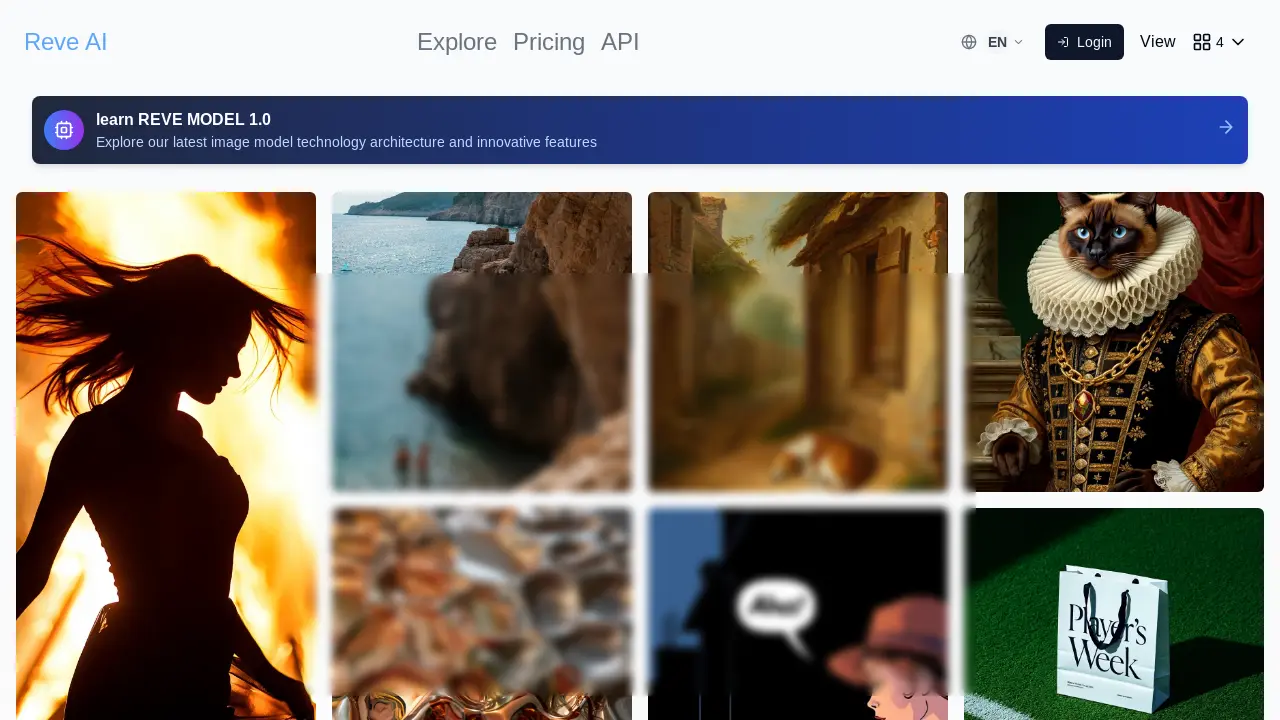
What is Reve AI
Reve AI is an image generation tool that leverages artificial intelligence to transform text prompts into visual content. The Reve Image 1.0 model focuses on accuracy and aesthetic expression, offering users a platform to create images across various styles, including realistic photos, watercolors, and fantasy art.
Users can customize generated images by fine-tuning colors, light, and composition. Reve AI provides high-resolution results suitable for web, print, or social media sharing. Its intuitive interface requires no technical expertise, enabling users to generate AI images by simply entering text prompts and adjusting settings. The platform also offers API access and enterprise solutions.
How does Reve AI work
Reve AI enables image generation from textual prompts, leveraging its Reve Image 1.0 model. Users input a description, select an art style from options like realistic photos or abstract art, and adjust settings. The AI then processes this input to generate an image, which can be viewed, adjusted via prompt refinement, and downloaded. Reve AI offers multiple styles, customizable options, and strives for high-quality results; it aims to provide simple, intuitive AI image creation. Reve AI is free and unlimited, with an API access option.
Benefits of Reve AI
Reve AI offers a free and unlimited AI image generation experience. Utilizing the Reve Image 1.0 model, users can transform text prompts into high-quality images with multiple styles, including realistic photos and abstracts. The platform focuses on prompt compliance, aesthetics, and typography, enabling fine-tuning of colors and composition for fully customizable creations. Reve AI is simple and intuitive, requiring no technical expertise. Generate images for web, print, or social media, exploring endless creative possibilities with this advanced image generator.
Pros and Cons of Reve AI
Pros
- Free and unlimited image generation, no registration needed.
- Offers multiple artistic styles for diverse image creation.
- Provides simple and intuitive image generation process.
- High-quality image results suitable for various platforms.
- Customizable settings to fine-tune image details.
Cons
- Reve AI is a new model.
- Lacks detailed information on model training.
- Limited details on "Enterprise Solutions" mentioned.
- Early API access is waitlist only.
- No user reviews or comparisons provided.
Core Features of Reve AI
AI Image Generation
Reve AI enables users to generate images from text prompts, leveraging AI to transform descriptions into visual content, offering a range of artistic styles and customization options.
Image Customization
The platform provides tools to fine-tune generated images by adjusting aspects like color, light, composition, and style, giving users control over the final visual output.
API Access
Reve AI offers API access, allowing developers to integrate its image generation capabilities into other applications and workflows, supporting enterprise solutions.
Use Cases of Reve AI
- Digital Artists: Generate high-resolution images in multiple styles using Reve AI for digital artwork and design projects.
- Social Media Managers: Create engaging social media content with fully customizable Reve AI-generated images to enhance brand presence.
- Web Developers: Utilize the Reve AI API to seamlessly integrate AI image generation into web applications for dynamic content creation.
- Marketing Teams: Produce compelling advertising visuals using Reve AI's typography and aesthetic expression capabilities for campaigns.
- Educators: Employ Reve AI as a tool for visual learning, enabling students to generate images from text prompts for enhanced comprehension.
FAQs of Reve AI
What is a Reve AI Image Generator?
Reve AI Image Generator is a tool that uses advanced artificial intelligence technology to transform text descriptions into images. Users can input prompts, select styles, and adjust settings to generate unique, high-quality images.
How does an AI image generator work?
An AI image generator, like Reve AI, works by processing a user's text prompt using a pre-trained AI model. This model has learned to associate words and phrases with visual representations, enabling it to create an image that corresponds to the given description, considering the selected style and settings.
Do I need to be an artist to use it?
No, you do not need to be an artist to use Reve AI. The platform is designed to be simple and intuitive, allowing anyone to generate AI images by simply entering text prompts and adjusting settings, regardless of their artistic skills or technical expertise.
Can I customize the style of the generated image?
Yes, Reve AI allows for extensive customization of the generated image's style. Users can choose from a variety of artistic styles such as realistic photos, illustrations, abstracts, fantasy, and modern art. Additionally, users can fine-tune colors, light, and composition to achieve the desired aesthetic.
How long does it take to generate an image?
Reve AI is designed to provide fast response times. The duration required to generate an image can vary depending on the complexity of the prompt, the selected settings, and the current server load, but the platform aims to deliver results quickly.
Why use AI image generator?
Using an AI image generator like Reve AI can help quickly bring creative ideas to life, generate visuals for various projects, and explore artistic styles without requiring traditional artistic skills. It offers a free and unlimited way to experiment and create high-quality images for web, print, or social media.
What is Reve AI 1.0?
Reve AI 1.0 represents the initial iteration of Reve AI's image model, meticulously trained from the ground up to prioritize accuracy in following prompts and aesthetic quality in image generation, with a particular focus on typography.
Does Reve AI offer an API?
Yes, Reve AI offers API access, allowing developers to integrate its image generation capabilities into other applications and workflows. The Reve AI API provides fast response times, supports multiple styles, offers flexible controls, and ensures enterprise security. More details about the API can be found in the API documentation.
Is Reve AI really free and unlimited?
Yes, Reve AI offers free and unlimited image generation, without requiring registration or incurring hidden fees. This allows users to freely explore its features and generate images without any cost constraints.
How to use Reve AI
Reve AI Image Generation Tutorial
Reve AI allows users to generate images from text prompts. It features multiple styles, customization options, and high-resolution output. This guide demonstrates how to create AI images using Reve AI.
First, input a detailed description of the desired image in the text prompt area. More specific prompts typically yield better results from the Reve AI image generator.
Next, select an art style (realistic, abstract, etc.) to match your vision. Reve AI offers various artistic styles to tailor your image generation.
Further customize your image by adjusting settings such as color configuration and aspect ratio. These options allow for precise control over the final image output.
Click the "Generate" button to initiate image creation. The Reve AI system will process your prompt and generate an image based on your specifications.
Preview and download the image once generated. If needed, adjust the prompt or settings and regenerate to refine the Reve AI output until satisfied.
Users can then download the generated high-resolution image and share it. The flexibility of Reve AI encourages experimentation and creative exploration.
For API access and enterprise solutions, refer to the provided links on the Reve AI website. These resources offer advanced features and integration options.
Reve AI Alternatives
Kinovi is a REST API that runs published video, image, and audio AI models from one endpoint. Send a model ID to createTask, poll recordInfo, and pay per use from one shared credit balance.
Coralflavor offers uncensored AI chats without safety filters, plus burn-mode retention, web search, image generation, and an OpenAI-compatible API for U.S. adults.
SpriteGen is an AI sprite creator that turns character descriptions into transparent pixel-art sprite sheets, ready to drop into your game engine.
Pet to Art is a free AI pet portrait generator that turns one clear pet photo into custom digital artwork across 170+ styles, canvas ratios, and 2K downloads.

Meta Image: browser AI studio powered by Muse Image. Edit photos with prompts, remove backgrounds, restore old photos, generate new images.
Create and edit images with Image 2.5 by GPT. Sunburst for precision, Flare for speed, up to 4K, 6 quality modes, and transparent PNG/WebP output.
Generate and edit AI images with Nano Banana Pro. Blend up to 14 images, render crisp text, and create 4K visuals online with studio controls.
SeiSei AI is a free, no-sign-up AI image generator turning text prompts into AI illustrations and realistic photos with no watermark, 5 free images daily.
Makiverse is a free online AI manga and comic generator that turns text prompts into complete manga, comics, and GIFs with consistent characters and styles.
Generate AI images for portraits, product visuals, social posts, and creative edits using Nano Banana Pro and GPT Image 2 models.
PixMira AI is a free AI photo editor and image generator. Use text prompts for precise edits, style changes, and high-quality results in seconds.
Viblo AI offers AI video generation, image creation, voice, and music tools with 250+ models. Compare quality and credit costs, then start free.