
Rallied - AI Technician for MSPs | L1 & L2 Tickets Resolved Automatically
| Added on: | Mar 31, 2026 |
| Monthly Visits: | 215 |
| Social & Email: | -- |

What is Rallied
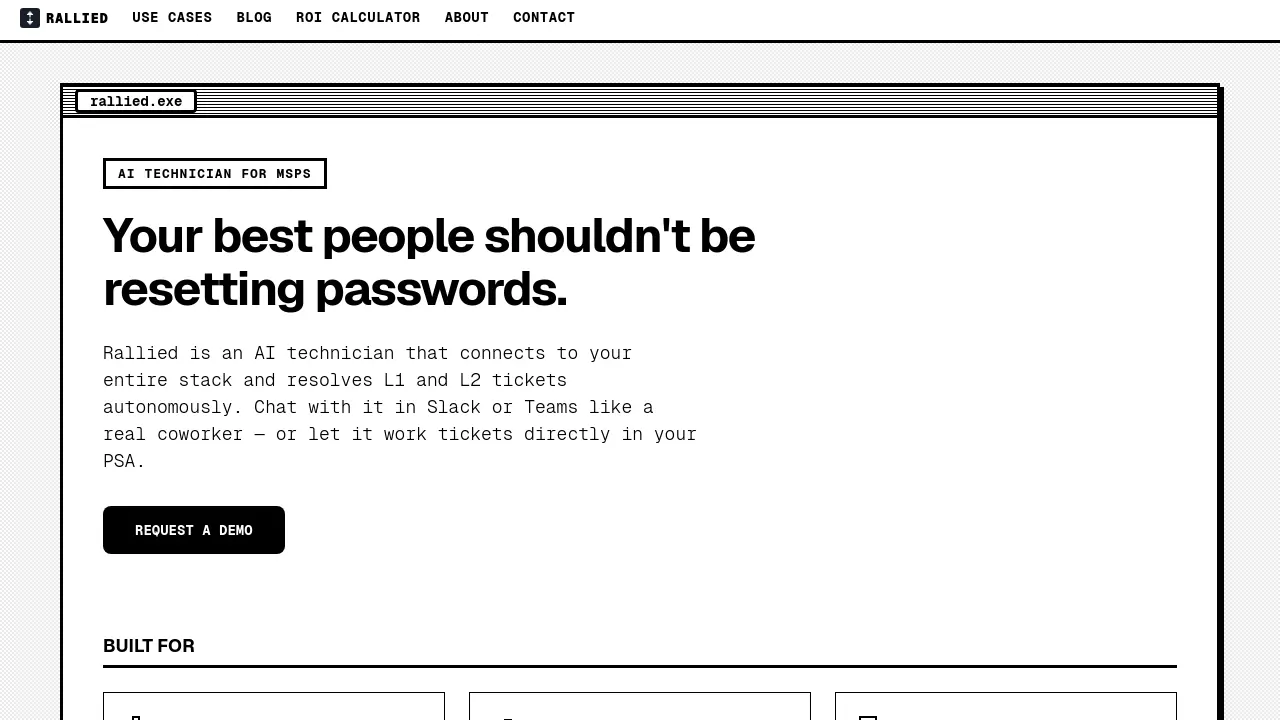
Rallied is an AI-powered technician designed specifically for Managed Service Providers (MSPs). It autonomously resolves Level 1 and Level 2 IT support tickets by connecting to your existing technology stack, including PSA, RMM, and Microsoft 365 tools. Unlike traditional AI tools that merely suggest actions, Rallied executes tasks directly—resetting passwords, unlocking accounts, managing permissions, and closing tickets without human intervention.
The platform integrates seamlessly with popular MSP tools such as ConnectWise, Autotask, HaloPSA, Datto RMM, NinjaRMM, M365, Entra ID, Okta, JumpCloud, Google Workspace, IT Glue, and Hudu. Rallied works through Slack, Teams, or directly within your PSA, functioning as a virtual coworker that handles routine IT tasks around the clock.
MSPs typically save 50-100 hours monthly on L1 and L2 labor, eliminating the need for additional L1 hires who would otherwise spend most of their time on repetitive tasks. Implementation takes just one week with no upfront fees or dedicated admin requirements. Rallied offers a 30-day free trial with custom integrations and workflow tuning, allowing MSPs to experience immediate productivity gains without lengthy onboarding processes.
How does Rallied work
Rallied is an AI technician designed for Managed Service Providers (MSPs) that autonomously resolves Level 1 and Level 2 IT support tickets. It connects to an MSP's entire technology stack, including PSA systems, RMM tools, M365, and identity providers like Entra ID and Okta. Rallied operates by executing common IT tasks such as password resets, account unlocks, mailbox permission changes, and group membership modifications without human intervention. It triages incoming tickets, asks end users relevant questions, categorizes issues by priority, and routes them to the appropriate technician. The AI also handles onboarding and offboarding processes, managing tasks like creating user accounts, assigning licenses, and revoking access. MSPs can interact with Rallied through Slack, Teams, or directly within their PSA, treating it like a virtual coworker. The system deploys rapidly, typically going live within the same week as kickoff, and includes a 30-day free trial with custom integration support. Unlike other AI tools that merely suggest next steps, Rallied performs the actual work, freeing up human technicians to focus on higher-value projects and improving operational efficiency.
Benefits of Rallied
Rallied is an AI technician designed for MSPs, automating L1 and L2 ticket resolution to free up your best engineers for higher-value work. It connects seamlessly to your entire tech stack, including PSA, RMM, and M365, and resolves common issues like password resets and account unlocks autonomously. Rallied triages tickets, asks the right questions, and routes them to the appropriate technician, reducing manual workload. With a 30-day free trial and same-week deployment, it eliminates the need for a dedicated AI admin. By handling repetitive tasks, Rallied saves 50–100 hours per month, cutting costs and improving efficiency. Experience AI that actually does the work, not just suggests it.
Pros and Cons of Rallied
Pros
- Autonomous L1 & L2 ticket resolution.
- Connects to entire IT stack seamlessly.
- Same-week deployment, no implementation fee.
Cons
- Limited to MSPs, not general users.
- Requires existing PSA and RMM tools.
- Potential dependency on AI for routine tasks.
Core Features of Rallied
AI-Powered Ticket Resolution
Automatically resolves Level 1 and Level 2 IT support tickets by connecting to your entire tech stack, executing fixes like password resets and account unlocks without human intervention.
Multi-Channel Communication
Interacts with users via Slack, Microsoft Teams, or directly within your PSA, providing a seamless experience as if chatting with a real coworker.
Intelligent Triage and Dispatch
Asks end users the right questions, categorizes tickets by priority, fills in triage fields, pulls relevant documentation, and routes to the appropriate technician.
Automated Onboarding and Offboarding
Handles new hire setups (M365 licenses, AD accounts, security groups) and contractor offboarding (access revocation, license reclamation) from a single message or ticket.
Rapid Deployment and Integration
Connects to your PSA, RMM, M365, and other tools within the same week, with no implementation fee or dedicated admin required, unlike other AI tools that take months to set up.
Use Cases of Rallied
- MSPs with high ticket volume: Reduce L1 and L2 ticket resolution time by 50-100 hours per month using AI automation.
- Growing MSPs: Scale support capacity without hiring additional L1 technicians by implementing Rallied's AI automation.
- MSPs with L3 engineers doing L1 work: Free up senior technicians' time for high-value projects by automating routine password resets and account unlocks.
- MSPs burned by previous AI tools: Deploy a working AI solution in one week without months of setup or dedicated AI trainers.
- MSPs looking to improve efficiency: Streamline onboarding and offboarding processes with AI-driven account provisioning and license management.
FAQs of Rallied
What is Rallied?
Rallied is an AI technician designed specifically for Managed Service Providers (MSPs). It autonomously resolves Level 1 and Level 2 IT support tickets by connecting to your entire technology stack. Rallied can handle tasks like password resets, account unlocks, and permission changes, allowing your human technicians to focus on more complex projects.
How does Rallied integrate with existing MSP tools?
Rallied connects to your existing MSP technology stack including PSA platforms (ConnectWise, Autotask, HaloPSA, SuperOps), RMM solutions (Datto, NinjaRMM), identity providers (Microsoft Entra ID, Okta, JumpCloud), and documentation systems (IT Glue, Hudu). This integration allows it to access the information needed to resolve tickets and execute fixes across your entire infrastructure.
What types of tickets can Rallied handle?
Rallied can resolve Level 1 and Level 2 tickets including password resets, account unlocks, mailbox permission changes, group membership modifications, and basic troubleshooting tasks. It can also triage incoming tickets by asking appropriate questions, categorizing by priority, and routing to the correct technician when human intervention is needed.
How long does it take to implement Rallied?
Rallied can be implemented and running within the same week. The process involves a kickoff call to map your technology stack, connecting your tools, setting permissions, and going live. Unlike other AI solutions that take months to implement, Rallied focuses on quick deployment with no implementation fee.
What is the cost structure for Rallied?
While specific pricing isn't listed on the website, Rallied emphasizes that it costs less than a quarter of what you'd pay for a human L1 technician. The company suggests that for MSPs handling 200-400 L1 and L2 tickets monthly, Rallied can save approximately 50-100 hours of technician time each month, translating to $7,000-$15,000 in labor costs.
Can I try Rallied before committing?
Yes, Rallied offers a 30-day free trial period. During this time, a forward-deployed engineer works with you to build custom integrations, tune workflows, and handle edge cases. After the trial period, Rallied operates autonomously without requiring ongoing management.
How does Rallied differ from other AI tools for MSPs?
Rallied distinguishes itself by actually executing tasks rather than just suggesting next steps. While other AI tools may require a full-time administrator and months of training, Rallied connects to your existing tools and starts working immediately. It focuses on practical automation like resetting passwords and unlocking accounts rather than generating summaries or documentation.
What security measures does Rallied have in place?
Rallied is SOC 2 compliant, indicating it meets rigorous standards for security, availability, and confidentiality. The system allows you to control what actions Rallied can perform autonomously versus when it needs human approval, giving you control over security boundaries as you become comfortable with the technology.
How does Rallied handle complex or edge-case scenarios?
During the 30-day free trial, a forward-deployed engineer works with you to build custom integrations and tune workflows for your specific environment. This includes handling edge cases and exceptions. As you gain confidence in Rallied's capabilities, you can gradually expand what it handles autonomously.
Can Rallied handle onboarding and offboarding processes?
Yes, Rallied can automate employee onboarding and offboarding workflows. For new hires, it can provision M365 licenses, create AD accounts, assign security groups, install RMM agents, and update PSA records from a single message or ticket. For departing employees, it can schedule offboarding tasks, revoke access, and reclaim licenses.
How to use Rallied
- Visit the Rallied website to learn more about the AI technician for MSPs and its capabilities.
- Schedule a free 30-minute call to discuss your specific needs and how Rallied can integrate with your existing tools.
- During the call, Rallied will map your technology stack and determine which workflows to prioritize for automation.
- Connect your PSA, RMM, and other tools to Rallied's platform, allowing it to access necessary data and perform tasks.
- Choose your preferred method of interaction: chat with Rallied in Slack or Teams, or let it work directly in your PSA.
- Begin the 30-day free trial, during which a forward-deployed engineer will build custom integrations and fine-tune workflows.
- Monitor Rallied's performance and provide feedback to ensure it meets your expectations and handles tickets effectively.
- After the trial period, decide whether to continue using Rallied and expand its capabilities based on your team's comfort level.
- Use the ROI calculator on the Rallied website to estimate potential cost savings and efficiency gains for your MSP.
Rallied Website Traffic Analysis
Latest traffic information
- Monthly Visits215
- Bounce Rate34.19%
- Pages Per Visit1.28
- Visit Duration00:00:00
- Global Rank8.67M
- Country/Region Ranking--
Top Keywords
| Keyword | Traffic | Volume | Cost Per Click |
|---|---|---|---|
| ninja one ai features | 190 | -- | -- |
| halopsa | -- | 2.59K | $36.06 |
| ninjaone rmm | -- | 1.7K | $37.33 |
| rewst | -- | 1.37K | $12.62 |
| halo psa | -- | 740 | $37.01 |
Rallied Alternatives
Alenta AI trains an AI agent on your website to answer visitor questions, capture qualified leads, and book appointments 24/7 for service businesses.
Open-source AI coworker for Slack and Lark that runs Claude Code, Codex or Pi on your own machine with the plan or API key you already pay for.
Wery is a virtual AI studio that routes one goal to specialist agents for video, images, music and documents, keeping characters and project assets consistent.

Free invoice maker for freelancers and small businesses on Web, iOS and Android. Create unlimited PDF invoices, manage clients and companies, and bill from AI assistants via MCP.
Relay App turns plain-language instructions into AI workflows that connect 200+ apps, run reliable automations, and pause for human approval.
Coralflavor offers uncensored AI chats without safety filters, plus burn-mode retention, web search, image generation, and an OpenAI-compatible API for U.S. adults.
AtAt runs Claude Code, Codex, or local models in the text field you are typing in, no app-switching. It adds TabTab autocomplete, screenshots, and clipboard history.
Dash is an AI teammate in Slack and Microsoft Teams that connects 3,000+ tools, automates workflows and completes tasks in your channel.
AIdorable is a virtual baby AI companion app. Adopt, name, and care for a tiny AI baby in daily moments, as it grows, learns to speak, and remembers you.
Zens AI delivers account-aware AI customer support, turning user feedback into product work for SaaS teams via Codex, Linear, Slack, and GitHub.
Always free browser that shares your logged-in Chrome state with AI agents like Claude Code and Codex, running browser automation up to 3.45x faster.
Ritto AI learns from one real demonstration of your work, finds the repeated tasks, and completes them the same way. Join the beta for early access.