
PixPin Introduction
PixPin is a cross‑platform app for capturing screenshots, recordings and extracting text via OCR, with pinning and annotation features for developers, designers and support teams.

What is PixPin
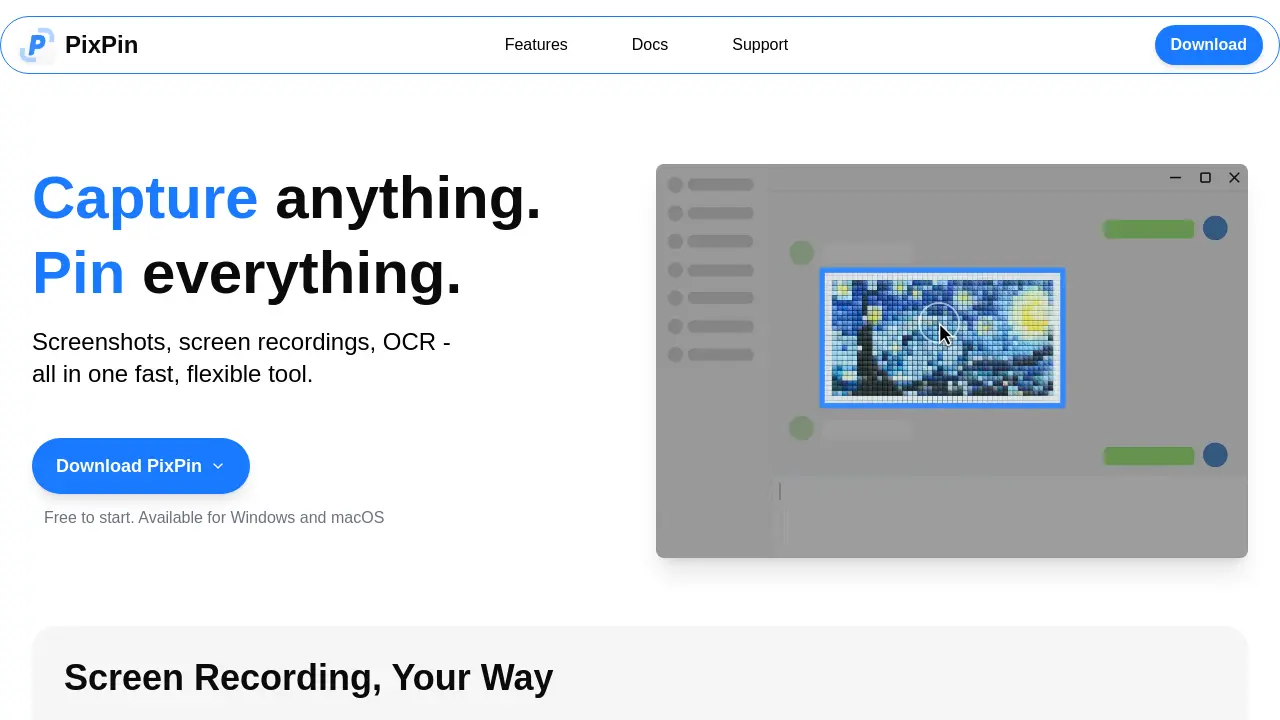
PixPin is a cross‑platform utility for Windows and macOS that consolidates screenshot capture, screen recording, OCR, and sticky‑note style pinning into a single, fast workflow. Users can quickly snap windows, regions, or full screens, then stitch scrolling pages, chats, or documents into long captures. The smart auto‑detection engine isolates UI elements for pixel‑perfect documentation, while built‑in annotation tools add circles, highlights, mosaics, and sequential markers. OCR functionality extracts selectable text directly from images or pinned notes, eliminating manual re‑typing. A global mouse shortcut (WIN + drag) enables instant “pin‑and‑capture” without leaving the active application. PixPin Pro extends the core set with action recording—capturing keystrokes and mouse clicks alongside video or GIF output—for detailed tutorials and bug reports. The free tier requires no sign‑up, making it a practical addition for designers, developers, product managers, and educators who need flexible visual note‑taking and sharing.
How does PixPin work
PixPin operates as an integrated capture‑and‑pin platform for Windows and macOS, combining screenshot, screen‑recording, and OCR functions within a single interface. Users select windows, regions, or full screens; the smart detection engine identifies UI elements, while a global mouse shortcut (WIN + drag) enables instant capture and pinning of images, text, colors, or files onto the desktop as digital sticky notes. Captured content can be annotated with shapes, highlights, or mosaics, and text is extracted directly via OCR for copy‑and‑paste. Additionally, PixPin records keystrokes and mouse clicks alongside video or GIF output, supporting detailed tutorials and process documentation.
Benefits of PixPin
PixPin consolidates screenshot capture, screen recording, scrolling captures, and OCR into a single lightweight Windows and macOS tool. Users can quickly snap windows, regions, or full pages, then pin images, text, colors, or files directly onto the desktop as digital sticky notes for instant reference. Built‑in annotation options—highlights, circles, mosaic and numbered steps—support clear visual communication, while the Pro shortcut (WIN + drag) enables fast pinning without leaving the active application. Action recording adds keystroke and mouse‑click logs to videos, facilitating detailed tutorials and bug reports. The free version requires no sign‑up, and a paid upgrade expands these capabilities.
Pros and Cons of PixPin
Pros
- Free starter version, no sign‑up required.
- Combines screenshots, recordings, and OCR in one tool.
- Smart auto‑detection for precise window captures.
- Global shortcut (WIN + Drag) for instant pinned screenshots.
- Built‑in annotation and Markdown‑style markup.
Cons
- macOS and Windows only; no Linux support.
- Advanced features locked behind PixPin Pro subscription.
- Limited cloud sync or collaboration options mentioned.
- Potential learning curve with many toolsets.
- No explicit pricing details for Pro tier.
