
PixPin Core Features
PixPin is a cross‑platform app for capturing screenshots, recordings and extracting text via OCR, with pinning and annotation features for developers, designers and support teams.

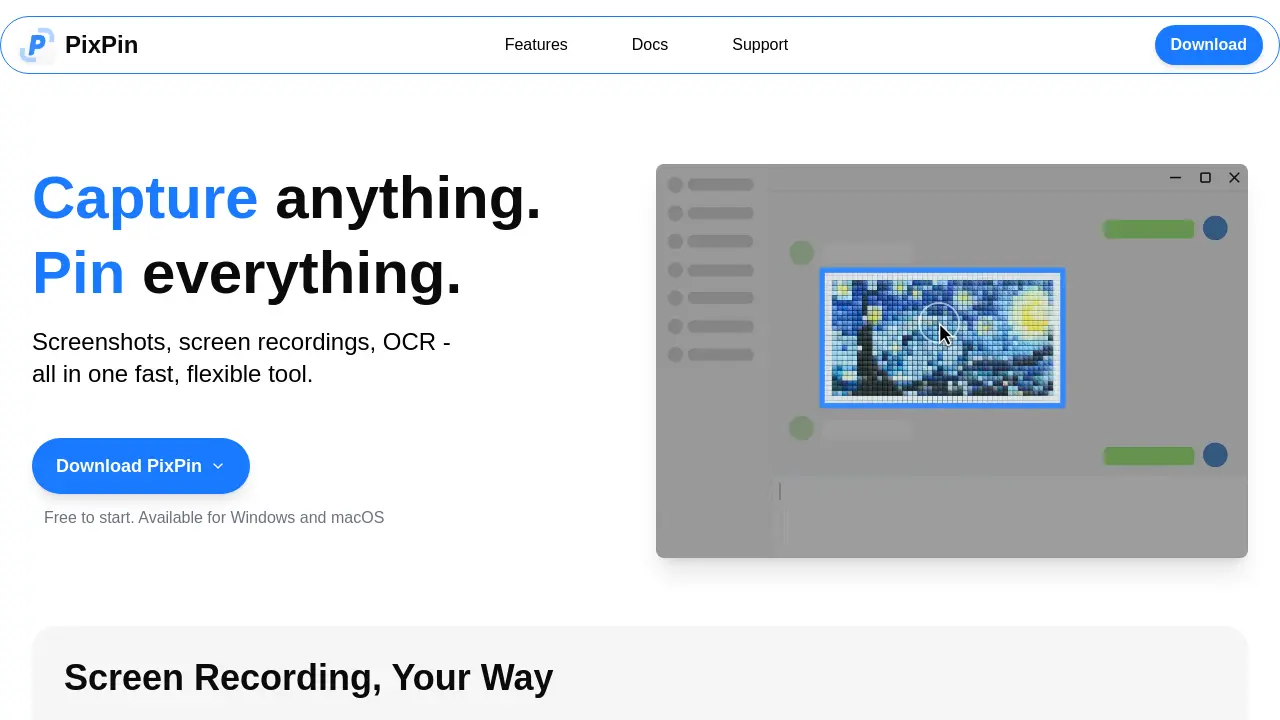
Core Features of PixPin
Screenshot Capture
Enables fast capture of windows, specific regions, or full screens, with smart auto‑detection for pixel‑perfect images suitable for documentation and sharing.
Screen Recording & GIF Creation
Records videos or animated GIFs of screen activity, supporting annotations and optional action logging for clear tutorials and demonstrations.
Long Page Stitching
Combines multiple screenshots into a single continuous image, capturing scrolling pages, chats, or documents without manual cropping.
On‑Screen Pinning (Sticky Notes)
Pins images, text, colors, and files directly onto the desktop, providing persistent visual references that enhance workflow continuity.
OCR Text Extraction
Selects and copies text from screenshots or pinned notes instantly, eliminating manual retyping and improving information retrieval.
Annotation Suite
Offers drawing tools such as circles, markers, sequence numbers, and mosaics to highlight, hide, or emphasize content within screenshots and pins.
Quick Pin Shortcut (WIN + Drag)
Activates a global mouse command that captures a screenshot and pins it in a single gesture, streamlining visual note‑taking across applications.
Action Recording (Keystrokes & Mouse Clicks)
Logs user input alongside screen recordings, producing step‑by‑step tutorials and precise process documentation for developers and support teams.
Use Cases of PixPin
- Designers: Capture UI mockups, annotate feedback, and pin notes directly on screen for iterative design reviews.
- Developers: Record keystrokes and mouse clicks alongside screenshots to document bugs and API responses efficiently.
- Product managers: Stitch long page captures and extract text via OCR to organize user flow documentation and feature specs.
- Customer support agents: Create step‑by‑step screen recordings with annotations to guide users through troubleshooting processes.
- Researchers: Pin extracted quotes and reference images on the desktop while drafting papers, maintaining visual context without switching windows.
