
Photo to Video AI Free Introduction
Use Photo to Video AI Free to animate images online. Upload a picture, describe the motion, and create an AI video for social media, ads, and more.

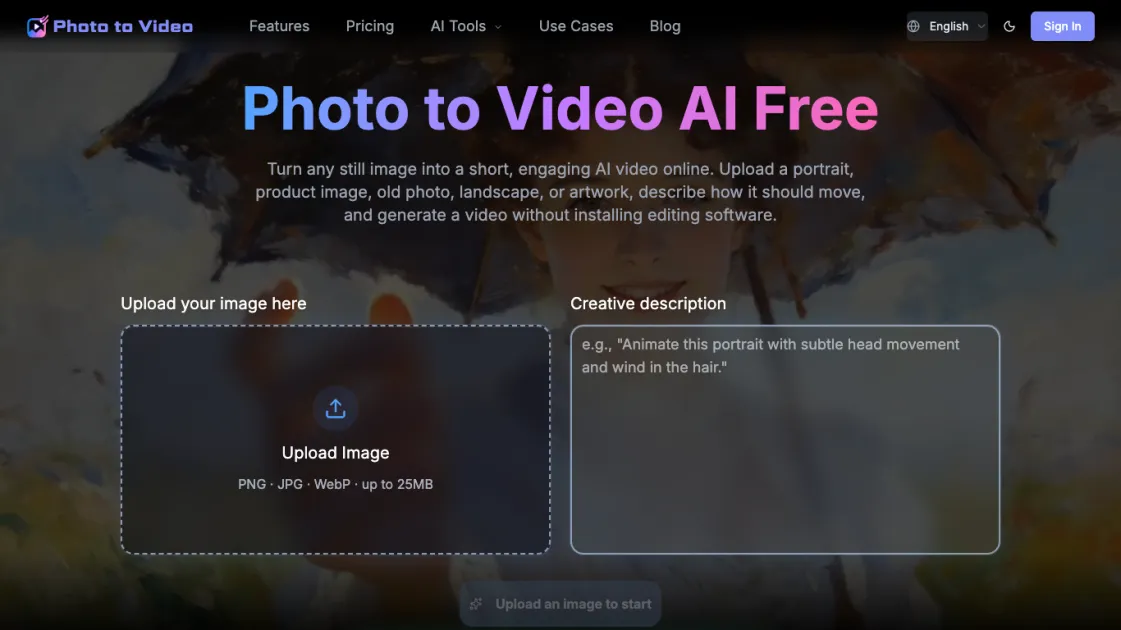
What is Photo to Video AI Free
Photo to Video AI Free is an online tool that animates still images into short AI-generated videos. Users upload a portrait, product photo, old picture, landscape, or artwork, describe how the image should move, and receive a video without needing editing software. The tool uses AI models like Seedance and Kling to generate natural motion that matches the image content. It supports vertical, square, and landscape formats for platforms such as TikTok, Instagram Reels, and YouTube. A free tier provides one video per day at 480p resolution, with paid plans offering higher resolutions and more credits. The process requires no signup, making it accessible for quick social media content creation.
How does Photo to Video AI Free work
Photo to Video AI Free works by analyzing a still image and generating motion based on a text prompt. The user uploads an image and describes how it should move, specifying action, mood, camera angle, and lighting. The AI model (such as Seedance or Kling) examines the image to identify subjects and scene elements, then applies motion that preserves the original content while adding natural movement. The process is entirely online, requiring no software installation. The generated video can be downloaded in various aspect ratios suitable for different platforms. The free tier limits output to 480p and 5 seconds, while paid plans offer higher resolutions and longer durations.
Benefits of Photo to Video AI Free
The main benefit of Photo to Video AI Free is its accessibility: users can animate images without installing software or creating an account. The free tier allows one video per day, suitable for occasional social media content. Multiple aspect ratios (9:16, 1:1, 16:9) enable direct publishing to TikTok, Instagram, and YouTube. AI models analyze the image to add natural motion, preserving the original subject while enhancing it with movement. The text prompt interface gives control over action, mood, camera angle, and lighting, allowing tailored results. However, the free plan limits output to 480p and 5 seconds, which may not suit professional needs.
Pros and Cons of Photo to Video AI Free
Pros
- Free tier provides one video per day without signup
- Multiple aspect ratios for different social platforms
- Text prompt control for precise animation
- AI models analyze image for natural motion
- No software installation required
Cons
- Free plan limited to 480p and 5 seconds
- Requires internet connection for processing
- Video quality depends on AI model and image quality
- Limited customization compared to professional software
- May not suit complex animation needs
