
Opusly FAQs
Opusly is a scene-first AI studio offering curated image and video generation workflows. No prompt engineering required — pick a scene and create.

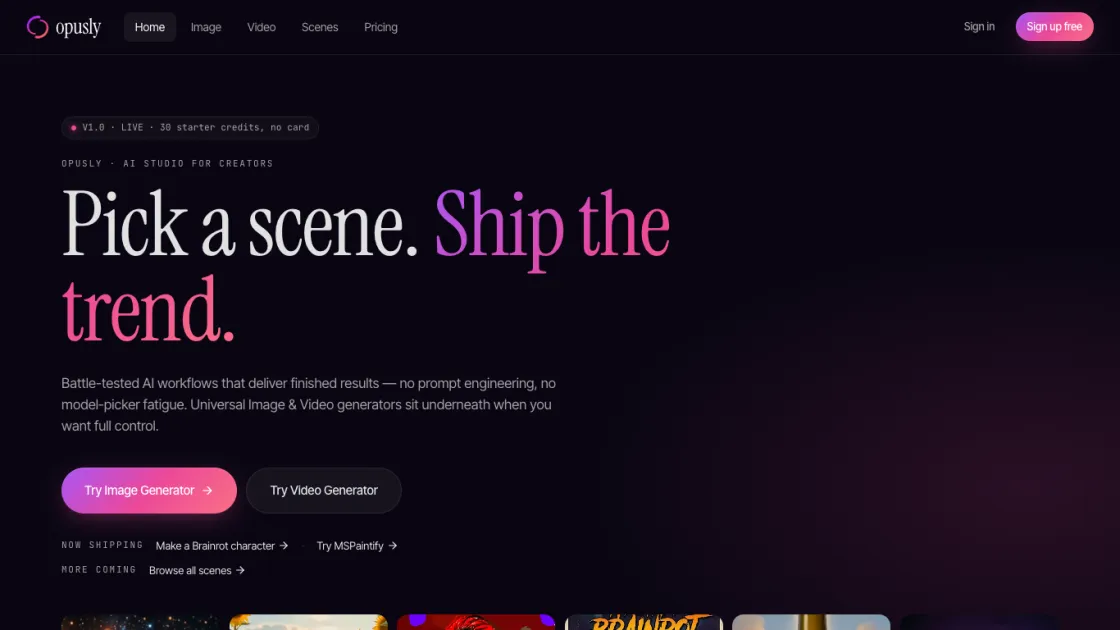
FAQs of Opusly
What is Opusly?
Opusly is a scene-first AI studio that provides curated image and video generation workflows alongside standalone AI generators. It combines simplified scene templates with best-in-class models like Nano Banana 2, GPT-Image-2, and Seedance 2.0 in a single platform.
How much does Opusly cost?
Opusly offers a free tier with 30 one-time credits for image generation. Paid options include a $4.99 Image Pack and a $14.99 Video Pack with no subscription required. The Pro plan is $34.99/month with 700 credits, and the Studio plan is $89.99/month with 1800 credits.
Do I need to know prompt engineering?
No. Scene workflows on Opusly are designed to produce finished results without any prompt writing. Users can still use standalone generators with custom prompts if they prefer full creative control.
Can I use generated content commercially?
Yes. Pro and Studio plans include commercial usage rights for all generated images, videos, and characters. Free tier output is subject to personal use terms.
How does native audio work in video generation?
Seedance 2.0 generates voice, lip-sync, and music in a single pass. Wrapping dialogue in quotes tells the model to match mouth movement to the spoken words, removing the need for a separate text-to-speech step.
What video resolutions and lengths are supported?
Video generation supports up to 15 seconds. The Pro plan outputs at 720p, while the Studio plan supports up to 1080p resolution.
Is my generated content private by default?
Yes. All generated content is private by default. Public sharing to the gallery or community is opt-in only, so creators retain control over what is visible to others.
How to use Opusly
- Visit opusly.ai and create a free account to receive 30 one-time credits.
- Browse available scenes or open a standalone image or video generator tool.
- For scenes, follow the simplified prompt interface and submit inputs as guided.
- For generators, type a text prompt or upload an image and configure output settings.
- Review the generated result, then download or share directly to X or other platforms.
- Purchase additional credit packs if more generations are needed beyond the free allotment.
