
GPT Image 2
Nano Banana Pro GPT Image 2 – Fast Text‑to‑Image Generator

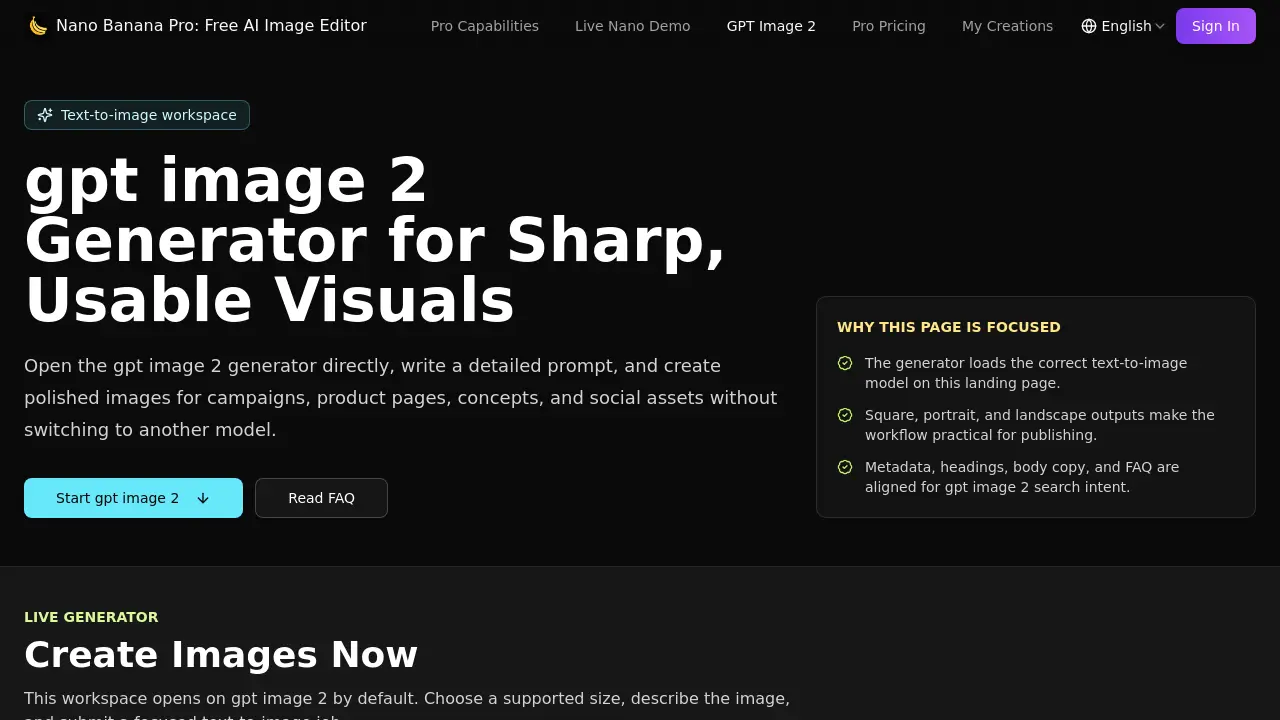
What is GPT Image 2
Nano Banana Pro is a free AI‑powered image editor that focuses on rapid, high‑quality text‑to‑image generation. The GPT Image 2 workspace loads the appropriate model by default, allowing users to enter a detailed prompt and receive a polished 1024×1024, 1536×1024, or 1024×1536 visual in seconds. Structured prompts guide the model’s handling of subject, style, lighting, mood, and composition, producing layout‑ready assets suitable for hero graphics, social thumbnails, and product storytelling. Integrated credit tracking, history, and download controls keep the workflow within a single account, while brand‑safe iteration lets teams test color, tone, and materials before finalizing campaigns. Ideal for ad creative, product showcases, and quick concept exploration, Nano Banana Pro streamlines the transition from written brief to production‑ready image without switching models.
How does GPT Image 2 work
Nano Banana Pro’s GPT Image 2 module operates as a text‑to‑image workspace that loads the dedicated model directly on the landing page, eliminating extra model selection steps. Users compose a detailed prompt describing subject, style, lighting, mood and composition, then select one of three preset dimensions—1024 × 1024 (square), 1536 × 1024 (landscape) or 1024 × 1536 (portrait). The system consumes 70 credits per generation, processes the prompt, and returns a high‑resolution draft suitable for ads, product pages, or social posts. Images can be downloaded, refined, or iterated within the same credit‑tracked account workflow.
Benefits of GPT Image 2
Nano Banana Pro’s GPT Image 2 generator lets users turn detailed text prompts into production‑ready visuals within seconds. The workspace loads the correct model automatically and supports practical size presets—1024 × 1024 square, 1536 × 1024 landscape, and 1024 × 1536 portrait—matching common landing‑page, ad and social‑media slots. Prompt‑controlled detail yields clear subjects, lighting, style and composition, while brand‑safe iteration enables quick testing of color, tone and materials. Integrated credit, history and download handling streamlines workflow for teams needing fast creative drafts, concept exploration, or product storytelling without switching models.
Pros and Cons of GPT Image 2
Pros
- Direct access to GPT Image 2 model.
- Supports square, landscape, and portrait presets.
- Prompt‑controlled detail yields predictable compositions.
- Integrated credit and history workflow.
- Brand‑safe iteration for teams.
Cons
- Requires 70 credits per image generation.
- No credits shown in user account by default.
- Limited to a single text‑to‑image model.
- Advanced editing features are minimal.
- No pricing information on the free tier.
Core Features of GPT Image 2
Text‑to‑Image Generation
Converts detailed natural‑language prompts into high‑quality images, producing compositionally accurate visuals suitable for ads, product pages, and social media assets.
Preset Output Sizes
Offers square (1024×1024), landscape (1536×1024), and portrait (1024×1536) dimensions, enabling immediate alignment with common publishing slots and design layouts.
Prompt‑Controlled Detail
Interprets structured prompts to define subject, lighting, style, camera angle, and scene direction, giving users granular control over the resulting image’s appearance.
Brand‑Safe Iteration
Allows rapid testing of color, tone, material, and composition variations within the same credit pool, supporting safe exploration before committing to final campaign assets.
Fast Creative Drafting Workflow
Integrates generation, preview, download, and revision steps within a single interface, reducing the time required to produce usable visual drafts.
Account‑Aware Credit & History Management
Tracks available credits, maintains generation history, and synchronizes with the broader Nano Banana Pro studio, ensuring consistent resource usage across projects.
Use Cases of GPT Image 2
- Marketing teams: Generate campaign‑ready hero images and ad creatives directly from detailed briefs.
- E‑commerce managers: Produce lifestyle product visuals and feature explainers sized for landing pages and thumbnails.
- Social media creators: Draft square or portrait posts quickly for announcements and short‑form content.
- Concept designers: Transform early ideas into visual mock‑ups for stakeholder review and iteration.
- Content strategists: Create brand‑safe, layout‑ready graphics for blogs, newsletters, and promotional materials.
FAQs of GPT Image 2
What is gpt image 2?
gpt image 2 is the dedicated text‑to‑image model integrated into Nano Banana Pro’s free AI image editor. It converts detailed written prompts into high‑quality visual assets without requiring the user to switch to a different model.
Which sizes does gpt image 2 support here?
The on‑page generator offers three practical presets: a square 1024 × 1024 canvas, a landscape 1536 × 1024 layout, and a portrait 1024 × 1536 format. These dimensions align with common landing‑page, social‑media, and advertising placements.
Does this page open the right model?
Yes. The landing page automatically loads the gpt image 2 model in text‑to‑image mode, ensuring that every generation request uses the intended algorithm rather than a generic or alternate model.
How many credits does gpt image 2 use?
Each image produced in the gpt image 2 workspace consumes 70 credits from the user’s Nano Banana Pro account. Credit balances are displayed in the interface, allowing users to monitor usage before generating additional drafts.
How should I prompt gpt image 2?
For optimal results, include a clear subject, specific environment, lighting direction, artistic style, color palette, and composition details. Precise prompts reduce ambiguity and help the model deliver images that match the intended visual brief.
Can I download the images directly after generation?
Yes. Once an image is generated, a download button appears beneath the preview. Users can save the file in standard formats such as PNG or JPEG, making it ready for immediate inclusion in ads, product pages, or social posts.
Is there a limit to the number of images I can generate per session?
The interface allows up to ten generation attempts per prompt by selecting the “generation count” slider. However, each attempt still costs 70 credits, so overall output is limited by the user’s available credit balance.
Are the images produced by gpt image 2 brand‑safe?
gpt image 2 is designed for brand‑safe iteration; it avoids explicit or copyrighted content when prompts follow community guidelines. Users should still review outputs for compliance with their brand standards before public use.
How to use GPT Image 2
- Nano Banana Pro’s GPT Image 2 generator creates high‑quality, publish‑ready visuals from detailed text prompts, supporting square, landscape, and portrait dimensions for marketing and social assets.
- Open the GPT Image 2 workspace, sign in if required, and locate the prompt field marked “Prompt *”.
- Write a concise visual brief (subject, style, lighting, mood, composition) within the 2000‑character limit, following the on‑screen tip for specificity.
- Select the desired output size—1024 × 1024 (square), 1536 × 1024 (landscape), or 1024 × 1536 (portrait)—to match the intended publishing slot.
- Adjust the generation count if multiple variations are needed, then click Generate (70 credits) to submit the job to the GPT Image 2 model.
- Review the generated thumbnail; if unsatisfactory, refine the prompt or choose a different size, and regenerate until the image meets the brief.
- Download the final image using the provided download button, then integrate it into ads, product pages, or social posts as a ready‑to‑publish asset.
GPT Image 2 Website Traffic Analysis
Latest traffic information
- Monthly Visits23.17K
- Bounce Rate40.17%
- Pages Per Visit1.91
- Visit Duration00:00:39
- Global Rank1.2M
- Country/Region Ranking600.18K
Visits Over Time
Traffic Sources
- Organic Search: 68.37%
- Direct: 25.99%
- Referrals: 3.14%
- Generative AI: 1.18%
- Mail: 0.92%
- Display Ads: 0.4%
Top Keywords
| Keyword | Traffic | Volume | Cost Per Click |
|---|---|---|---|
| nano banana pro | 2.34K | 653.89K | $1.23 |
| nanobanana pro | 380 | 21.34K | $1.82 |
| banana pro | 270 | 35K | $0.73 |
| nana banana pro | 240 | 6.21K | $2.26 |
| nano bananapro | 210 | 220 | $0.82 |
Top Regions
| Region | Percentage |
|---|---|
| United States | 51.78% |
| Germany | 9.49% |
| Russia | 9.28% |
| India | 5.13% |
| Canada | 4.12% |
