
GPT Image 2 FAQs
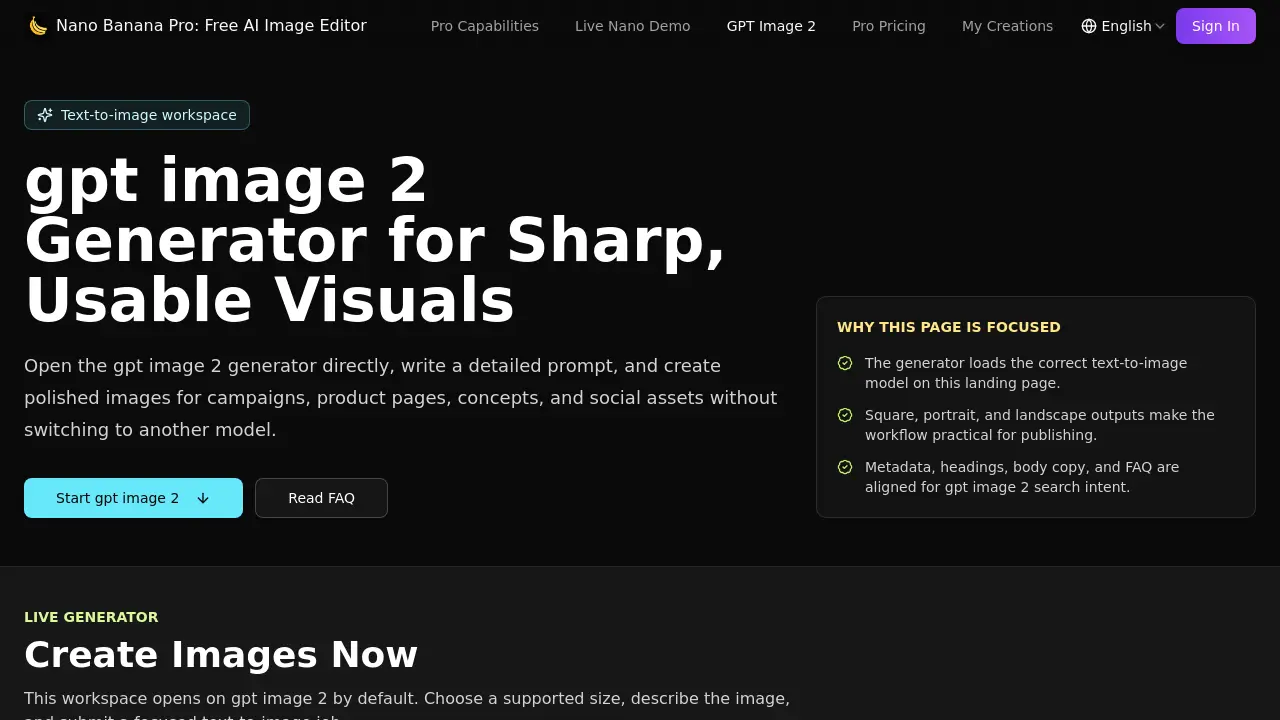
Nano Banana Pro’s GPT Image 2 is an AI text‑to‑image generator for marketers and designers to create square, landscape or portrait visuals from detailed prompts, using size presets, fast previews and credit‑tracked workflow.

FAQs of GPT Image 2
What is gpt image 2?
gpt image 2 is the dedicated text‑to‑image model integrated into Nano Banana Pro’s free AI image editor. It converts detailed written prompts into high‑quality visual assets without requiring the user to switch to a different model.
Which sizes does gpt image 2 support here?
The on‑page generator offers three practical presets: a square 1024 × 1024 canvas, a landscape 1536 × 1024 layout, and a portrait 1024 × 1536 format. These dimensions align with common landing‑page, social‑media, and advertising placements.
Does this page open the right model?
Yes. The landing page automatically loads the gpt image 2 model in text‑to‑image mode, ensuring that every generation request uses the intended algorithm rather than a generic or alternate model.
How many credits does gpt image 2 use?
Each image produced in the gpt image 2 workspace consumes 70 credits from the user’s Nano Banana Pro account. Credit balances are displayed in the interface, allowing users to monitor usage before generating additional drafts.
How should I prompt gpt image 2?
For optimal results, include a clear subject, specific environment, lighting direction, artistic style, color palette, and composition details. Precise prompts reduce ambiguity and help the model deliver images that match the intended visual brief.
Can I download the images directly after generation?
Yes. Once an image is generated, a download button appears beneath the preview. Users can save the file in standard formats such as PNG or JPEG, making it ready for immediate inclusion in ads, product pages, or social posts.
Is there a limit to the number of images I can generate per session?
The interface allows up to ten generation attempts per prompt by selecting the “generation count” slider. However, each attempt still costs 70 credits, so overall output is limited by the user’s available credit balance.
Are the images produced by gpt image 2 brand‑safe?
gpt image 2 is designed for brand‑safe iteration; it avoids explicit or copyrighted content when prompts follow community guidelines. Users should still review outputs for compliance with their brand standards before public use.
How to use GPT Image 2
- Nano Banana Pro’s GPT Image 2 generator creates high‑quality, publish‑ready visuals from detailed text prompts, supporting square, landscape, and portrait dimensions for marketing and social assets.
- Open the GPT Image 2 workspace, sign in if required, and locate the prompt field marked “Prompt *”.
- Write a concise visual brief (subject, style, lighting, mood, composition) within the 2000‑character limit, following the on‑screen tip for specificity.
- Select the desired output size—1024 × 1024 (square), 1536 × 1024 (landscape), or 1024 × 1536 (portrait)—to match the intended publishing slot.
- Adjust the generation count if multiple variations are needed, then click Generate (70 credits) to submit the job to the GPT Image 2 model.
- Review the generated thumbnail; if unsatisfactory, refine the prompt or choose a different size, and regenerate until the image meets the brief.
- Download the final image using the provided download button, then integrate it into ads, product pages, or social posts as a ready‑to‑publish asset.
